


The default WordPress login screen works, but it shows the WordPress logo to your clients, carries none of your branding, and does nothing to slow down brute-force bots. A login page plugin fixes that, whether you just want your own logo up there or a fully white-labeled login page. This guide compares the eight best WordPress login plugins, from login page customizers to security, redirect, and temporary-access tools, each checked against its live wordpress.org listing in August 2026, so you can match a plugin to the job you actually have. Prefer a step-by-step walkthrough to a plugin comparison? Follow our full guide on how to customize the WordPress login page.
What is a WordPress login plugin?
A WordPress login plugin changes how the login screen looks, works, or is protected. Most do one of four jobs: styling the login page, hardening it against brute-force attacks, moving login and registration onto front-end forms, or deciding where each user lands after signing in. Few plugins cover all four, so the right pick depends on the job you have.
What is the best WordPress login page plugin?
For most sites, LoginPress is the best dedicated login page customizer. Its template library and live preview are the strongest of the dedicated tools, and its user base dwarfs the rest. If you want to brand the login screen and the whole dashboard from one tool, WP Adminify (through its Loginfy module) is the stronger choice, especially for agencies building a white-label login page for clients. For pure security, WPS Hide Login changes your login URL to stop automated attacks. If your real problem is access rather than appearance, the answer is a different tool again: Temporary Login Without Password for time-limited developer logins, or LoginWP for sending each role to the right page after sign-in. Which one you pick comes down to what the login page needs to do for you.
The 8 best WordPress login page plugins compared
| Plugin | Active installs | Rating | Best for | Free / Pro |
|---|---|---|---|---|
| WP Adminify (Loginfy) | 6,000+ | 4.3★ | Login + full dashboard branding | Free + Pro |
| LoginPress | 200,000+ | 4.8★ | Dedicated login customization | Free + Pro |
| Custom Login Page Customizer | 90,000+ | 4.8★ | Free Customizer-based styling | Free + Pro |
| Branda | 20,000+ | 4.5★ | Full white-label branding | Free + Pro |
| WPS Hide Login | 2,000,000+ | 4.8★ | Changing the login URL (security) | Free |
| Theme My Login | 60,000+ | 3.7★ | Front-end login & registration | Free + add-ons |
| Temporary Login Without Password | 100,000+ | 5.0★ | Time-limited developer access | Free + Pro |
| LoginWP | 90,000+ | 4.8★ | Post-login redirect rules | Free + Pro |
1. WP Adminify (Loginfy): best for login + dashboard branding together
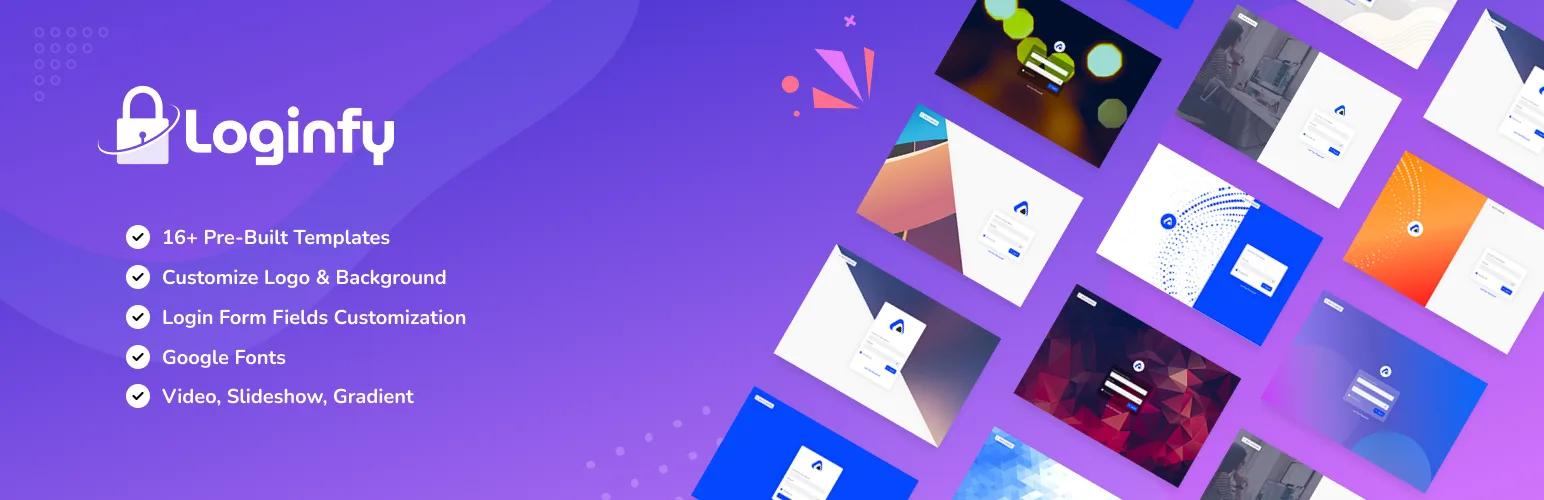
WP Adminify is an admin customization toolkit, and its Loginfy login page builder lets you redesign the WordPress login screen with 16 ready-made templates. You can swap the logo, set a background image or colour, and adjust fonts, all with a live preview so you see each change before it goes live. It rates 4.3★ from 109 reviews with 6,000+ active installs on wordpress.org, and the free vs Pro comparison breaks down what each tier includes.
The difference is scope. The same plugin also handles admin menu editing, dashboard themes, admin columns, and white-label branding for the rest of wp-admin, so the login page and the dashboard behind it can match without a second plugin. Best for: agencies and freelancers who brand the entire client experience, not just the login form.
2. LoginPress: best dedicated login page customizer
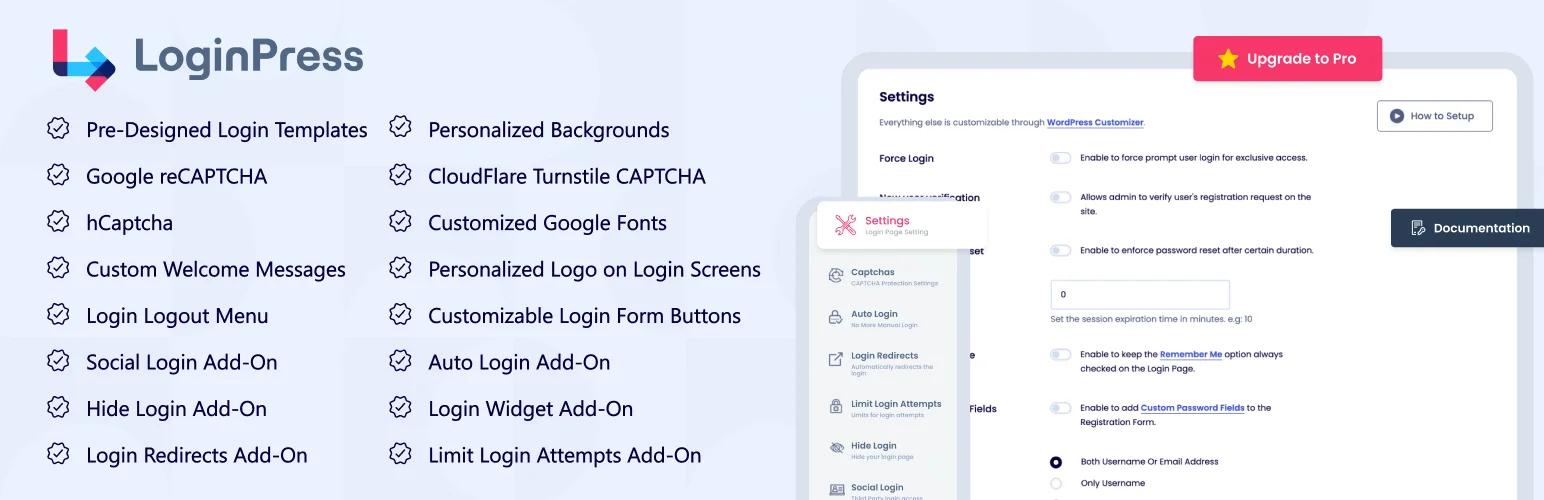
LoginPress is the most popular plugin built purely for login pages, with 200,000+ active installs and a 4.8★ rating from over 1,000 reviews. The free version covers logo, background, and button styling through the WordPress Customizer with a live preview. Pro adds ready-made templates, social login, login-page redirects by user role, and Google reCAPTCHA. Best for: anyone who wants deep, focused login customization and a large support community behind it.
3. Custom Login Page Customizer: best free option
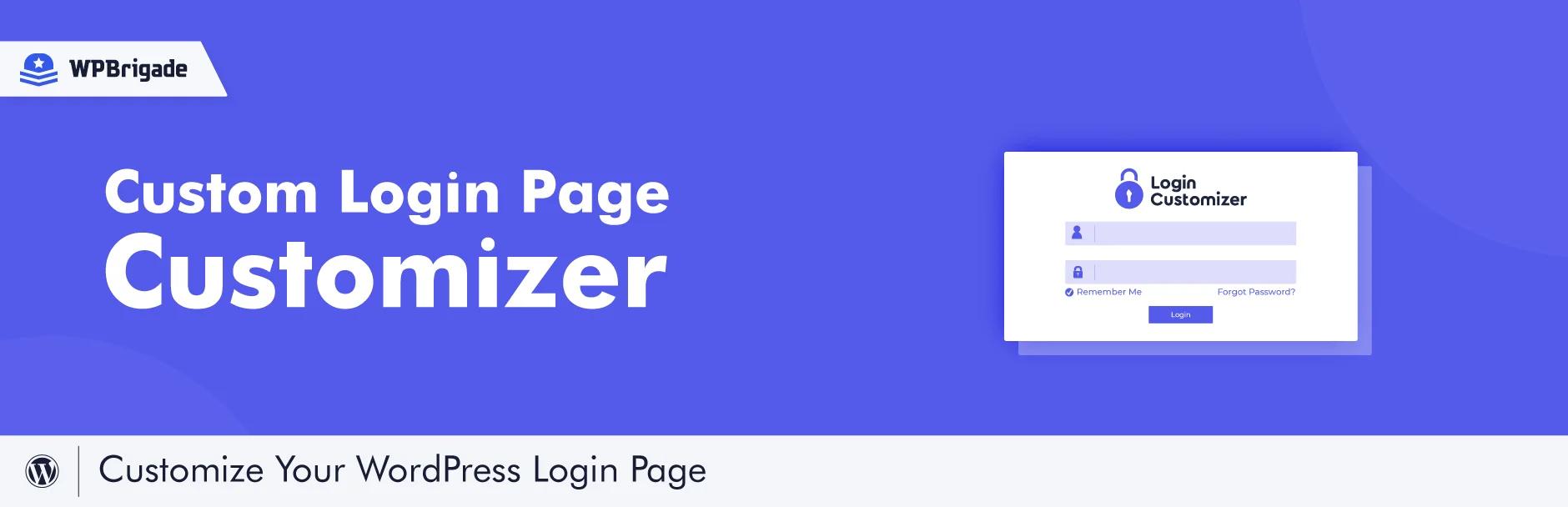
Custom Login Page Customizer (by Colorlib) runs entirely inside the native WordPress Customizer, so you edit the login background, colours, logo, and form styling with instant preview and no code. It has 90,000+ active installs and a 4.8★ rating. The free tier is genuinely generous; the Pro upgrade adds templates and extra fields, but plenty of sites never need it. Best for: hobby and small-business sites that want a clean, branded login without paying for it.
4. Branda: best for full white-label branding
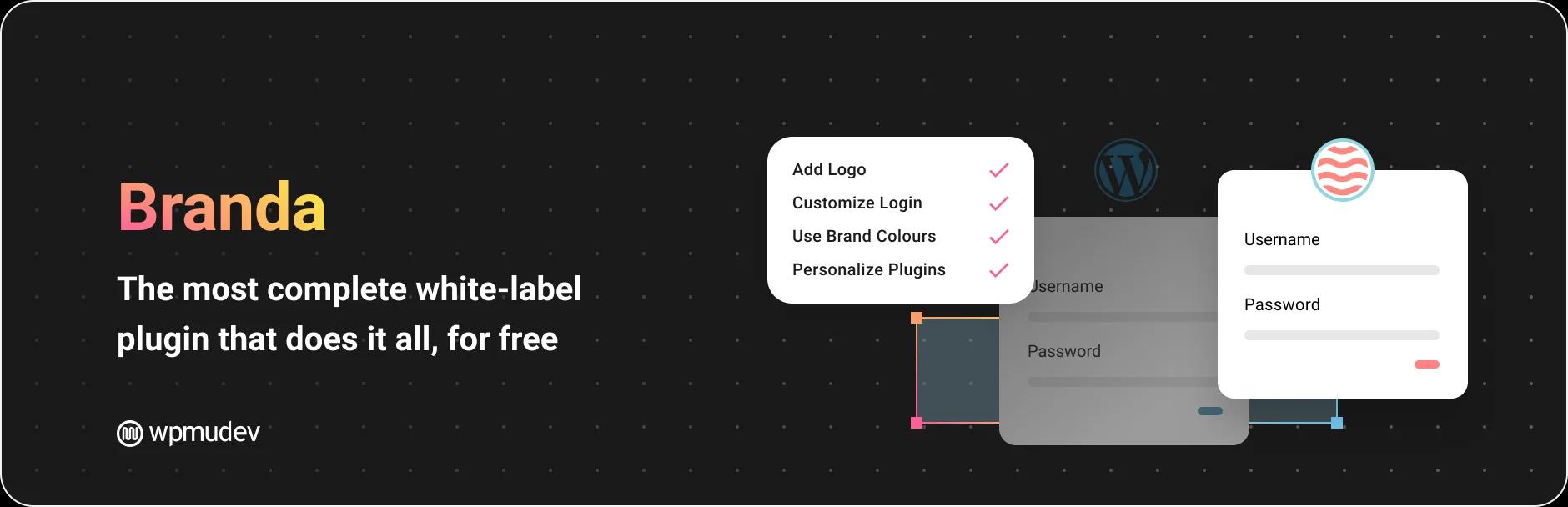
Branda (by WPMU DEV) is a broad white-label toolkit, and login-screen branding is one module among many: admin bar, dashboard widgets, maintenance mode, and email branding are all included. It has 20,000+ active installs and a 4.5★ rating. If you already run Branda for white-labelling, its login customizer saves you installing a second plugin for the job. Best for: teams that want one white-label plugin covering login and the wider admin.
5. WPS Hide Login: best for login security

WPS Hide Login solves a different problem. Instead of styling the login page, it moves its URL away from the well-known /wp-login.php and /wp-admin, which blocks the automated bots that hammer those paths. Many of those bots first harvest your usernames through the REST API, then start guessing passwords against the login form. With 2,000,000+ active installs and a 4.8★ rating, it is the most-used plugin on this list, and it's lightweight and free. Best for: pairing with a branded login page as a security layer, ideally alongside two-factor authentication. Design your login with one plugin, then hide its address with this one.
6. Theme My Login: best for front-end login and registration

Theme My Login moves login, registration, and password-reset off wp-login.php and onto your own themed front-end pages, so users never see the standard WordPress screen at all. It has 60,000+ active installs, but its 3.7★ rating is the lowest here, so test it on staging first. A misconfigured login flow is one of the more common causes of WordPress login page issues, and this plugin touches every part of that flow. Extra features come through paid add-ons. Best for: membership and community sites that need login and registration inside the site's own design.
7. Temporary Login Without Password: best for safe developer and support access
Sooner or later a developer, a theme author, or a support agent needs to get into your admin, and the usual answer is emailing a password you then forget to change. Temporary Login Without Password replaces that with a one-click link that expires on a schedule you set, carries the role you choose, and can be revoked the moment the work is finished. It has 100,000+ active installs and a 5.0★ rating from more than 1,500 reviews, and it was last updated in August 2026, so it keeps pace with current WordPress releases. It changes nothing about how your login screen looks, which is exactly why it sits comfortably alongside a customizer. Best for: handing out time-limited admin access without creating a permanent account or sharing credentials.
8. LoginWP: best for post-login redirect rules
A beautifully branded login page still drops everyone onto the same dashboard by default. LoginWP, formerly Peter's Login Redirect, sends people somewhere useful instead: editors to the posts list, customers to their account page, subscribers to a members area. You can redirect users after login by role, by capability, or by individual username, and it handles logout and post-registration destinations too. With 90,000+ active installs and a 4.8★ rating it is the standard answer for this job, and it is the piece almost every login customizer leaves out. Best for: sites where different user roles should land on different pages after signing in.
Login customization vs security vs social login: which do you need?
"Login page plugin" covers three jobs that people often mix up, and the best tool depends on which one you actually need.
Login customization is about looks: replacing the WordPress logo, styling the login form, and matching the page to your brand. LoginPress, Custom Login Page Customizer, and WP Adminify Loginfy all live here. Login security is about protection: changing the login URL, adding Google reCAPTCHA, and limiting failed login attempts so bots can't brute-force their way in. It also means customizing the login error messages so a failed attempt never tells an attacker whether a username exists. WPS Hide Login handles the URL, and plugins like Limit Login Attempts Reloaded or Loginizer cap repeated attempts. Social login and registration is about access: letting users sign in with Google or Facebook, or register through a custom form. Nextend Social Login covers social sign-in, while user-registration plugins add front-end registration forms.
Most real sites want a blend. A typical setup is one plugin to design the login page, WPS Hide Login to move its URL, and a limit-login tool to slow attackers. If you also run a membership or community site, add social login and a registration form so new users onboard without ever seeing the default WordPress screen.
Honourable mentions
A few more WordPress login plugins are worth knowing depending on your priority. Nextend Social Login adds one-click Google, Facebook, and X sign-in, which cuts friction on registration-heavy sites. Limit Login Attempts Reloaded blocks repeated failed login attempts and is a common security pairing. SeedProd can build a fully custom login page as part of a wider landing-page builder. Colorlib Login Customizer is a well-rated free alternative for basic login styling. None of these replace a dedicated customizer, but each fills a specific gap around the login form.
Login forms and user registration: a different kind of login plugin
Plenty of people searching for a WordPress login plugin are not trying to restyle wp-login.php at all. They want a custom WordPress login form inside their own theme, a registration form for new members, or a Google button so nobody has to invent another password. Those are different plugin categories, and a login page customizer will not do any of them.
| What you actually want | Plugin category | Examples (wordpress.org, September 2026) |
|---|---|---|
| Restyle the default login screen | Login page customizer | LoginPress, Custom Login Page Customizer, WP Adminify Loginfy |
| A login form on your own pages | Front-end login plugin | Theme My Login (60,000+ installs), Ultimate Member (200,000+) |
| Let visitors sign up themselves | User registration plugin | User Registration and Membership (50,000+), User Profile Builder (40,000+) |
| Sign in with Google or Facebook | Social login plugin | Nextend Social Login and Register (200,000+) |
| Stop brute-force attempts | Login security plugin | WPS Hide Login (2,000,000+), Limit Login Attempts Reloaded |
The quickest way to tell which row you are in: if the problem is what visitors see at /wp-login.php, you want a customizer from the list above. If visitors should never reach /wp-login.php in the first place, you want a front-end login or registration plugin. Membership sites usually end up running one of each, since registration tools rarely bother to style the admin login screen that editors still use.
How to choose the right login page plugin
Start from your goal. If you only need a branded login screen, a dedicated customizer like LoginPress or Custom Login Page Customizer is the fastest route. If you brand full client sites, pick a tool that also styles the dashboard, such as WP Adminify or Branda, so login and admin match. If your real concern is bots and brute-force attempts, add WPS Hide Login to change the login URL. And if users should log in from a front-end page, choose Theme My Login. Plenty of sites combine two on purpose: one for design, one for security.
Before you install anything, run through a short checklist so the plugin matches how your site works:
- Customization depth: Can you customize the login form, logo, background, and colours from a live preview, or only a few fields?
- Templates: Are there ready-made login page templates, or do you build every screen from scratch?
- Security add-ons: Does it offer reCAPTCHA, or limit login attempts, or work cleanly alongside a plugin that does?
- User roles: Can you show a different login experience or redirect by user role after sign-in?
- Social login and registration: Do you need social login buttons or a front-end registration form for new users?
- Free version limits: Does the free version cover your needs, and what does the Pro upgrade actually add?
Match those answers to the six plugins above. A small brochure site only needs a free login customizer. An agency wants role-based branding across login and dashboard. A membership site needs social login and registration, and a high-traffic site needs security on top of the design. Many owners run two plugins deliberately: one to customize the login page, one to lock it down.
WP Adminify Pro bundles the Loginfy login builder with white-label, menu editing, admin columns, and dashboard themes in one license, which usually works out cheaper than stacking single-purpose plugins. See the WP Adminify pricing page to compare, browse the Loginfy login page builder, or read our guide to the best white-label WordPress plugins if client branding is your priority. For the wider admin, our best WordPress dashboard plugins roundup goes deeper.
WordPress Login Page Plugin FAQs
What is the best free WordPress login page plugin?
Custom Login Page Customizer by Colorlib is one of the best free options, with 90,000+ active installs and a 4.8-star rating. It styles the login logo, background, colours, and form inside the native WordPress Customizer with live preview. LoginPress and WP Adminify also offer capable free tiers before you upgrade to Pro.
How do I customize the WordPress login page without code?
Install a login page plugin such as LoginPress or WP Adminify Loginfy, open its customizer, then change the logo, background, colours, and fonts with a live preview. Each change saves without touching functions.php or CSS, so the default WordPress branding is replaced in a few clicks and shown to every user at login.
How do I change the WordPress login URL?
Changing the login URL is a security task, not a design one. A plugin like WPS Hide Login moves your login page away from the default wp-login.php and wp-admin paths to a custom address, which blocks bots that target those known URLs. Pair it with a branded login page plugin for both looks and protection.
Are WordPress login page plugins safe to use?
Yes, when you choose well-maintained plugins from wordpress.org with strong ratings and recent updates, like the ones in this guide. Keep them updated, use one login customizer at a time to avoid conflicts, and add a security plugin that changes the login URL or adds reCAPTCHA to cut down brute-force attempts.
Can I brand the WordPress login page differently for each client?
Yes. Tools built for agencies, such as WP Adminify and Branda, let you set a client logo, background, and colours on the login screen and carry that branding into a full WordPress client dashboard. Each client site gets its own look without stacking extra plugins, which is what freelancers and agencies delivering finished sites usually want.
How do I give a developer temporary access to WordPress without sharing a password?
Use Temporary Login Without Password. It generates a one-click login link with the role and the expiry date you choose, so the developer signs in without a password and access shuts off automatically. You can revoke any link early from the plugin settings screen if the job finishes sooner.
Can I send users to a different page after they log in?
Yes. LoginWP sets post-login, post-logout, and post-registration destinations by role, capability, or username, so editors, customers, and subscribers each land where they should. Most login page customizers only style the form and leave redirects alone, so this is usually a second plugin.
Do I need a login plugin for my WordPress site?
Not always. If you are the only user and the default screen does not bother you, WordPress handles login perfectly well on its own. A plugin earns its place when clients or customers see that screen, when bots are hammering wp-login.php, or when different roles should land on different pages after signing in. Those three jobs are what the plugins on this list exist for.
Which plugin is best for user registration and login forms?
For registration and front-end forms rather than login page styling, look at User Registration and Membership by WPEverest (50,000+ active installs, 4.8 stars) or Ultimate Member (200,000+ installs, 4.4 stars). Theme My Login also moves login and registration onto your own pages. A login page customizer will not build a registration form, so this is normally a second plugin.
How do social login plugins handle existing WordPress accounts?
They match on the email address. When someone signs in with Google or Facebook and that email already belongs to a WordPress user, the social profile is linked to that account instead of creating a duplicate. If no account matches, most plugins register a new user with whatever default role you set. Nextend Social Login and Register, with 200,000+ active installs, works this way.
Doesn't WordPress already have a built-in registration system?
It does, but it is minimal. Ticking Anyone can register under Settings, then General, gives you the standard wp-login.php form with a username and an email field: no extra profile fields, no spam screening, and no control over which page it lives on. Registration plugins exist to add those fields, put the form on a front-end page, and keep bot signups out.
Your email address will not be published