
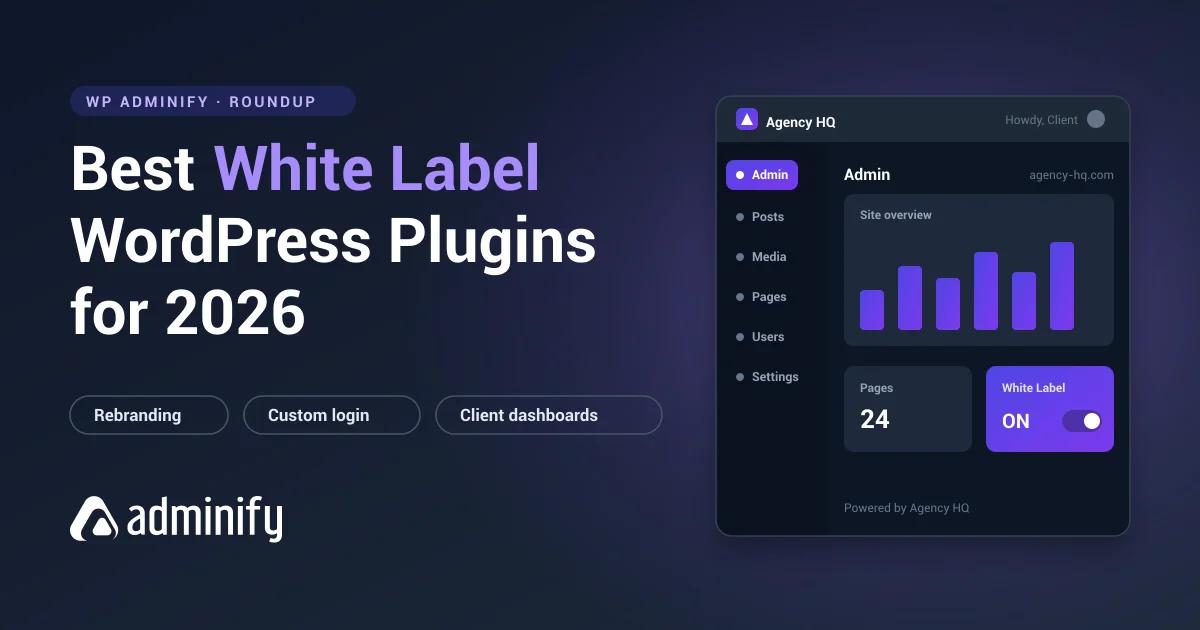

The best white label WordPress plugin in 2026 depends on how much of the admin you want to rebrand. For an all-in-one agency toolkit, WP Adminify combines branding, an admin menu editor, a login customizer, and dashboard themes in one tool. Admin Bar Editor rebrands the toolbar specifically, and Loginfy handles the login page on its own. White Label CMS, Ultimate Dashboard, Branda, and Ultimate Client Dash each win a narrower use case. (Updated July 2026.)
Best white label WordPress plugins at a glance
These white-label WordPress plugins all strip out the default WordPress branding and let you rebrand the admin bar, the dashboard, and the login page. Every rating below comes straight from each plugin's live WordPress.org listing in July 2026, so you can compare like for like before you install anything.
| Plugin | Best for | Rating | Price |
|---|---|---|---|
| WP Adminify | All-in-one agency branding + admin toolkit | 4.3★ | Free + Pro from $79/yr |
| Admin Bar Editor | Rebranding and cleaning the admin toolbar | 4.3★ | Free + Pro |
| Loginfy | Custom branded login pages | 5.0★ | Free + Pro |
| White Label CMS | Free, simple client dashboards | 4.7★ | Free |
| Ultimate Dashboard | Custom client dashboard widgets | 4.6★ | Free + Pro |
| Branda | Full rebrand + multisite + system emails | 4.5★ | Free + Pro |
| Ultimate Client Dash | Client roles + coming-soon pages | 4.8★ | Free + Pro |
What is a white label WordPress plugin?
A white label WordPress plugin replaces WordPress's default branding in the admin area with your own. It swaps the WordPress logo, the login screen, the admin footer, the color scheme, and the "Howdy" greeting so clients see your agency's identity instead of WordPress. Most also let you customize the admin per user role, add a custom logo, hide menus, and clear dashboard clutter, which leaves each client with a clean admin they can actually find their way around. You can learn the full workflow in our white label WordPress guide.
The 7 best white label WordPress plugins for 2026
1. WP Adminify - best all-in-one white label toolkit
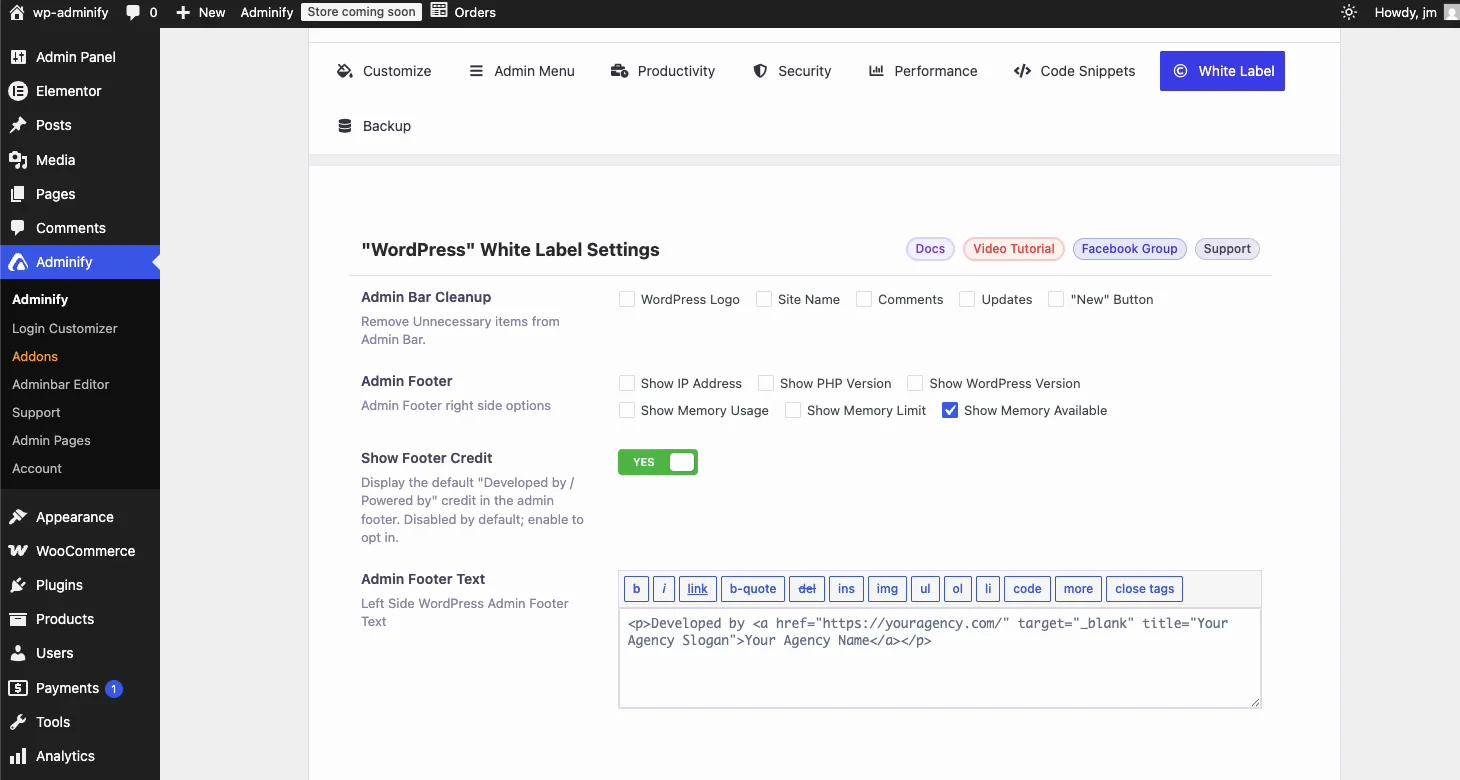
WP Adminify is the pick if you want white labeling and a full admin toolkit in a single, actively developed plugin. Beyond swapping the admin logo, favicon, footer text, and "Howdy" greeting, it bundles a drag-and-drop admin menu editor, a login customizer, dark-mode dashboard themes, media-library folders, an admin columns editor, and role-based security controls. That breadth is what separates it from single-purpose tools: you restyle and reorganize the whole admin from one settings panel instead of stacking five plugins that each own a piece of it.
The white labeling also goes one step further than most rivals: WP Adminify can rename itself. Swap the plugin name, menu label, and icon for your agency brand and clients never see "Adminify" anywhere in their dashboard. Its latest release shipped on July 15, 2026, and updates land roughly every couple of weeks.
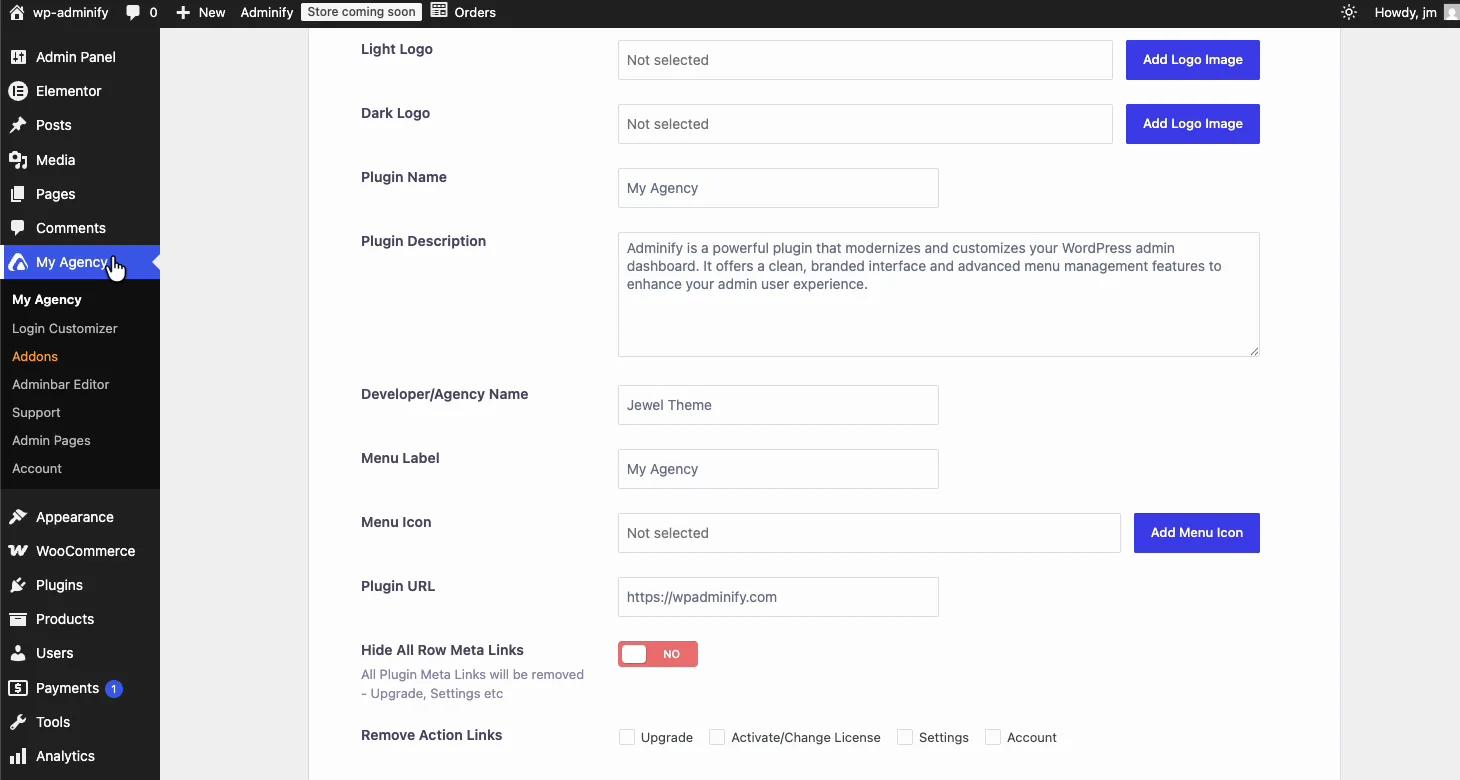
- Pros: Most features in one place; frequent releases; role-based menu and login rules built for client sites; can white-label its own plugin name.
- Cons: Full white-label controls sit in Pro; smaller install base than legacy tools.
- Best for: Agencies and freelancers who want branding plus admin cleanup from one plugin.
The free version covers logo, footer, and admin-bar branding. Pro plans start at $79/year and unlock the complete white-label suite. See exactly what's included on the white label feature page, or read the head-to-head WP Adminify vs White Label CMS comparison.
2. Admin Bar Editor - best for rebranding the WordPress toolbar
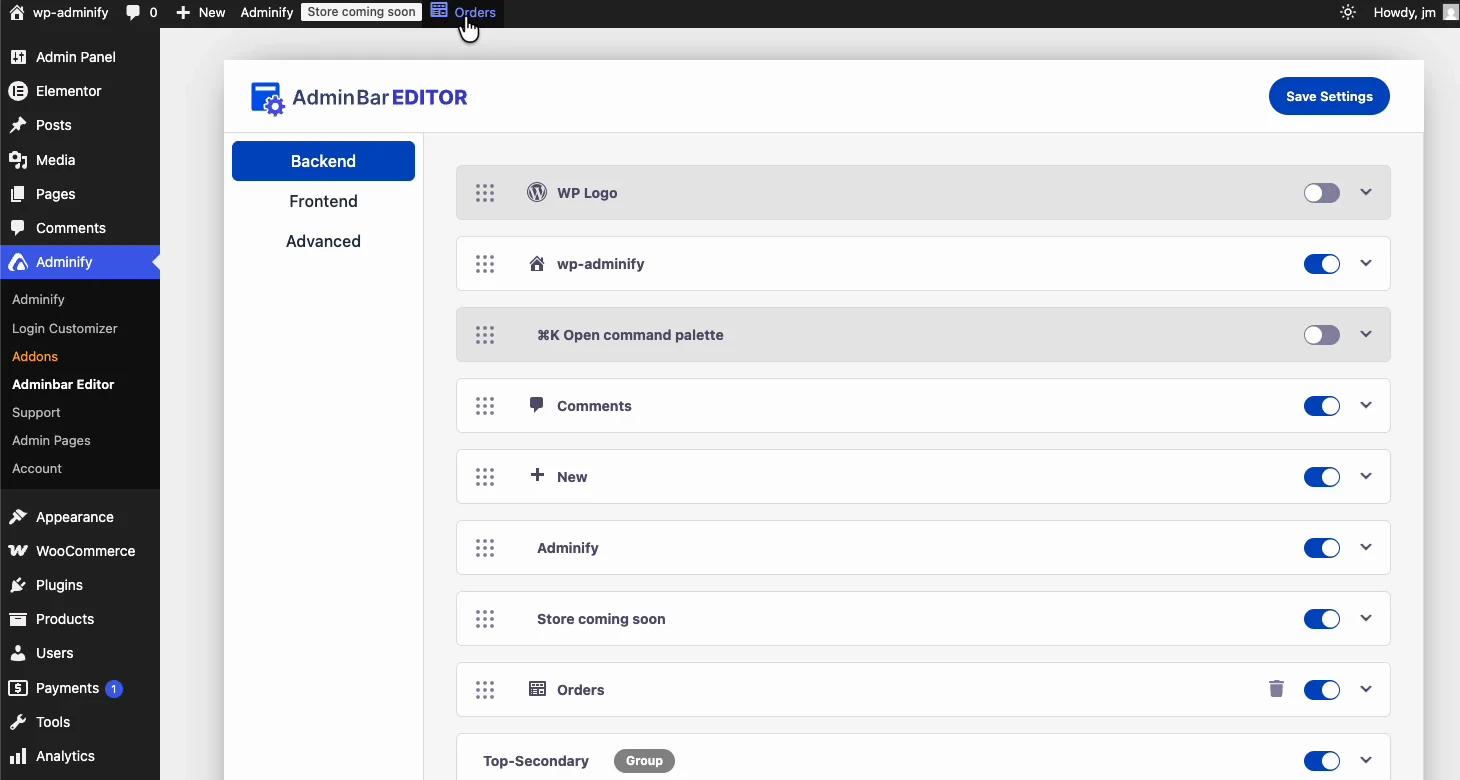
Clients see the admin bar on every page they visit, front end and back end, yet most white label plugins barely touch it. Admin Bar Editor (3,000+ installs, 4.3 stars) is built for exactly this job. One toggle removes the WordPress logo from the toolbar. From the same panel you can hide, rename, or reorder any admin bar item, add your own links, and set different toolbar layouts per user role.
That per-role control is the agency win. Give editors a toolbar with just the shortcuts they need, strip the comments icon for authors, and keep the full bar for yourself. It covers the front-end toolbar too, so logged-in clients browsing their own site see a clean, branded bar instead of WordPress defaults.
- Pros: Deepest admin bar control of any plugin here; role-based toolbar rules; front-end and back-end coverage; lightweight single-purpose footprint.
- Cons: Scope is the toolbar only, so pair it with a login and dashboard tool for a full rebrand.
- Best for: Developers who want precise, per-role control over the one UI element clients always see.
3. Loginfy - best for custom branded login pages
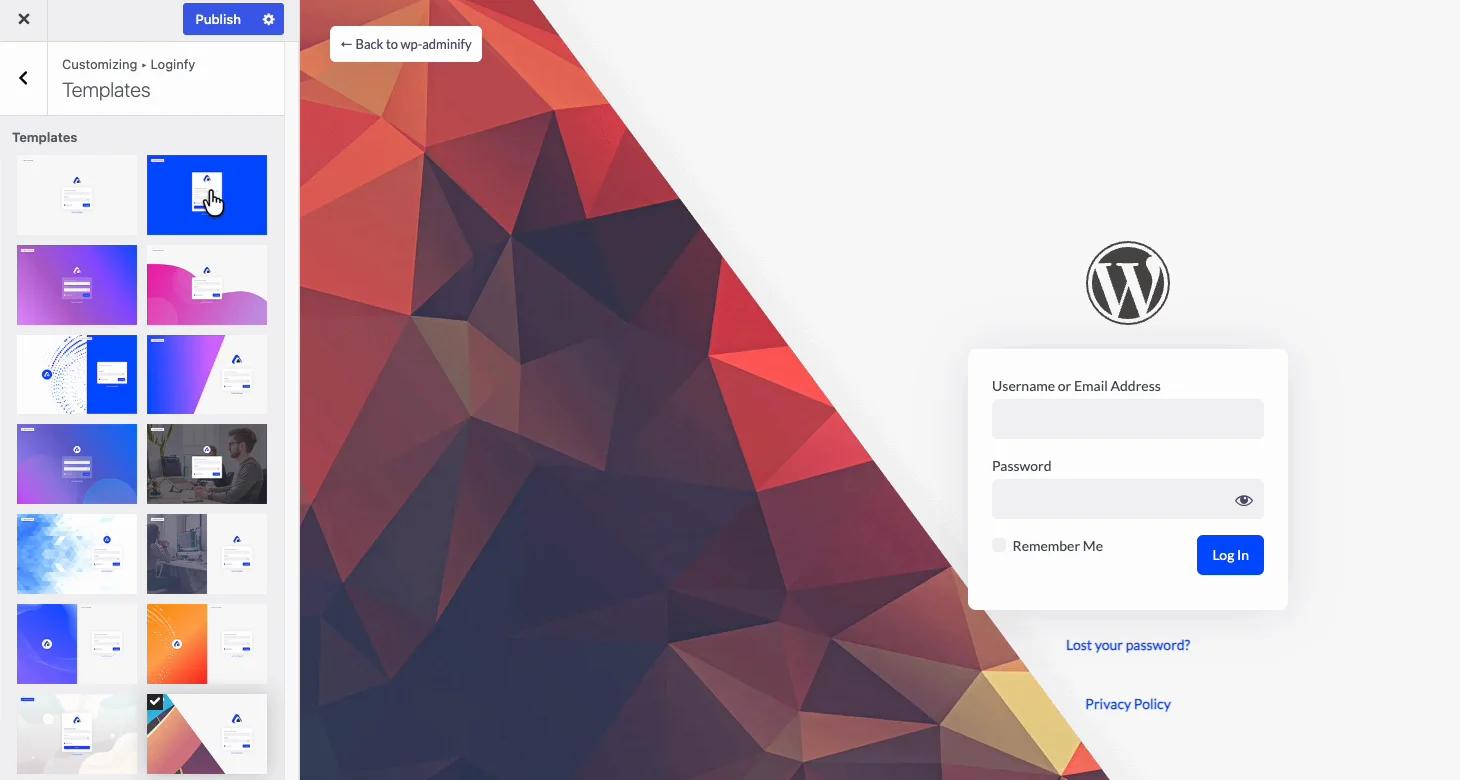
The login page is the front door of every client site, and Loginfy (2,000+ installs, a perfect 5.0-star rating) replaces the default WordPress login with something that looks designed rather than installed. You pick a ready-made template, then adjust the logo, background, form, and colors in a live customizer that previews every change as you make it. Backgrounds go well beyond a static image: gradients, image slideshows, self-hosted video, even YouTube video backgrounds.
It also strips the WordPress logo and links from the login screen entirely, which is the detail clients notice first. If you already run WP Adminify you can install Loginfy as its login module. Standalone, it stays lean and only loads on the login page, so your front end never carries its weight.
- Pros: Live-preview customizer with templates; video, slideshow, and gradient backgrounds; highest rating on this list; works standalone or with WP Adminify.
- Cons: Login page only, so dashboard and admin bar branding need a companion plugin; smaller install base.
- Best for: Freelancers and agencies who want the client's first login to look fully custom in minutes.
4. White Label CMS - best free, simple option
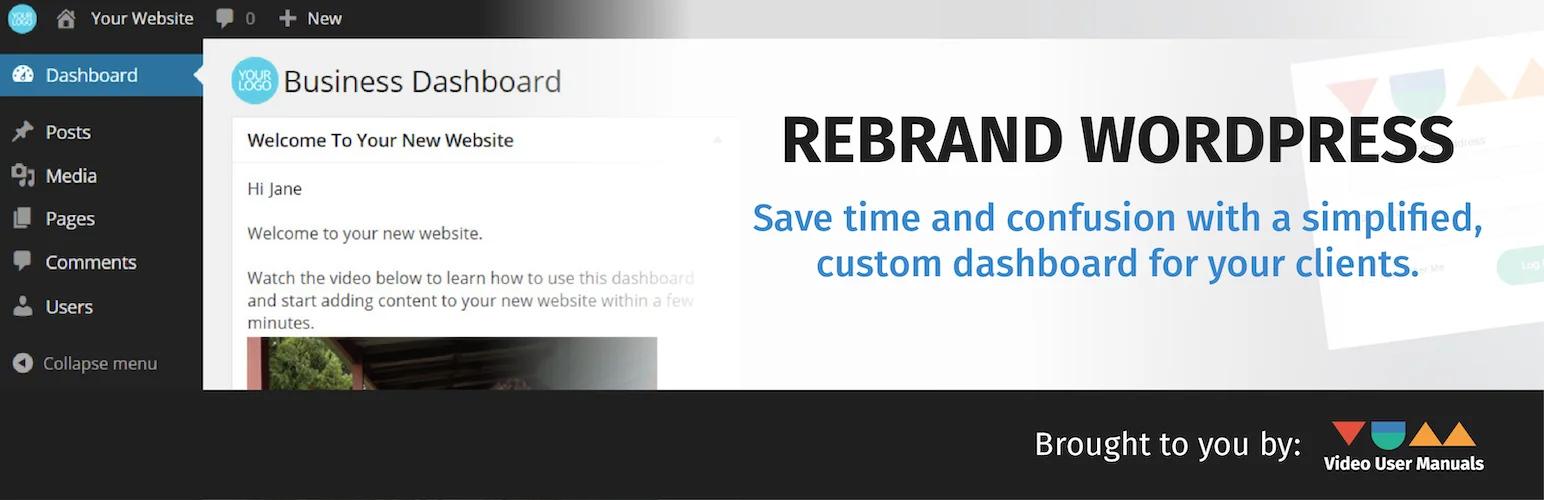
White Label CMS is the most popular option on this list with 200,000+ active installs and a 4.7-star rating. It stays deliberately simple: a setup wizard walks you through styling the login page, header, footer, and dashboard in a few clicks, and you can add a custom welcome panel plus hide menus so clients don't stumble into settings they shouldn't touch. Everything is free, with no paid upgrade to nudge you toward.
- Pros: 100% free; fastest setup thanks to the wizard; huge, proven user base.
- Cons: No admin menu editor or dashboard themes; codebase is older and less feature-rich than newer tools.
- Best for: Developers who just need clean, branded client dashboards without extra features.
5. Ultimate Dashboard - best for custom dashboard widgets
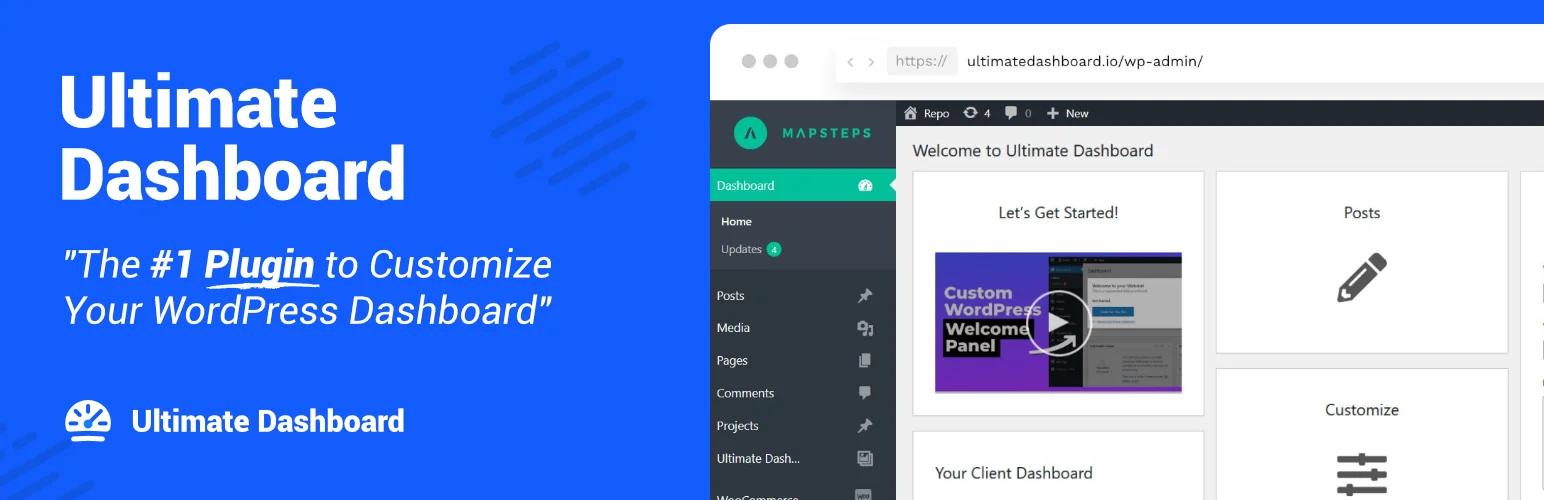
Ultimate Dashboard (60,000+ installs, 4.6 stars) focuses on turning the WordPress dashboard home screen into a custom launchpad. You remove the default widgets and replace them with your own icon, text, and HTML widgets that point clients to the pages they use most. The free version includes a login customizer and custom admin pages. Full white-label control, dark mode, and the admin menu editor live in Ultimate Dashboard PRO. If dark mode is the part you actually want, WP Adminify includes dark mode for the dashboard in its free version.
- Pros: Excellent custom-widget builder; clean, lightweight; strong login customizer.
- Cons: Deep white-label controls are Pro-only; less frequent updates than some rivals.
- Best for: Agencies that want a curated dashboard home screen for each client.
Weighing it against WP Adminify? Read the WP Adminify vs Ultimate Dashboard comparison for a feature-by-feature breakdown.
6. Branda - best for full rebrand and multisite
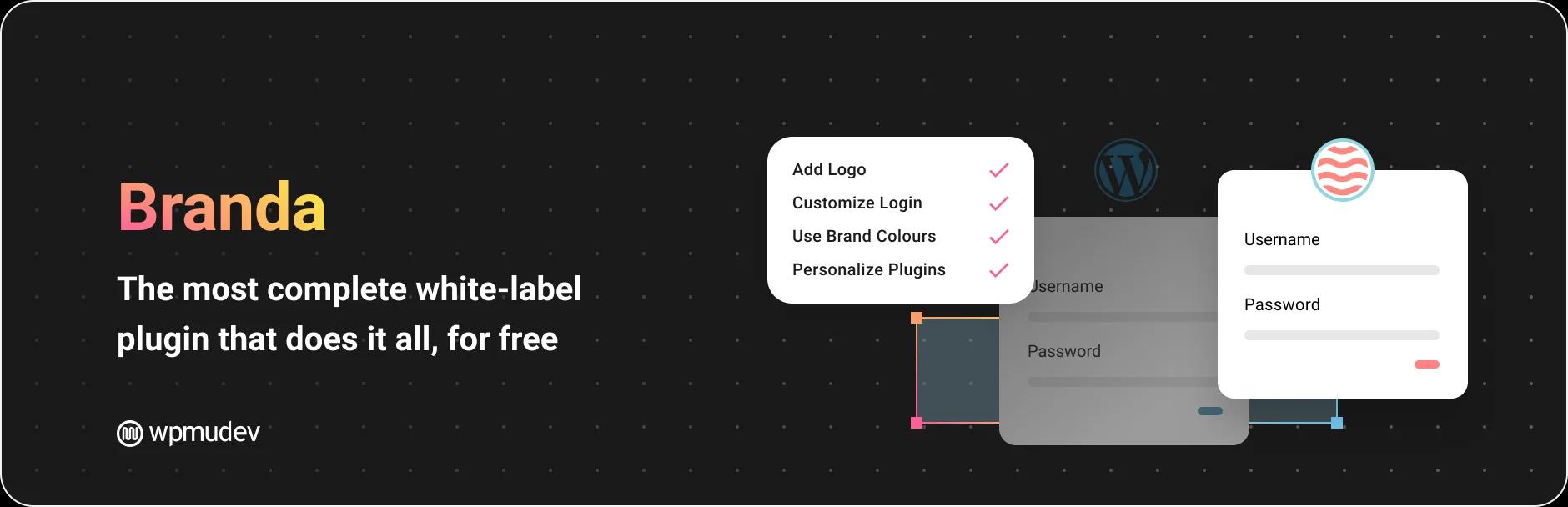
Branda by WPMU DEV (20,000+ installs, 4.5 stars) ships more than 30 modules and restyles parts of WordPress most tools ignore, including system emails, the database-error page, and maintenance or coming-soon pages. It's genuinely free with most features unlocked, and it's multisite-ready, so it's a strong fit if you white label an entire network rather than single sites.
- Pros: Most complete free makeover; system-email and multisite coverage; frequently updated.
- Cons: 30+ modules can feel heavy for a simple site; some promotion of other WPMU DEV plugins.
- Best for: Agencies white labeling multisite networks or WordPress emails end to end.
7. Ultimate Client Dash - best for client roles and landing pages
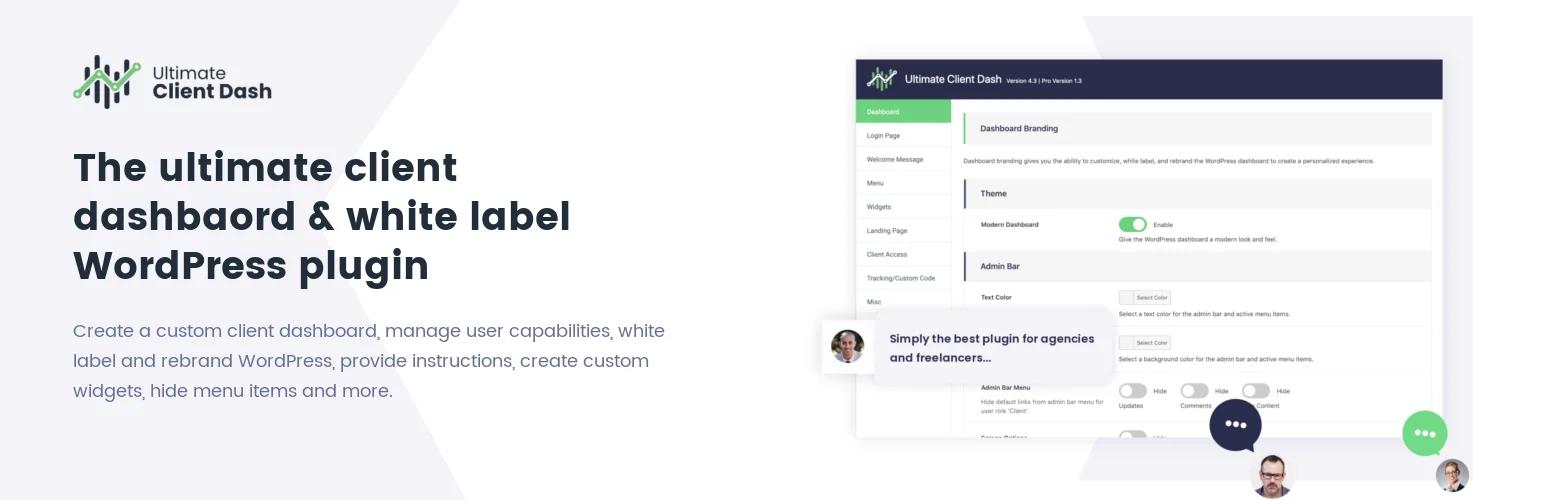
Ultimate Client Dash (2,000+ installs, 4.8 stars) is built specifically for handing sites to clients. Alongside login and dashboard styling, it adds a dedicated "Client" user role with limited capabilities, a modern admin theme, and built-in coming-soon and under-construction landing pages with analytics tracking. The Pro version extends client capability management and custom CSS.
- Pros: Purpose-built client role; landing pages included; second-highest review score on this list.
- Cons: Small install base; no full multisite network activation.
- Best for: Freelancers who want to restrict client access and ship a launch page from one plugin.
Why white label your WordPress admin area?
White labeling turns a generic WordPress backend into an admin that carries your client's identity instead of the default WordPress logo. For agencies, that polish justifies your fee: a branded login page, a tidy dashboard, and your own footer credit signal a finished product rather than an off-the-shelf install. It also cuts support requests, because a simplified dashboard hides the menus and settings that confuse non-technical clients. Most tools here let you assign user roles, upload a custom logo, and add custom CSS and JavaScript to fine-tune things further. None of it touches theme files, and the free versions are often enough to start. Pro plans mostly buy you deeper rebranding controls and per-role rules.
How to choose a white label WordPress plugin (2026 checklist)
Match the plugin to the job rather than chasing the longest feature list. Run through these questions before you commit:
- Scope: Do you only need branding, or branding plus menu, login, and dashboard control? All-in-one tools like WP Adminify save you from stacking plugins; single-purpose tools like Admin Bar Editor and Loginfy go deeper on one surface.
- Budget: White Label CMS and Branda cover a lot for free; paid tiers unlock advanced rebranding and support.
- Client access: If you hand sites to non-technical clients, prioritize role-based menu hiding and a dedicated client role.
- Multisite: Networks need multisite-ready branding. Branda is the standout here.
- Maintenance: Check the "last updated" date on WordPress.org; an actively maintained plugin is safer long term.
- Performance: Prefer plugins that load assets only in the admin (or only on the login page, like Loginfy) so your front end stays fast.
For a wider view of admin tools beyond branding, see our guide to the best WordPress dashboard plugins and the full WordPress dashboard customization pillar.
White Label WordPress Plugin FAQs
What is the best white label WordPress plugin?
WP Adminify is the best all-in-one choice because it combines branding with an admin menu editor, login customizer, and dashboard themes in one plugin. Admin Bar Editor is the best pick for toolbar-only rebranding, Loginfy for the login page, and White Label CMS for a free, simple client dashboard. The right pick depends on whether you need branding only or a full admin toolkit.
Can you white label WordPress for free?
Yes. White Label CMS is 100% free and Branda unlocks most of its 30+ modules for free, so you can rebrand the login page, dashboard, admin footer, and menus without paying. The free versions of WP Adminify, Admin Bar Editor, and Loginfy also cover core branding: logo swaps, toolbar cleanup, and custom login templates. Pro tiers add the advanced controls.
What does a white label plugin actually change?
A white label plugin replaces WordPress branding across the admin area. It swaps the login logo and background, the admin bar and sidebar logos, the footer text, the color scheme, and the Howdy greeting. Most also hide default dashboard widgets and menus, so clients see a clean, branded control panel instead of the standard WordPress interface.
Which white label plugin is best for agencies with many clients?
For agencies managing many client sites, WP Adminify and Ultimate Client Dash stand out because they offer role-based menu hiding and dedicated client roles. Pair WP Adminify with Admin Bar Editor for per-role toolbar control on top. If you run a multisite network, Branda is the strongest fit thanks to network-wide branding.
Do white label plugins slow down WordPress?
Well-built white label plugins load their assets only inside the WordPress admin, so your public site speed isn't affected. WP Adminify doesn't enqueue its files on the front end, and Loginfy loads only on the login page. To stay fast, avoid running several overlapping branding plugins at once and only enable the modules you actually use for each site.
Can I use Admin Bar Editor and Loginfy together with WP Adminify?
Yes, and that combination covers the full white label surface. WP Adminify handles the dashboard, menus, and overall branding; Admin Bar Editor adds fine-grained, per-role toolbar control; Loginfy gives the login page templates, video backgrounds, and slideshow options. Loginfy also installs directly as a WP Adminify module if you prefer managing everything from one panel.
Your email address will not be published