

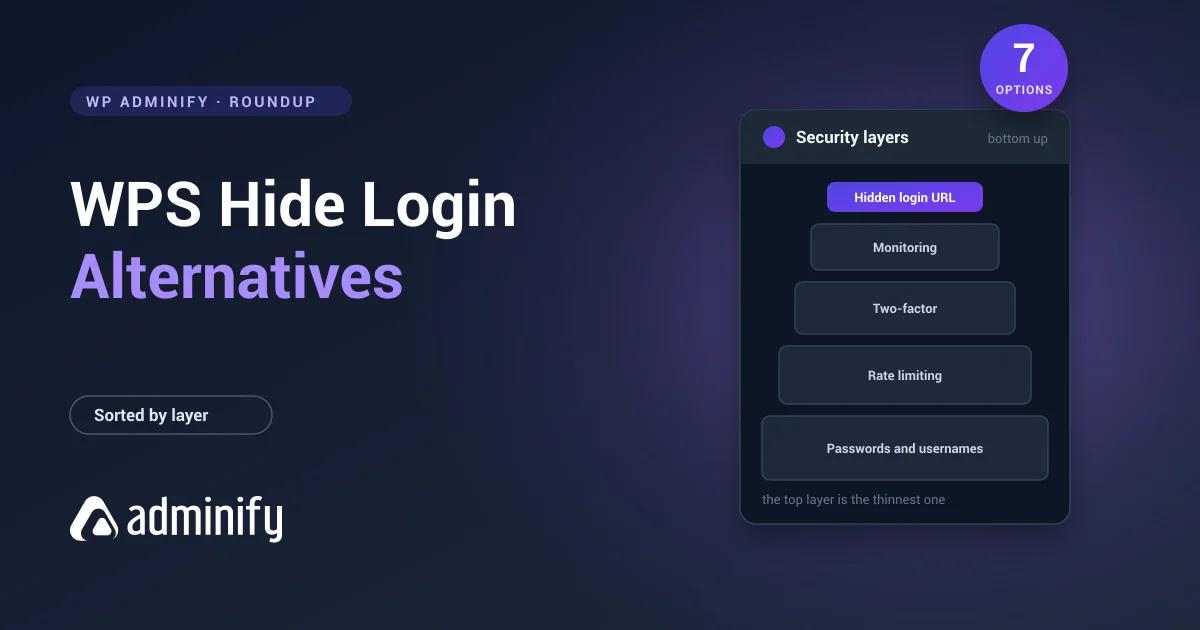

Most people searching for a WPS Hide Login alternative don't want one. They want the thing WPS Hide Login was never going to do.
It changes your login URL. That's the entire plugin, it's free, it has two million installs and a 96 out of 100 from 2,111 ratings, and nothing on this page does that specific job better. Our full review sets out what it covers. So this page isn't a ranked list of replacements. It's sorted by which security layer you are actually missing, because that's the real question behind the search. For the ranked buying guide, the best WordPress login security plugins is the page.
Every install count and rating below was pulled from the WordPress.org Plugin API on 1 September 2026. None of these seven was installed for this article. WPS Hide Login is the only plugin here we've tested hands-on.
Why you probably should not replace it
Three honest reasons to leave it alone before we get to the list.
It is free with no paid tier, so there's no upgrade pressure and nothing to renew.
It closes the POST, not just the GET. The "change your login URL" snippets that circulate on forums hook init and redirect GET requests, which means a direct POST to wp-login.php still authenticates and bots are unaffected. This plugin blocks logged-out access to wp-login.php and wp-admin outright.
Every security suite below also offers login-URL hiding, usually as one checkbox among two hundred settings. Swapping a two-field plugin for a suite in order to get the same feature is a downgrade in clarity, not an upgrade in protection.
So: add a layer rather than replacing this one. Unless you're consolidating deliberately, which is covered at the end.
What each layer actually stops
| Threat | Stopped by |
|---|---|
Generic bots requesting /wp-login.php | A hidden login URL |
| Credential stuffing against a known URL | Rate limiting |
| A password leaked in a breach elsewhere | Two-factor |
| A username discovered through author archives or the REST API | Enumeration blocking, and a username worth guessing less |
| A stolen session cookie | Session controls, and HTTPS |
| A vulnerable plugin | Updates, and a firewall |
| Malware already on the server | A scanner |
WPS Hide Login covers exactly the first row. That row is worth covering, because it's most of the traffic. It's one row out of seven.
Layer 1: rate limiting, the one everyone should add
If you install one thing after a hidden login URL, install this. It's the layer that stops the attack a hidden URL can't: someone who has found the form and is trying passwords.
1. WPS Limit Login

100,000 installs · 98/100 from 83 ratings· free
Same publisher as WPS Hide Login, same design philosophy: one job, minimal settings, free. It limits failed login attempts and locks out the source.
Why it is on this list: it's the natural companion rather than a replacement. If you liked WPS Hide Login's restraint, this is the same restraint applied to the next layer, and 98/100 is the highest rating on this page.
Where it loses: 83 ratings is a thin evidence base next to Limit Login Attempts Security's 1,478. And like its sibling it does one thing, so you'll still be assembling a stack rather than installing a solution.
2. Limit Login Attempts Security
1,000,000 installs · 96/100 from 1,478 ratings
The category standard, and the most recently updated plugin on this page when we checked. Failed-attempt limiting, lockouts, allowlists and denylists, with two-factor and firewall features in its paid tier.
Why it is on this list: a million installs and 1,478 ratings is by far the deepest evidence base for this specific job. If you're going to run one rate limiter and never think about it again, this is the safe choice.
Where it loses: it has grown well past its original scope, so expect more settings and more upsell than WPS Limit Login offers. A paid tier exists; we haven't verified its current pricing and don't quote a figure.
Layer 2: two-factor, the one that actually protects you
3. WP 2FA
100,000 installs · 94/100 from 177 ratings
Dedicated two-factor authentication: app-based codes, email codes, backup codes, and policies that let you require it for specific roles rather than everyone.
Why it is on this list: because this is the layer that survives a leaked password, and a hidden login URL doesn't. If someone gets your administrator password from a breach elsewhere, the URL delays them by however long it takes to read a referrer log. Two-factor stops them.
Where it loses: 177 ratings is modest, and 12 of them are one-star. It also does nothing about what your login form tells an attacker on a failed attempt, which is a separate and free fix. And two-factor is the security measure clients resist most, so plan the rollout: require it for administrators and editors first, not for every subscriber on day one. The practical version is in two-factor authentication for WordPress admin.
Layer 3: the suites, if you want one plugin
All three of these include login-URL hiding, so any of them can genuinely replace WPS Hide Login rather than sit beside it. That's the trade this section is about: one big plugin instead of three small ones.
4. Wordfence Security

5,000,000 installs · 94/100 from 4,986 ratings
The biggest name in WordPress security: a web application firewall, a malware scanner, live traffic monitoring, rate limiting and two-factor, all in one plugin.
Why it is on this list: five million installs and 4,986 ratings, the deepest evidence base of anything in this cluster. If you want one plugin covering every layer in the table above, this is the default answer.
Where it loses: it's a large plugin that does a lot of work on every request, and on cheap shared hosting the scanner and live traffic features are noticeable. 256 one-star ratings out of 4,986 is a 5.1 per cent rate; we haven't read them and make no claim about what they say. Its free tier delays firewall rule updates relative to the paid one, which is a fair model and worth knowing before you rely on it.
5. All-In-One Security (AIOS)

1,000,000 installs · 94/100 from 1,715 ratings
A broad free suite: login lockdown, login URL change, user enumeration blocking, database and file security, firewall rules and spam prevention, organised into a graded settings interface.
Why it is on this list: its free tier is unusually complete, it includes a CAPTCHA option of the kind covered in adding reCAPTCHA to the WordPress login page, and the user-enumeration blocking matters more than most people realise. A hidden login URL protects a form that still tells the internet your usernames through author archives and the REST API: the WordPress REST API leaks usernames.
Where it loses: the settings surface is large, and several of its options can lock you out if applied without understanding them. This isn't a plugin to configure quickly on a client site at the end of a Friday.
6. Kadence Security
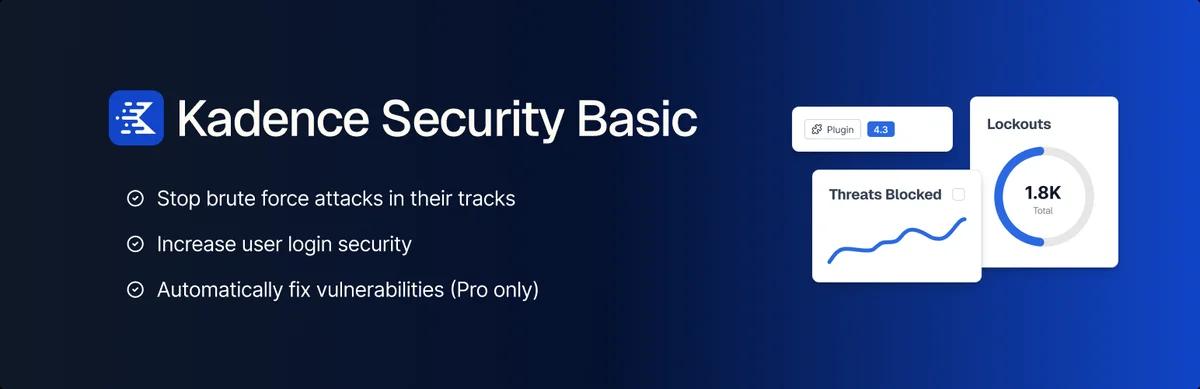
700,000 installs · 92/100 from 3,990 ratings
Check the name carefully. This plugin's slug is better-wp-security and it now displays on WordPress.org as Kadence Security. Older articles and search results refer to it under previous names, so make sure you're reading about the same software.
It covers password policies, two-factor, brute-force protection, login URL changes and file-change detection, with a security dashboard on top.
Why it is on this list: 700,000 installs and 3,990 ratings, and a genuinely strong two-factor implementation for a suite rather than an afterthought.
Where it loses: three things worth knowing. It requires WordPress 6.5 and PHP 7.4, the strictest floor on this page. Its tested-up-to version was trailing the current WordPress release when we checked, the only entry here in that position, so read that field on its listing. And it carries 288 one-star ratings out of 3,990, a 7.2 per cent rate and the highest here; we haven't read them and draw no conclusion, but at that volume it's worth ten minutes of your own reading before a client install.
Layer 4: if you want the URL plus the routing
7. WP Adminify
6,000 installs · 86/100 from 109 ratings
Ours, so read this entry accordingly, and read the numbers before the features.
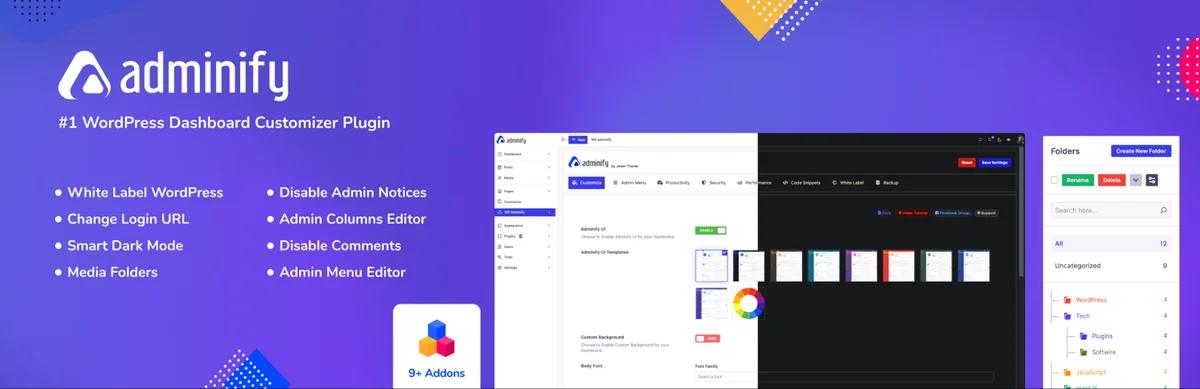
WP Adminify is an admin toolkit rather than a security plugin. Relevant here: a custom login URL, login and logout redirects by user role, admin-bar visibility by role, plus disabling XML-RPC and restricting the REST API. It arrives with an admin menu editor, dashboard tools and white labelling attached.
Why it is on this list: one specific case. If you already run WPS Hide Login and separately want per-role login redirects, that's two plugins doing what one can. And if you're already running an admin toolkit, the URL change comes free with it.
Where it loses, honestly: 6,000 installs against WPS Hide Login's 2,000,000, and 13 one-star ratings out of 109, which is a 12 per cent rate and the worst on this page by a distance. It's also not a security plugin: no rate limiting, no two-factor, no scanning. Installing an admin toolkit to replace a two-field security plugin is the wrong trade unless you want the rest of it. The free versus pro breakdown shows where the line falls.
Small plugins or one suite?
The real decision on this page, and it's a genuine trade rather than a right answer.
| Three small plugins | One suite | |
|---|---|---|
| Typical stack | WPS Hide Login, WPS Limit Login, WP 2FA | Wordfence, AIOS or Kadence Security |
| Settings to understand | Few, each obvious | Many, several dangerous |
| Plugins to update | Three | One |
| Code running per request | Little | A lot |
| Firewall and malware scanning | None | Included |
| Failure mode | One feature stops working | Everything stops working |
| Cost | Free | Free tiers, with paid upgrades |
Small plugins suit a site you understand and maintain yourself. A suite suits a client site where somebody needs a dashboard and a scan report. Neither is negligent, and the worst outcome is running two suites at once, which happens more often than it should and produces conflicting lockout rules.
Check two dates before you install anything
A security plugin nobody has touched in a year is worse than no security plugin, because it buys the confidence without the protection. Two fields on the WordPress.org listing tell you more than the star rating does: last updated, and tested up to.
Both of those move with every release, so any figure printed here would be stale before you read it. Open each plugin's WordPress.org page and read them yourself. They sit in the right-hand column of the listing, above the ratings, and they take ten seconds to check.
All eight plugins named on this page were actively maintained when we checked. Kadence Security was the only one whose tested-up-to version trailed the current WordPress release, and it had the oldest release date here. On a security plugin that's worth a look rather than an alarm.
Which one to pick
| If you... | Add |
|---|---|
| Run WPS Hide Login and nothing else | A rate limiter. That is the missing layer |
| Liked WPS Hide Login's restraint | WPS Limit Login, same publisher, same philosophy |
| Want the most-tested rate limiter | Limit Login Attempts Security |
| Have administrators with reused passwords | WP 2FA. Nothing else on this page helps |
| Want one plugin covering every layer | Wordfence |
| Want a broad free suite and will read the settings | All-In-One Security |
| Want a suite with strong two-factor | Kadence Security, after checking its PHP floor |
| Also want per-role login redirects | WP Adminify |
| Want to change the URL without any plugin | The code method |
Before you switch anything
Never run two lockout systems. Two plugins both counting failed attempts produce conflicting rules and lockouts nobody can explain. Pick one and disable the other's login features.
Change one thing at a time. If a login URL change and a firewall rule both land in the same session and the site breaks, you won't know which did it.
Keep a way back in. Before enabling any login-security feature, confirm you've SFTP or SSH access. Renaming a plugin folder deactivates it; wp plugin deactivate does the same. Test that you can do one of those before you need to.
Allowlist your own address first if the plugin supports it, then test a deliberate lockout from a phone on mobile data. If you want a record of who logged in and when afterwards, that's a separate tool: monitoring user activity in WordPress.
If it goes wrong: fixing WordPress login page issues covers redirect loops, wp-admin redirecting to the homepage covers that symptom, and resetting a WordPress admin password covers the database and WP-CLI routes.
Frequently asked questions
What is the best alternative to WPS Hide Login?
For the same job, there isn't one worth switching to: it's free, has 2,000,000 installs and 96/100 from 2,111 ratings, and blocks logged-out access to wp-login.php rather than merely redirecting it. If you want one plugin covering the URL plus rate limiting, two-factor and scanning, Wordfence, All-In-One Security and Kadence Security all include login-URL hiding.
Do I need a rate limiter if my login URL is hidden?
Yes. A hidden URL stops generic bots that only ever request /wp-login.php. It does nothing once the address is known, and it leaks through referrer headers, hard-coded plugin links, password-reset emails and people sharing it. Rate limiting is the layer that stops someone actually trying passwords.
Can I run WPS Hide Login alongside a security suite?
Usually, but disable the suite's own login-URL feature first so only one plugin is handling it. Never run two plugins that both count failed login attempts, because their lockout rules will conflict and produce behaviour nobody can debug.
Is a security suite better than three small plugins?
It depends on who maintains the site. Suites add a firewall and malware scanning that small plugins don't have, and give a client a dashboard to look at. Small plugins run less code, have fewer dangerous settings, and fail one feature at a time instead of all at once.
Which of these is free?
WPS Hide Login and WPS Limit Login are free with no paid tier at all. Wordfence, All-In-One Security, Kadence Security, Limit Login Attempts Security, WP 2FA and WP Adminify all have free versions with paid upgrades. We haven't verified current prices for any of them and quote no figures here.
Does changing the login URL break anything?
It can break anything that hard-codes wp-login.php into a link, which includes some membership plugins, form builders and themes. Check every "Log in" link on the site after enabling it, and clear all caching layers.
Next steps
If you haven't read the assessment of the plugin you're considering replacing, the WPS Hide Login review covers what it does and doesn't protect against, which changes the calculation for most people.
For the ranked buying guide to this field, the best WordPress login security plugins. For the URL job specifically, including the code route, changing your WordPress login URL. And if what you actually wanted was the login screen to look like your brand, that's a different category entirely: the best WordPress login page plugins.
Your email address will not be published