

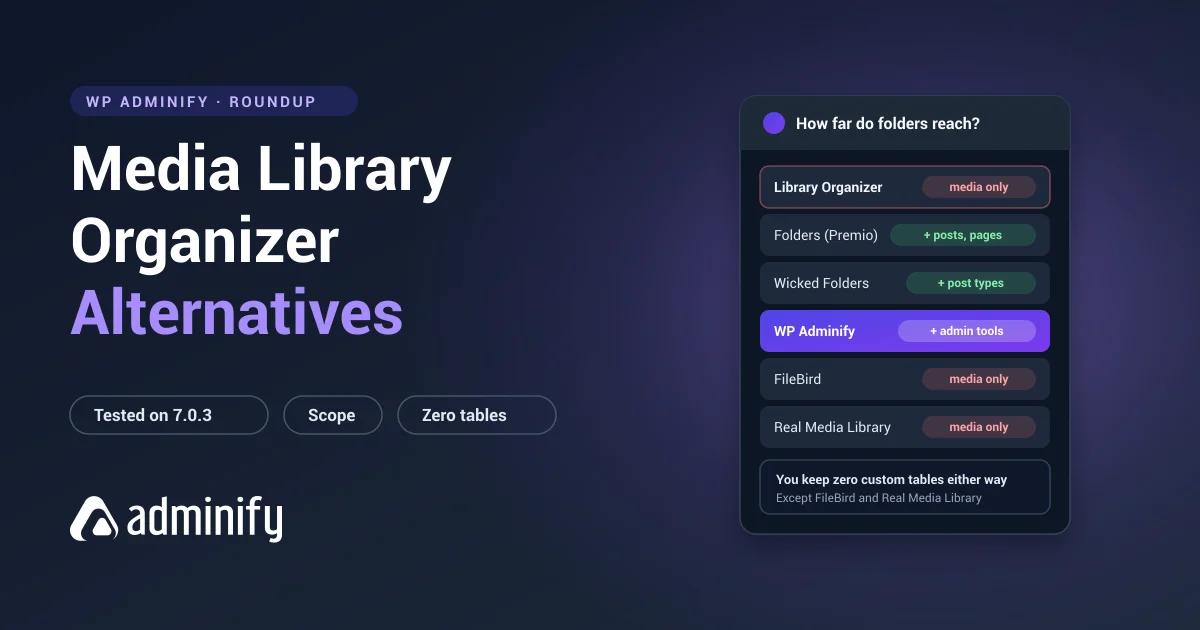

Media Library Organizer does one thing on purpose. It registers a single hierarchical taxonomy, mlo-category, creates no tables, and gives you folders. That restraint is the entire appeal.
It's also why people outgrow it. Usually they want manual folder ordering, or folders for posts and pages, or a bigger crowd standing behind whatever plugin is holding thousands of files together.
We tested seven alternatives on a clean WordPress 7.0.3 install and checked the database footprint of each one.
One entry below is ours: WP Adminify offers media folders plus the rest of wp-admin. The wider field is in our best WordPress media folder plugins roundup, this plugin has its own Media Library Organizer review, and the direct comparison is Media Library Organizer vs WP Adminify.
Why people move on
| Reason | What to look for |
|---|---|
| Need manual folder ordering | FileBird or Real Media Library |
| Need folders for posts and pages | Folders by Premio or Wicked Folders |
| Want a larger, more proven user base | FileBird or Folders |
| Need advanced folder configuration | Real Media Library |
| Consolidating admin plugins | WP Adminify |
| Want to keep zero lock-in | Folders, Wicked Folders or WP Adminify |
Before you go anywhere, know what you're holding. Media Library Organizer keeps folders as standard WordPress terms, and that's a genuine advantage you might be about to trade away. FileBird, Real Media Library and CatFolders all use their own tables. We checked what that means in practice by building a folder structure in FileBird and deactivating it: files all intact, tree gone from the admin, rows still sitting in the database and readable by nothing.
Quick comparison
| Plugin | Installs | Rating | Storage | Folder ordering |
|---|---|---|---|---|
| Folders (Premio) | 90,000 | 100/100 · 1,514 | Taxonomy | No |
| FileBird | 200,000 | 94/100 · 1,121 | Custom tables | Yes |
| Real Media Library | 100,000 | 96/100 · 289 | Custom tables ×4 | Yes |
| WP Adminify | 7,000+ | 86/100 · 108 | Taxonomy | No |
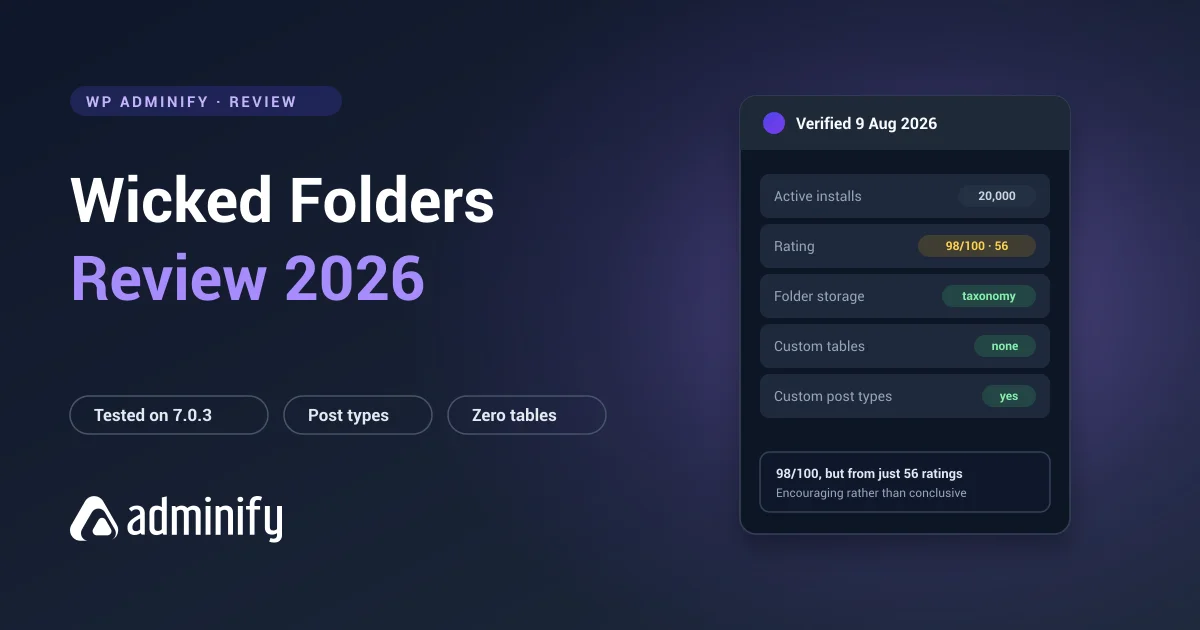
| Wicked Folders | 20,000 | 98/100 · 56 | Taxonomy | No |
| Media Library Assistant | 70,000 | 96/100 · 201 | Taxonomy | n/a |
| CatFolders | 6,000 | 88/100 · 21 | Custom tables | Unverified |
1. Folders by Premio: the natural step up

Verified: 90,000 installs · 100/100 from 1,514 ratings · v3.1.9 · updated 21 July 2026
Storage: media_folder, folder, post_folder, hierarchical taxonomies, no tables
The obvious upgrade, because it keeps the part you liked and adds the part you're missing. Still taxonomy-based, still no custom tables, so no lock-in. But now folders reach posts and pages too, with four times the install base and the best rating anyone in this category has.
Trade-off: still no manual folder ordering. Neither plugin can offer it, because WordPress terms don't sort that way.
2. FileBird: for ordering and polish

Verified: 200,000 installs · 94/100 from 1,121 ratings · v6.5.7 · updated 27 July 2026
Storage: wp_fbv (id, name, parent, type, ord, created_by), wp_fbv_attachment_folder
The answer if ordering is what's driving you out. That ord column does exactly what taxonomy storage can't: drag a folder anywhere in the list and it stays there.
Ten times the install base, and the most polished interface in the category by some distance.
Trade-off: you give up the clean architecture entirely. Two proprietary tables mean your structure is readable by FileBird and nothing else. Whether that stings depends on how long you plan to stay put.
3. Real Media Library: the most depth

Verified: 100,000 installs · 96/100 from 289 ratings · v4.22.82 · updated 2 July 2026
Storage: four custom tables
The opposite philosophy, taken as far as it goes. Per-folder metadata, staged bulk operations, gallery integration, all sitting on four tables of infrastructure.
Trade-off: the heaviest lock-in of anything we tested. Going from a zero-table plugin to this one is a big architectural swing, so be sure you want the features and not just the feature list.
4. WP Adminify: for consolidation
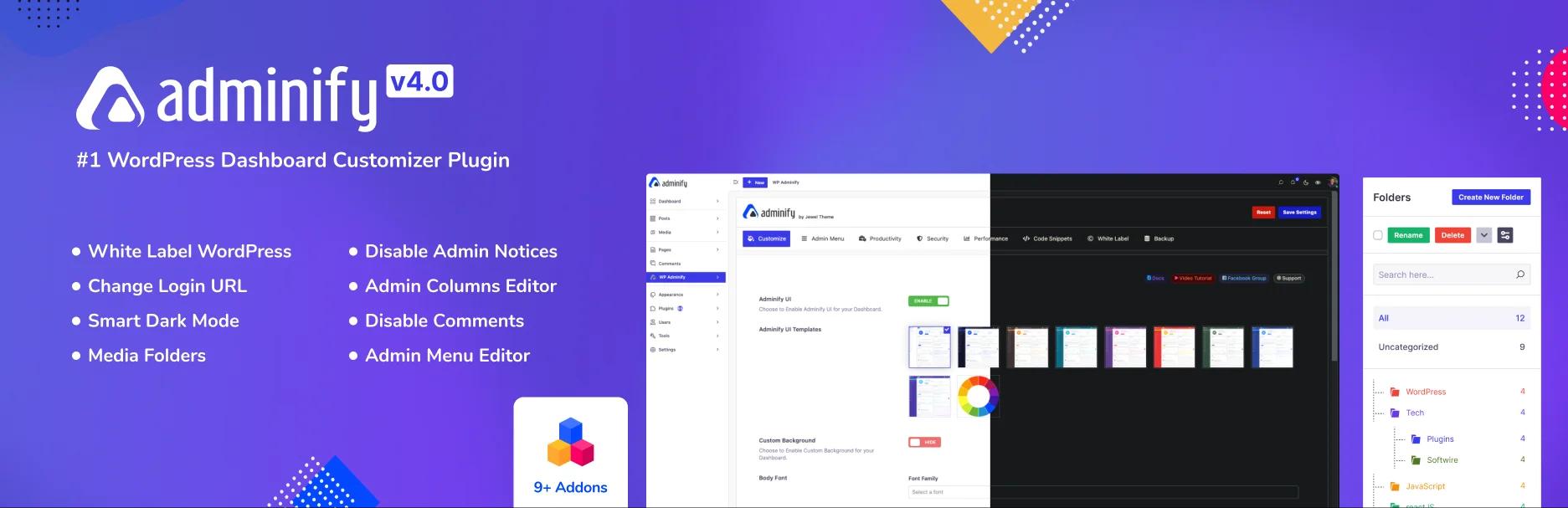
Verified: 7,000+ installs · 86/100 from 108 ratings · v4.2.24 · updated 9 August 2026
Storage: media_folder hierarchical taxonomy, no custom tables (verified)
Keeps the zero-table architecture and adds admin menu editing, white labelling, login customization and admin columns on top.
If part of why you picked Media Library Organizer was a dislike of bloated plugins, we'll say the awkward bit ourselves: WP Adminify is a much larger plugin. The argument is that it replaces several others rather than joining them. If it doesn't replace anything on your sites, that argument doesn't apply to you.
Trade-off: no manual folder ordering, and a lot more surface area. Full comparison in how WP Adminify handles media folders, and what each tier includes is published in full.
5. Wicked Folders: folders everywhere, still clean

Verified: 20,000 installs · 98/100 from 56 ratings · v4.1.3 · updated 23 June 2026
Storage: hierarchical taxonomies per post type
Same architecture you already have, pointed at more of the site. Folders for posts, pages and custom post types as well as media, all taxonomy-based, so nothing gets locked away.
Trade-off: 56 ratings is a thin sample to judge reliability on.
6. Media Library Assistant: if metadata is the real need
Verified: 70,000 installs · 96/100 from 201 ratings · v3.39 · updated 11 July 2026 · entirely free
No folder tree anywhere in it. Deep attachment metadata control instead: IPTC and EXIF, bulk alt text, custom taxonomies, shortcode galleries.
Best for: people who wanted better media management and reached for folders because that's what was on offer. Free, no paid tier.
7. CatFolders: lightweight but unproven

Verified: 6,000 installs · 88/100 from 21 ratings · v2.5.5 · updated 19 May 2026
Storage: wp_catfolders, wp_catfolders_posts
Similar lightweight pitch, but with custom tables underneath and a much shorter track record.
Trade-off: 21 ratings, and you'd be handing back the portability that made Media Library Organizer worth choosing. Hard to justify unless one specific feature is pulling you.
Switching is easy from here
Because Media Library Organizer keeps folders as standard taxonomy terms, leaving is simpler than leaving most plugins:
- Back up files and database.
- Export the structure:
wp term list mlo-category --fields=term_id,name,parentcaptures it in one line. - Moving to another taxonomy plugin? Often just a term copy, parents first.
- Moving to FileBird or Real Media Library? You're rebuilding inside their tables, so check for an importer before you start typing SQL.
- Test on staging, verify counts, then switch.
Under about 2,000 files, rebuilding by hand with batch selection usually beats scripting it. See WordPress media folders explained.
Media Library Organizer Alternatives FAQs
What is the best Media Library Organizer alternative?
Folders by Premio for most people. It keeps the same clean taxonomy architecture with no custom tables, and adds folders for posts and pages, four times the install base, and a perfect 100/100 from 1,514 ratings. If manual folder ordering is what you're after, FileBird is the answer instead.
Which alternative also avoids custom database tables?
Folders by Premio, Wicked Folders and WP Adminify all keep folders as standard WordPress taxonomy terms with no custom tables, and we verified each one on a clean install. FileBird, Real Media Library and CatFolders all create their own.
Which media folder plugin supports manual folder ordering?
FileBird and Real Media Library. Both use custom tables with a dedicated ordering column, and FileBird's wp_fbv has an ord field you can see for yourself. No taxonomy-based plugin can do this natively, because WordPress terms sort by name or ID.
Will I lose folders switching from Media Library Organizer?
Your files are never at risk, and the structure is unusually easy to take with you because it lives in the standard mlo-category taxonomy. Capture it with wp term list before you switch, then rebuild in the new plugin.
Is Media Library Organizer being maintained?
Yes. On 9 August 2026 it showed version 2.1.2, updated 23 July 2026, from Themeisle. Check the current date on WordPress.org before you rely on that, since maintenance status is exactly the kind of thing that changes quietly.
Final verdict
- Natural upgrade: Folders by Premio. Same clean architecture, much broader scope, best rating in the category.
- Need folder ordering: FileBird, and accept the lock-in.
- Need depth: Real Media Library, and accept a lot of lock-in.
- Consolidating plugins: WP Adminify.
- Remember what you're giving up: zero custom tables is a real advantage. Don't trade it away for a feature you won't use.
Want the background before deciding? How WordPress media folders work covers the storage models these plugins are built on.

Your email address will not be published