

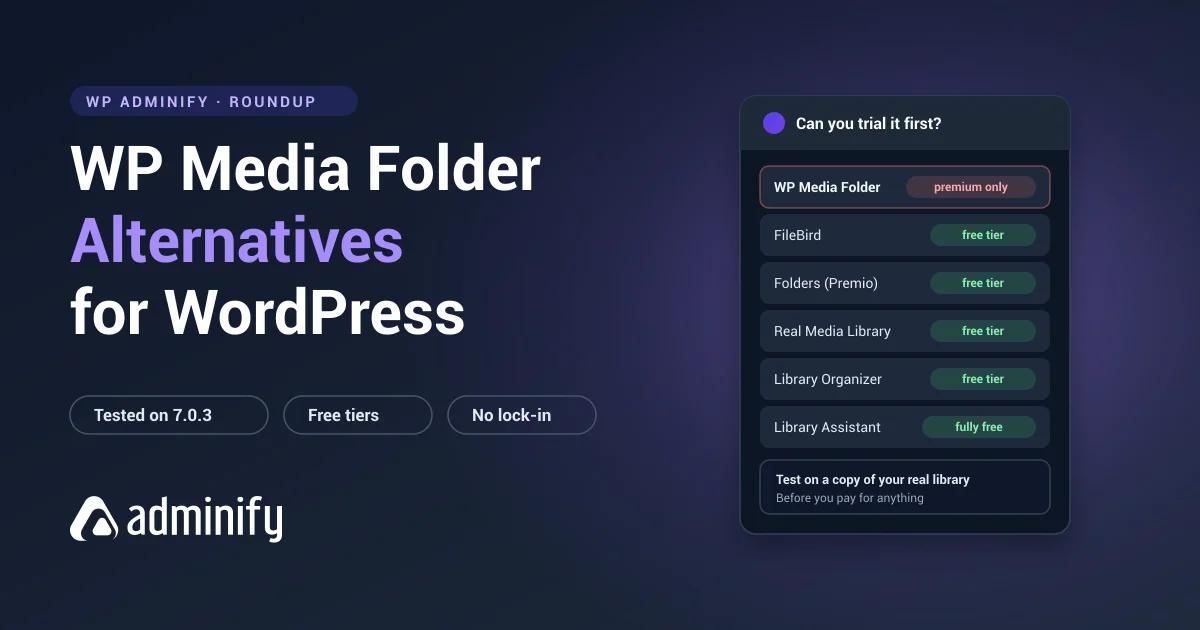

WP Media Folder is JoomUnited's premium media manager, bundling folder organization with cloud storage integration, galleries and image processing. One thing about it sends people looking for alternatives more than any missing feature: it's premium-only, with no free version on WordPress.org.
Which means you can't drop it on a staging copy of your real library and see how it behaves before you pay. That's exactly how anyone should evaluate a folder plugin at scale, and it's the one thing this plugin won't let you do.
Every alternative below went onto a clean WordPress 7.0.3 site and got inspected, so the install counts, ratings and storage models here are measured rather than copied off a landing page.
One alternative below is ours: WP Adminify bundles media folders with admin-wide tools. The full field is in our best WordPress media folder plugins roundup, this plugin has its own WP Media Folder review, and the direct comparison is WP Media Folder vs WP Adminify.
Why people look for alternatives
| Reason | What to look for |
|---|---|
| Want a free version to trial | FileBird, Folders, Real Media Library, Media Library Organizer |
| Only need folders, not the whole bundle | Any dedicated folder plugin |
| Want folder data stored portably | Folders, Media Library Organizer, WP Adminify, Wicked Folders |
| Need cloud offloading specifically | A dedicated offload plugin plus a folder plugin |
| Consolidating admin plugins generally | WP Adminify |
Worth reframing before you shop. WP Media Folder bundles several jobs together, and if you only need one of them, a specialist will do that job better and cost less. If you genuinely need folders and cloud offloading and galleries, the bundle has a real argument. But pairing a strong free folder plugin with a dedicated offload plugin is usually cheaper and gives you better tools for both halves.
Quick comparison
| Plugin | Installs | Rating | Free tier | Storage |
|---|---|---|---|---|
| FileBird | 200,000 | 94/100 · 1,121 | Yes | Custom tables |
| Real Media Library | 100,000 | 96/100 · 289 | Yes | Custom tables ×4 |
| Folders (Premio) | 90,000 | 100/100 · 1,514 | Yes | Taxonomy |
| Media Library Assistant | 70,000 | 96/100 · 201 | Fully free | Taxonomy |
| Media Library Organizer | 20,000 | 94/100 · 147 | Yes | Taxonomy |
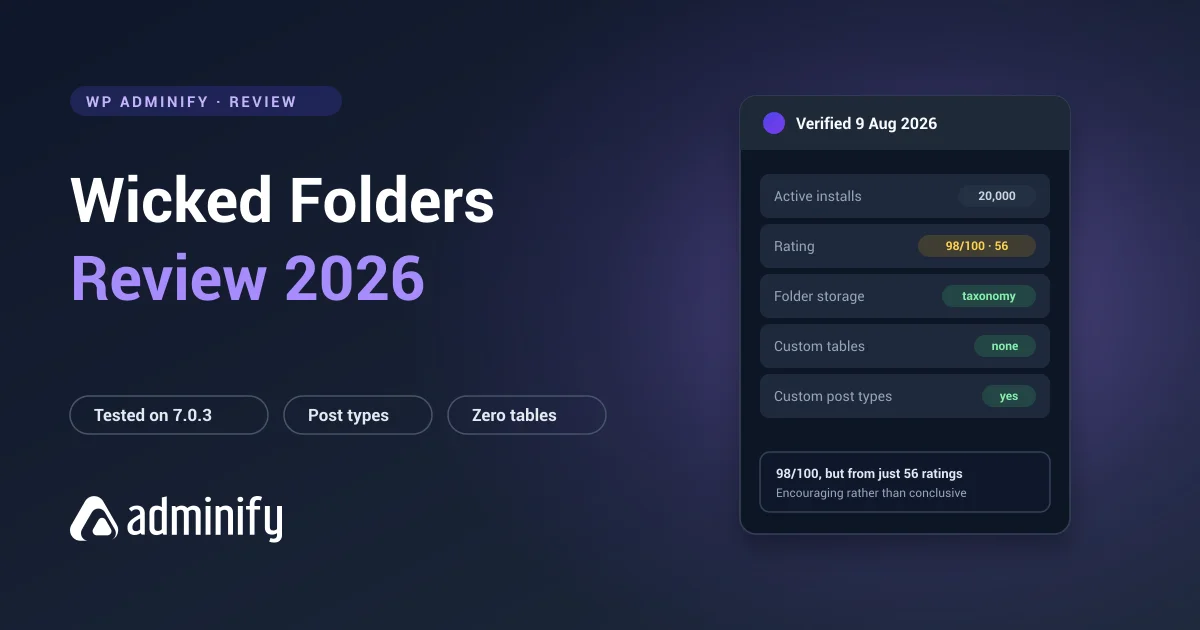
| Wicked Folders | 20,000 | 98/100 · 56 | Yes | Taxonomy |
| WP Adminify | 7,000+ | 86/100 · 108 | Yes | Taxonomy |
1. FileBird: the best free folder plugin

Verified: 200,000 installs · 94/100 from 1,121 ratings · v6.5.7 · updated 27 July 2026
Storage: wp_fbv, wp_fbv_attachment_folder
The straight answer if folders were the part you actually wanted. Free version on WordPress.org, the most polished interface in the category, and an ord column that gives you manual folder ordering most competitors can't offer.
Trade-off: media folders only. No cloud integration, no galleries. And its own tables mean the structure is readable by FileBird and nothing else. Background in WordPress media folders explained.
2. Folders by Premio: best rated, fully portable

Verified: 90,000 installs · 100/100 from 1,514 ratings · v3.1.9 · updated 21 July 2026
Storage: media_folder, folder, post_folder, hierarchical taxonomies, no tables
The best-rated plugin in the category, with a free tier, and it organizes posts and pages as well as media.
Because folders are standard WordPress terms, you can walk away whenever you like and your structure comes with you. That's a pointed contrast with a premium plugin whose storage model you can't inspect until after you've paid.
Trade-off: folders only. No cloud, no galleries, no image processing.
3. Real Media Library: closest on feature depth

Verified: 100,000 installs · 96/100 from 289 ratings · v4.22.82 · updated 2 July 2026
Storage: four custom tables
The most feature-dense thing here with a free tier, and the closest in ambition to a paid product. Per-folder metadata, staged bulk operations and gallery integration, with a Lite version that actually works rather than nagging.
Trade-off: the heaviest lock-in we measured. Its WordPress.org slug is real-media-library-lite, which is why searching the plugin installer for "real media library" often turns up nothing useful.
4. WP Adminify: broader admin consolidation
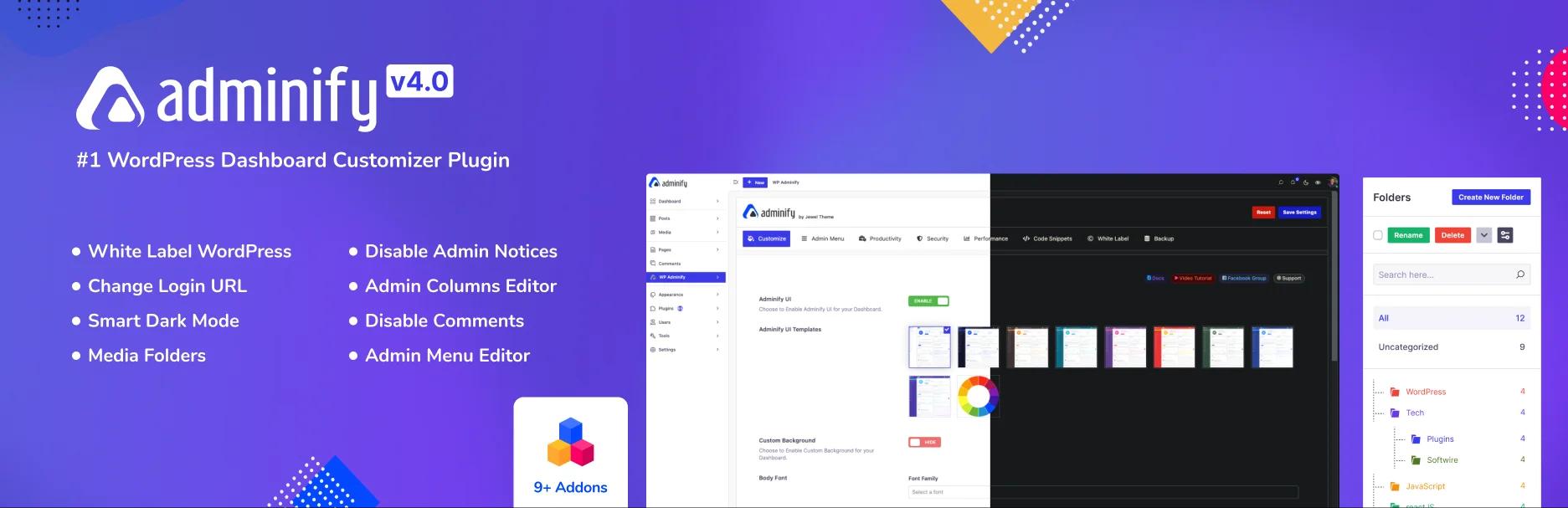
Verified: 7,000+ installs · 86/100 from 108 ratings · v4.2.24 · updated 9 August 2026
Storage: media_folder hierarchical taxonomy, no custom tables (verified)
A different kind of bundle. WP Media Folder groups media-adjacent jobs together: folders, cloud, galleries, compression. WP Adminify groups admin-wide jobs: folders, menu editing, white labelling, login customization, admin columns.
If your reason for wanting a bundle in the first place was "I have too many plugins," this answers the same itch from the other direction, and there's a free version to test it with.
Trade-off: no cloud integration, no galleries, no manual folder ordering. Full comparison in the WP Adminify media folder feature, and how it is priced is listed openly.
5. Media Library Organizer: simplest free option
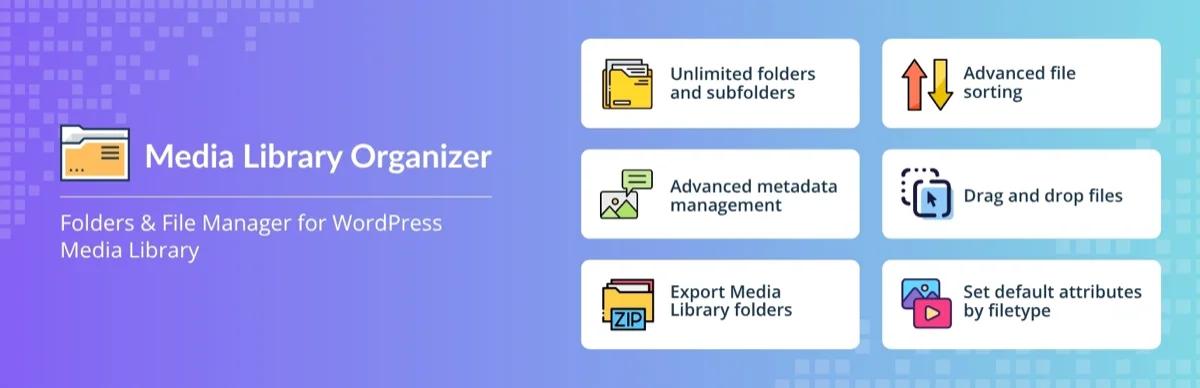
Verified: 20,000 installs · 94/100 from 147 ratings · v2.1.2 · updated 23 July 2026 · Themeisle
Storage: mlo-category, one hierarchical taxonomy, no tables
The minimal end of the scale. One taxonomy, no tables, folders working. If WP Media Folder felt like a great deal more plugin than your problem called for, this is the corrective.
Trade-off: basic by design. No ordering, no advanced features, media only.
6. Wicked Folders: folders across post types

Verified: 20,000 installs · 98/100 from 56 ratings · v4.1.3 · updated 23 June 2026
Storage: hierarchical taxonomies per post type
Folders for media, posts, pages and custom post types. Taxonomy-based, and free.
Trade-off: 56 ratings is a thin sample.
7. Media Library Assistant: metadata, free
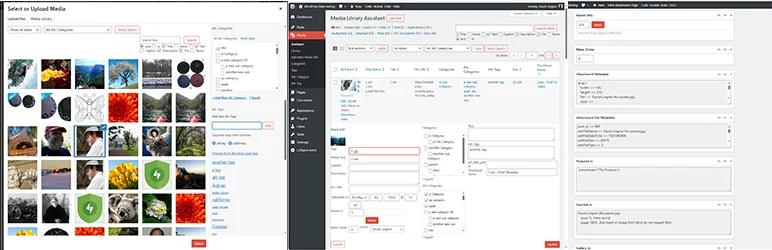
Verified: 70,000 installs · 96/100 from 201 ratings · v3.39 · updated 11 July 2026 · entirely free, no paid tier
Worth including because part of WP Media Folder's pull is media management rather than folders as such. This handles IPTC and EXIF data, bulk alt text, custom taxonomies and shortcode galleries, and charges nothing for any of it.
Be clear: no drag-and-drop folder tree. Wrong tool for folders, excellent for metadata.
If you actually need cloud offloading
This is the one WP Media Folder capability nothing above replicates, so it gets a straight answer rather than a shrug.
If offloading is a real requirement, meaning backups no longer finish overnight, migrations time out, or storage costs keep climbing, the usual approach is a dedicated offload plugin sitting next to a dedicated folder plugin. Two specialists instead of one generalist.
Two things to check if you go that way:
- Test folder plugin compatibility on staging. Most folder plugins don't care about offloading, because folders are database relationships rather than file paths. Verify it anyway.
- Offloading is hard to reverse. Bringing 100,000 files back is a project, not an afternoon. Choose it deliberately.
A CDN in front of your existing uploads is the lighter option, and it solves the delivery half of the problem without the migration risk.
WP Media Folder Alternatives FAQs
What is the best free alternative to WP Media Folder?
For folders specifically, FileBird with 200,000 installs and the most polished interface, or Folders by Premio with a 100/100 from 1,514 ratings, portable storage and coverage of posts and pages. Both have working free versions on WordPress.org, so you can trial them on a copy of your real library before deciding anything.
Does WP Media Folder have a free version?
No. JoomUnited sells it directly and it isn't distributed through the WordPress.org repository, which we confirmed on 9 August 2026 when the plugin API returned nothing for it. So there's no staging trial before purchase, which makes the vendor's refund policy worth reading first.
Which alternative supports cloud storage?
None of the dedicated folder plugins. Cloud offloading is normally a separate plugin built for that one job, paired with whichever folder plugin you pick. Test the combination on staging, though most folder plugins are unaffected because folders are database relationships rather than file paths.
Are free media folder plugins good enough?
For folder organization, yes. The free tiers of FileBird, Folders, Real Media Library and Media Library Organizer all give you folders, nesting and drag-and-drop. Paid tiers mostly lift folder count limits and add support rather than unlocking anything core.
Will my folders transfer from WP Media Folder?
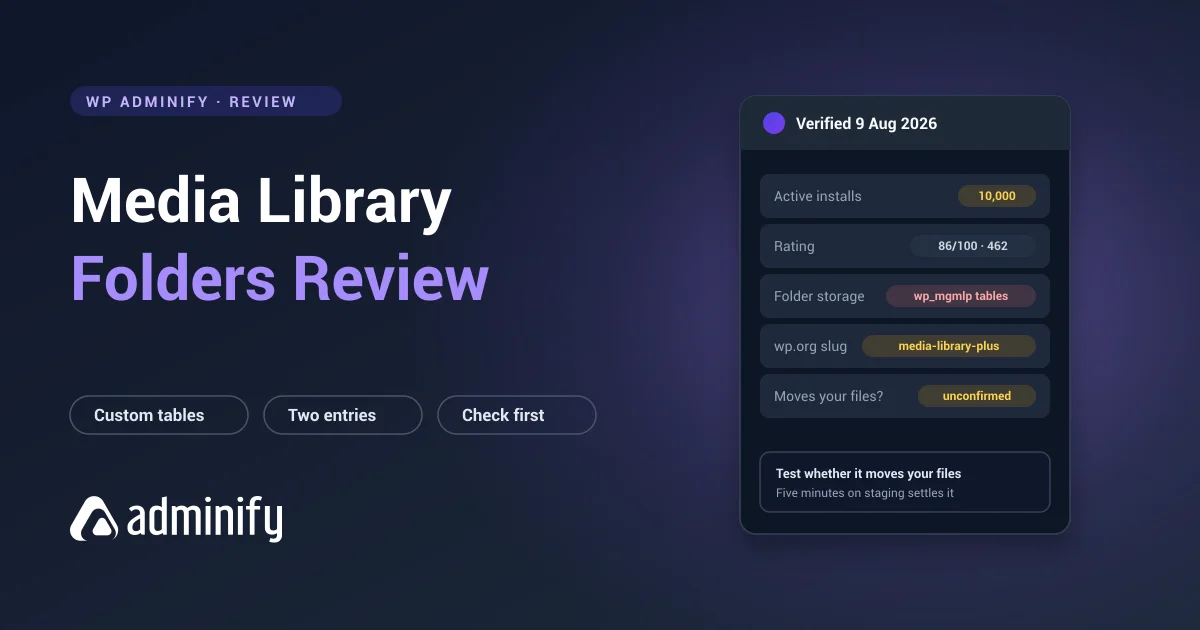
Depends on whether it stores folders as WordPress taxonomy terms or in its own tables, which we couldn't verify without a licence. Find out yourself by running wp db query "SHOW TABLES;" on your install. If its own tables show up, export the structure before you deactivate anything.
Final verdict
- Just want folders? FileBird or Folders by Premio, both free and both better at that one job.
- Want portability? Folders, Media Library Organizer, Wicked Folders or WP Adminify, all taxonomy-based and verified.
- Want a different kind of bundle? WP Adminify consolidates admin-wide rather than media-wide.
- Genuinely need cloud offloading? Pair a dedicated offload plugin with a dedicated folder plugin.
- The difference that matters: every alternative here has a free version you can trial on your real library. WP Media Folder doesn't.
Want the storage background first? See how WordPress media folders work, or WP Adminify's media folder feature for the admin-bundle route.

Your email address will not be published