
WP Adminify vs Ultimate Dashboard (2026): The Definitive Comparison
Choosing the right WordPress admin plugin can transform how you - and your clients - experience the WordPress backend. In 2026, two names come up repeatedly in this space: WP Adminify and Ultimate Dashboard. Both promise to improve the WordPress admin experience, but they take dramatically different approaches.
This in-depth comparison covers features, pricing, use cases, and performance to help you make an informed decision. Spoiler: the gap between these two plugins is wider than ever in 2026.
Overview: What Each Plugin Does

WP Adminify
WP Adminify is a comprehensive WordPress admin management suite that has grown into one of the most feature-rich admin plugins available. It covers WordPress dashboard customization, admin menu editing, white labeling, login page redesign, dark mode, performance optimization, code snippet management, media folder organization, and much more - all from a single plugin.
The philosophy behind WP Adminify is simple: replace a dozen separate plugins with one well-integrated suite. Agencies, developers, and power users love it because it handles everything from WordPress admin customization to deep client-facing white labeling without needing to juggle multiple tools.
Ultimate Dashboard
Ultimate Dashboard, by contrast, is a focused widget-based dashboard plugin. It lets you add custom widgets to the WordPress dashboard - including text, icon, and page builder widgets (Elementor, Beaver Builder support). It is lightweight, easy to use, and does its narrow job well.
The problem? Dashboard widgets are only a tiny slice of what modern WordPress admins need. Ultimate Dashboard hasn't significantly expanded its feature set in recent years, and in 2026 it still covers roughly 15 features compared to WP Adminify's 60+.
Feature-by-Feature Comparison
| Feature | WP Adminify | Ultimate Dashboard |
|---|---|---|
| Dashboard Widgets | Full customization | Core strength |
| Admin Menu Editor | Full drag and drop | Not available |
| Dark Mode | Scheduled + per-user | Not available |
| Login Page Customization | 16 templates + Loginfy | Not available |
| White Label (Full) | Agency-grade | Basic only |
| Plugin White Label | Hide and rename plugins | Not available |
| Activity Logs | Detailed logging | Not available |
| Heartbeat API Control | Full control | Not available |
| Code Snippets Manager | Built-in | Not available |
| Media Folder Organization | Drag and drop folders | Not available |
| Performance Optimization | Multiple tools | Not available |
| Page Builder Widget Support | Yes | Elementor/Beaver |
| Multi-site Support | Full | Limited |
| Role-based Access Control | Granular | Basic |
| Client Dashboard | Full client area | Not available |
Deep Dive: WP Adminify's Winning Features
1. Admin Menu Editor
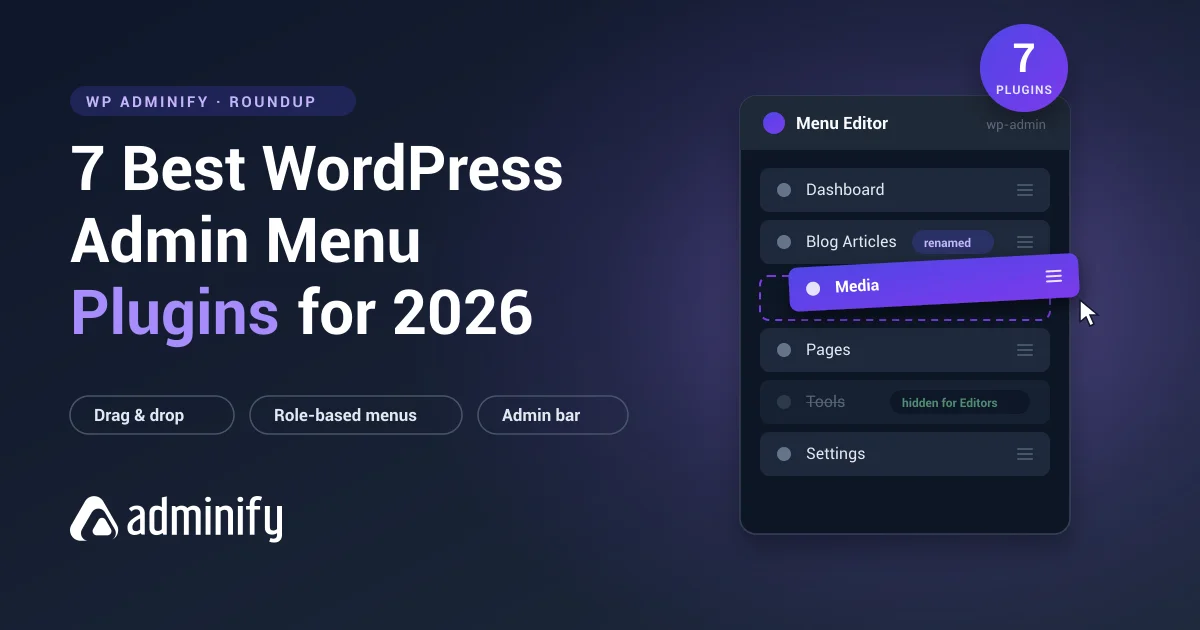
WP Adminify's Admin Menu Editor is one of its most powerful features. You can reorder, rename, hide, add icons, and completely restructure the WordPress admin menu per user role. This is critical for client sites where you do not want clients seeing menu items they should not access.
Ultimate Dashboard has no equivalent feature. If admin menu management matters to you (and it should), WP Adminify wins this category outright. Learn more in our detailed guide on how to use the WordPress admin menu editor.
2. Dark Mode
WP Adminify's Dark Mode is not just a simple color inversion - it is a proper, scheduled dark mode system. You can set automatic switching times (e.g., switch to dark at 6 PM), allow individual users to set their own preference, and choose from multiple dark color palettes.
Ultimate Dashboard has no dark mode support whatsoever. Check out our guide on how to enable WordPress dark mode to see how easy it is to set up.
3. White Label and Plugin White Label
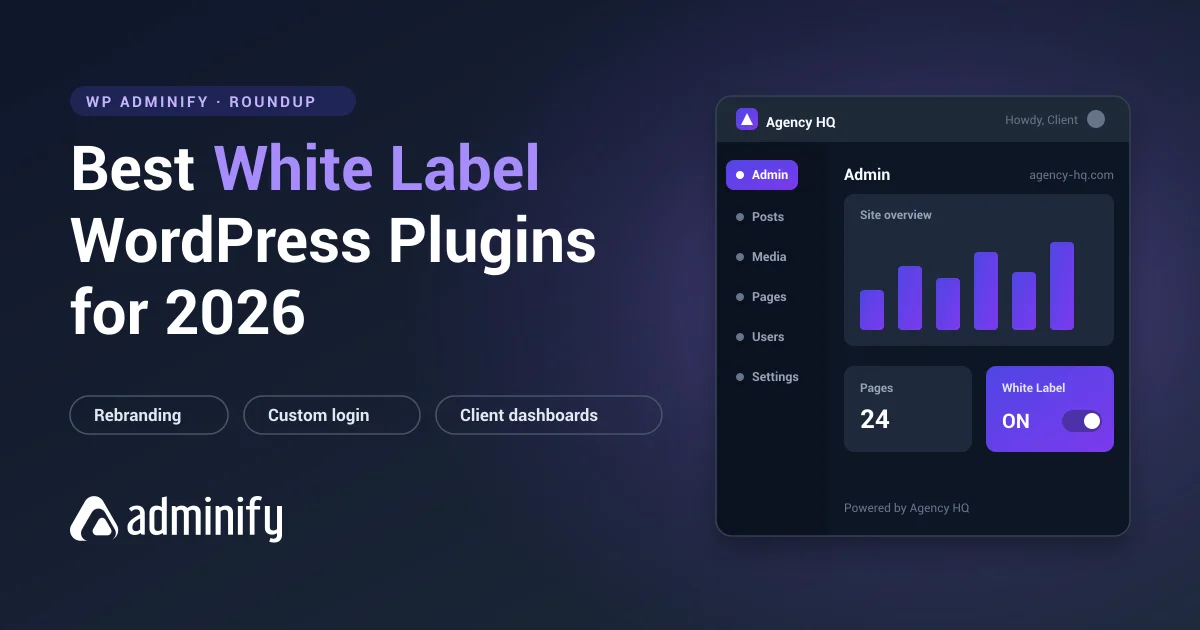
For agencies, WP Adminify's White Label system is a game-changer. You can replace the WordPress branding with your own agency brand - custom logo, custom admin color scheme, custom footer text, custom admin bar - all without writing a line of code.
Even more powerful is the Plugin White Label feature, which lets you hide the "Powered by WP Adminify" branding and even rename the plugin itself in the plugin list. Clients see your brand everywhere. This is essential for professional white label WordPress development.
Ultimate Dashboard offers only the most basic white labeling - it cannot come close to WP Adminify's depth here.
4. Heartbeat API Control
WordPress's Heartbeat API can quietly drain server resources, causing slow admin panels and high CPU usage. WP Adminify's Heartbeat Control lets you adjust the frequency or disable the Heartbeat API on specific pages (post editor, frontend, dashboard) individually.
This is a genuine performance optimization that can make a measurable difference on shared hosting. See our guide on how to control the WordPress Heartbeat API. Ultimate Dashboard does not touch performance optimization at all.
5. Code Snippets Manager
WP Adminify's Code Snippets module lets you safely add PHP, CSS, and JavaScript snippets to your site without touching theme files. Each snippet can be toggled on/off independently, reducing the risk of breaking your site.
This replaces the need for a separate code snippets plugin entirely. Ultimate Dashboard does not offer this capability.
6. Media Folder Organization
The WordPress Media Folder feature in WP Adminify brings drag-and-drop folder organization to your media library. As sites grow, the media library becomes chaotic - WP Adminify solves this without any additional plugin. Learn more in our guide on how to organize WordPress media library with folders.
7. Activity Logs
Know exactly who did what and when on your WordPress site. WP Adminify's activity logs track user actions, plugin changes, post updates, and more. This is indispensable for multi-user sites and client sites where accountability matters.
8. Login Page Customization
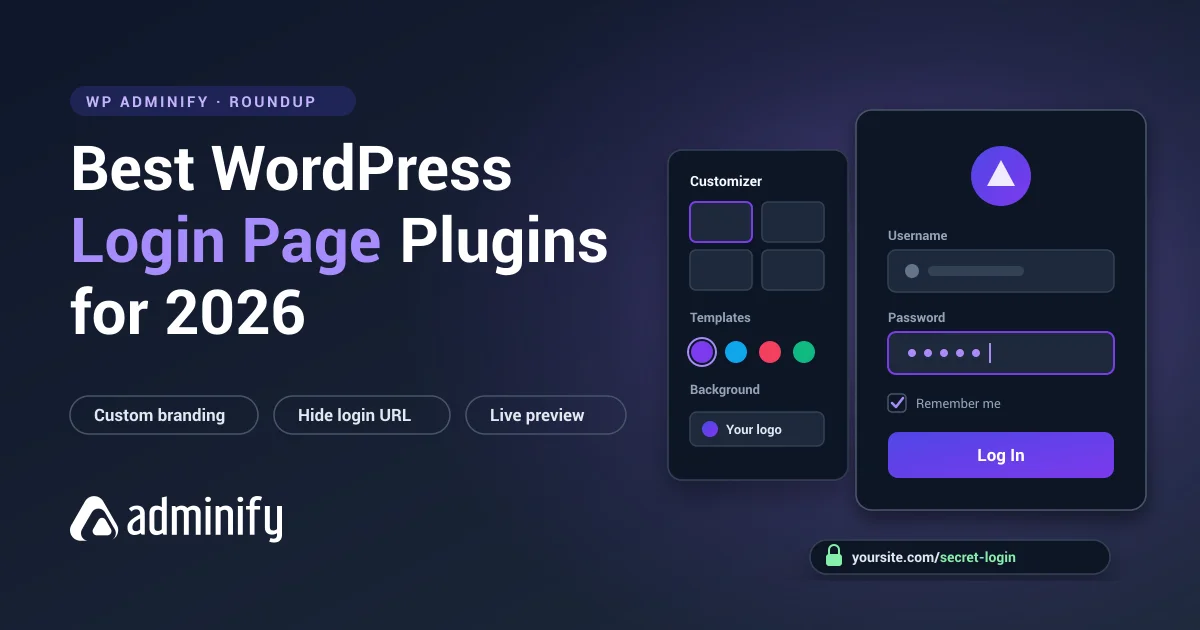
WP Adminify includes Loginfy - a powerful login page builder with 16 pre-built templates. You can create branded login pages that match your client's brand identity in minutes. This guide on WordPress login page white label walks you through the full process.
Dashboard Customization: Where Ultimate Dashboard Shines
To be fair to Ultimate Dashboard, it does excel at its core mission: dashboard widget management. It offers a clean, intuitive interface for adding custom welcome widgets, text widgets, and page builder-powered widgets to the WordPress dashboard. If your only need is a polished client welcome screen with no other customization requirements, Ultimate Dashboard is perfectly adequate.
However, WP Adminify's Dashboard Customization module covers the same ground and more, making Ultimate Dashboard redundant for anyone already using WP Adminify. Check out our comprehensive guide on WordPress dashboard customization to see the full capabilities.
Pricing Comparison (2026)
WP Adminify Pricing
- Free: Available on WordPress.org - includes substantial features
- Personal: $79/year - 1 site
- Business: $129/year - 5 sites
- Agency: $299/year - unlimited sites
- Lifetime Bundle: $799 one-time - all products, unlimited sites
Ultimate Dashboard Pricing
- Free: Available on WordPress.org - basic dashboard widgets
- Pro: Per-site pricing (varies by plan)
The value proposition is stark: WP Adminify's free tier already beats Ultimate Dashboard Pro in feature depth. When you compare WP Adminify's $79/year Personal plan against Ultimate Dashboard Pro, you get 4x more features for a comparable price point.
For agencies managing multiple client sites, WP Adminify's $299/year unlimited-sites Agency plan is an extraordinary value - one price for all your clients versus paying per-site with Ultimate Dashboard.
See WP Adminify Pricing - Start Free
Use Case Analysis
Choose WP Adminify if you:
- Manage client sites and need professional white labeling
- Want to consolidate multiple admin plugins into one
- Need admin menu control, dark mode, activity logs, or heartbeat management
- Run an agency building WordPress sites for clients (see our guide on WordPress client dashboard)
- Care about site performance and want to optimize the admin experience
- Want the best value-per-dollar in WordPress admin tools
Choose Ultimate Dashboard if you:
- Only need basic dashboard widget customization
- Already use page builders and want integrated dashboard widgets
- Have an extremely simple use case and want minimal overhead
In practice, almost any use case for Ultimate Dashboard is fully covered by WP Adminify - often better. The reverse is not true.
Performance Impact
Both plugins add some overhead to the WordPress admin area, but WP Adminify is built with performance in mind. Its modular architecture lets you enable only the features you need, keeping the footprint minimal. The built-in Heartbeat Control can actually improve overall WordPress performance - something that gives back more than it costs.
WP Adminify is also actively developed with regular performance audits. For agencies focused on WordPress performance optimization, this matters enormously.
Final Verdict: WP Adminify Wins Decisively
In 2026, the comparison between WP Adminify and Ultimate Dashboard is not particularly close. Ultimate Dashboard is a solid, narrow tool for dashboard widgets. WP Adminify is a complete WordPress admin platform that happens to include dashboard customization as just one of its 60+ features.
The decision is simple: if you want only dashboard widgets with page builder support and nothing else, Ultimate Dashboard works fine. For everything else - and for any serious WordPress admin work in 2026 - WP Adminify is the better choice by a wide margin.
WP Adminify's free version is more capable than Ultimate Dashboard Pro. The paid plans offer agency-grade features at developer-friendly pricing. There is simply no contest on features, value, or long-term platform viability.
Try WP Adminify Free - No Credit Card Required
WP Adminify vs Ultimate Dashboard FAQs
Is WP Adminify better than Ultimate Dashboard?
Yes. WP Adminify offers 60+ features compared to Ultimate Dashboard's ~15. WP Adminify's free version already surpasses Ultimate Dashboard Pro in feature depth, making it the better choice for virtually all use cases.
Can WP Adminify replace Ultimate Dashboard?
Absolutely. WP Adminify includes a full dashboard customization module that covers everything Ultimate Dashboard does, plus admin menu editing, dark mode, white labeling, heartbeat control, activity logs, and much more.
Does WP Adminify work with Elementor for dashboard widgets?
Yes. WP Adminify's dashboard customization supports page builder-powered widgets. You can create rich, branded dashboard experiences for clients using your preferred page builder.
Is WP Adminify free?
Yes. WP Adminify has a generous free version available on WordPress.org that includes substantial features. Paid plans start at $79/year for 1 site (Personal), $129/year for 5 sites (Business), and $299/year for unlimited sites (Agency); a $799 lifetime bundle is also available.
Does WP Adminify slow down WordPress?
No - in fact, WP Adminify can improve WordPress admin performance through its built-in Heartbeat API control and other performance optimization tools. Its modular design means you only load features you actually use.
What makes WP Adminify good for agencies?
WP Adminify is purpose-built for agencies. It includes agency-grade white labeling, plugin white label (hide WP Adminify branding), unlimited site licensing, client dashboard creation, role-based access control, and activity logs - all the tools agencies need for professional client site delivery.
Does Ultimate Dashboard have dark mode?
No. Ultimate Dashboard does not include a dark mode feature. WP Adminify provides a full scheduled dark mode system that lets users toggle dark mode manually or set automatic time-based switching.
Which is better for client sites: WP Adminify or Ultimate Dashboard?
WP Adminify is significantly better for client sites. It provides complete white labeling, branded login pages, a dedicated client dashboard, activity logging, role-based menu control, and plugin white label - far beyond what Ultimate Dashboard offers.
Can I switch from Ultimate Dashboard to WP Adminify?
Yes. Install WP Adminify from WordPress.org, set up the dashboard widgets, menu, and white-label options you need, and confirm everything works before you deactivate Ultimate Dashboard. Migrate one feature at a time so you can isolate any issue. Your posts, pages, and settings stay untouched - only the admin customization layer changes.
Still weighing your options? See our full roundup of the best WordPress dashboard plugin picks for 2026 - WP Adminify leads the field as the top all-in-one choice, ahead of Ultimate Dashboard and White Label CMS.