

Category: Tutorials
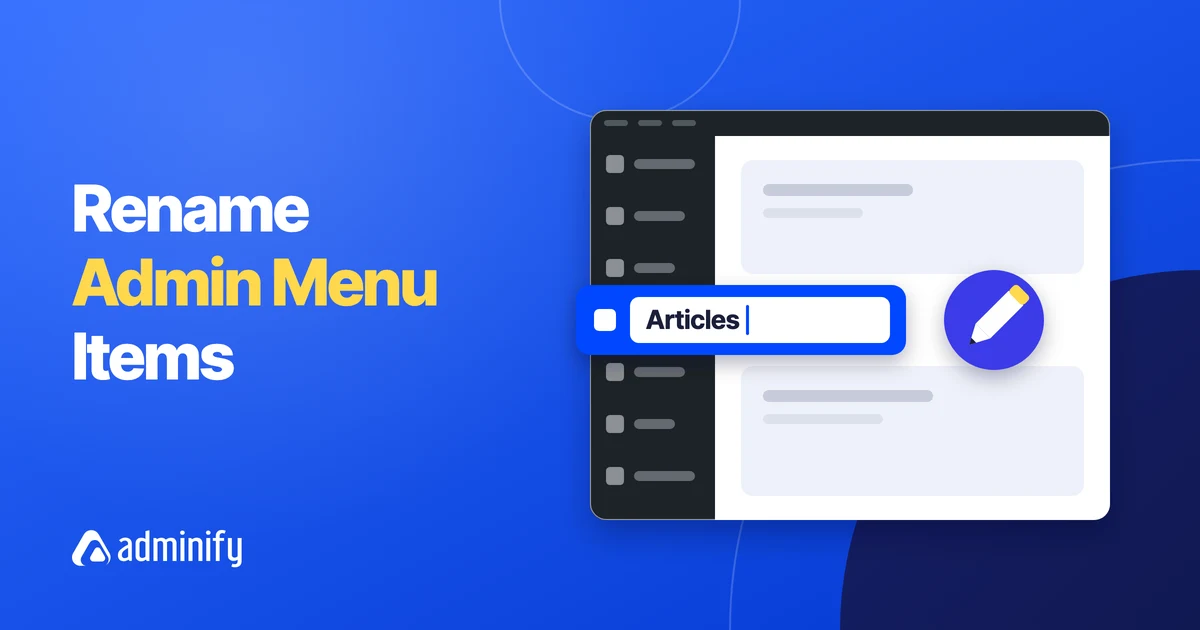

How to Rename WordPress Admin Menu Items and Change Their Icons
Key Takeaways You can change an admin menu label in WordPress without code in WP Adminify under Adminify…
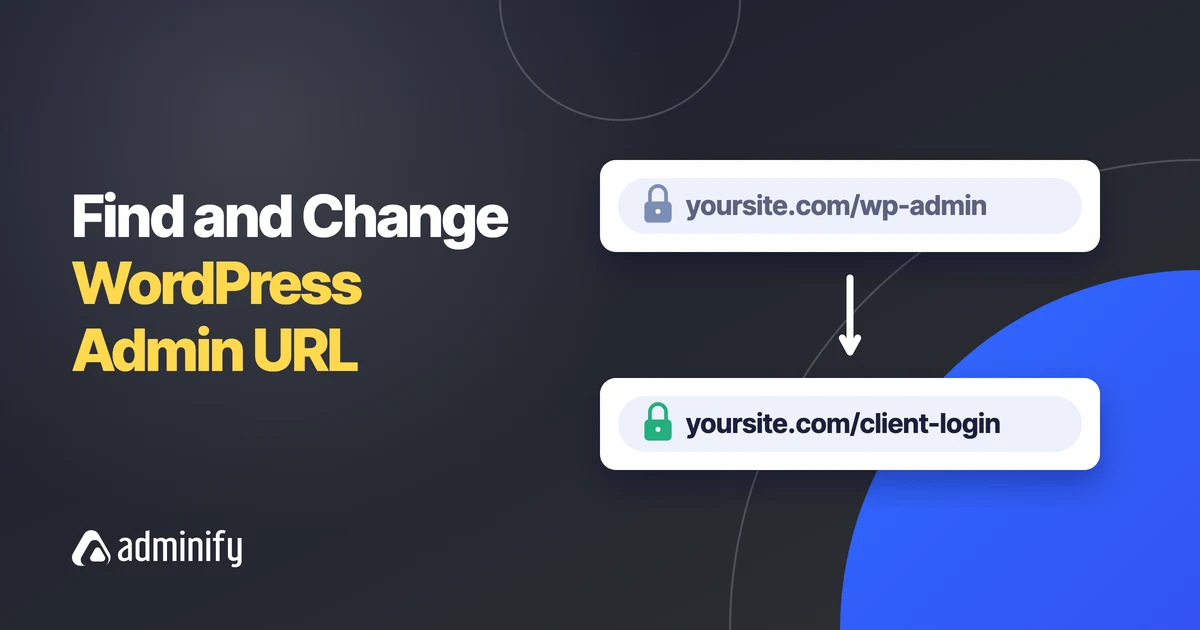
What Is My WordPress Admin URL? How to Find and Change It
Key Takeaways The WordPress admin URL is your site address followed by /wp-admin/, for example https://example.com/wp-admin/, and the…
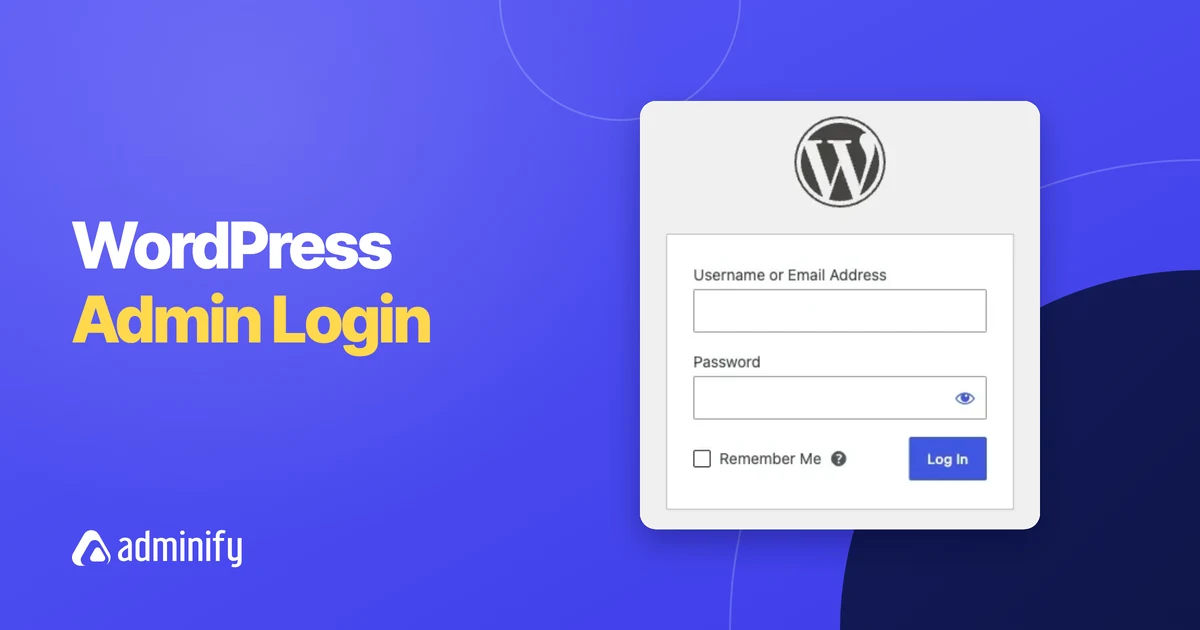
WordPress Admin Login: How to Log In to wp-admin (Every Method)
Key Takeaways The WordPress admin login page is at yoursite.com/wp-login.php, and visiting yoursite.com/wp-admin/ while logged out sends you…
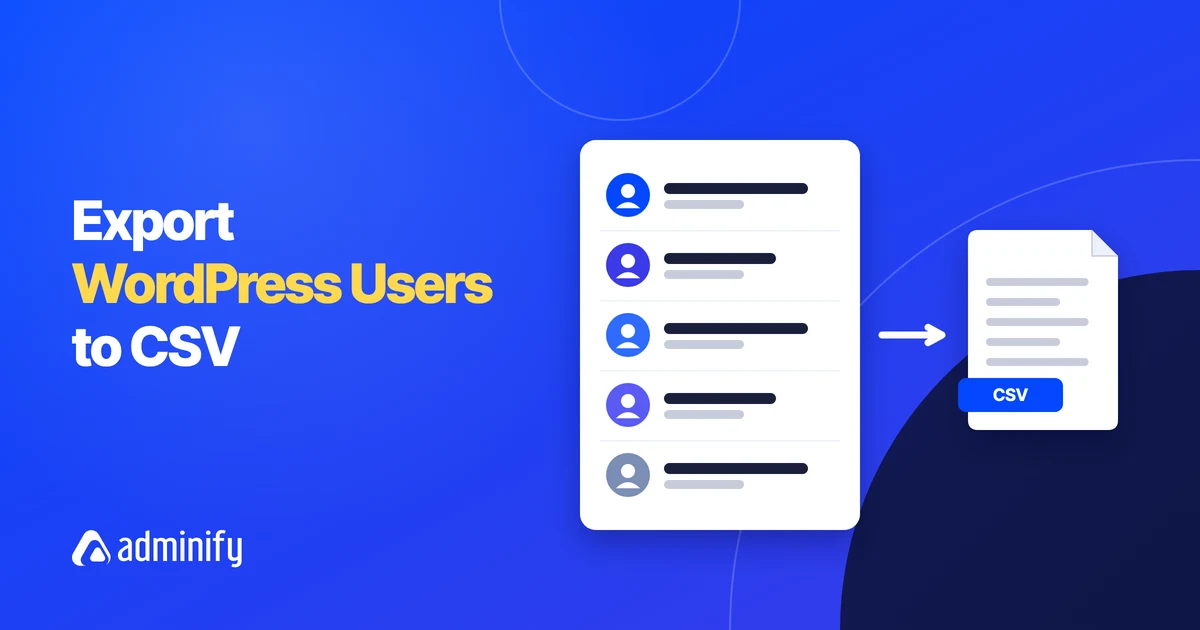
How to Export WordPress Users to a CSV File
Key Takeaways WordPress has no built-in button to export users: the Users screen bulk actions do not include…
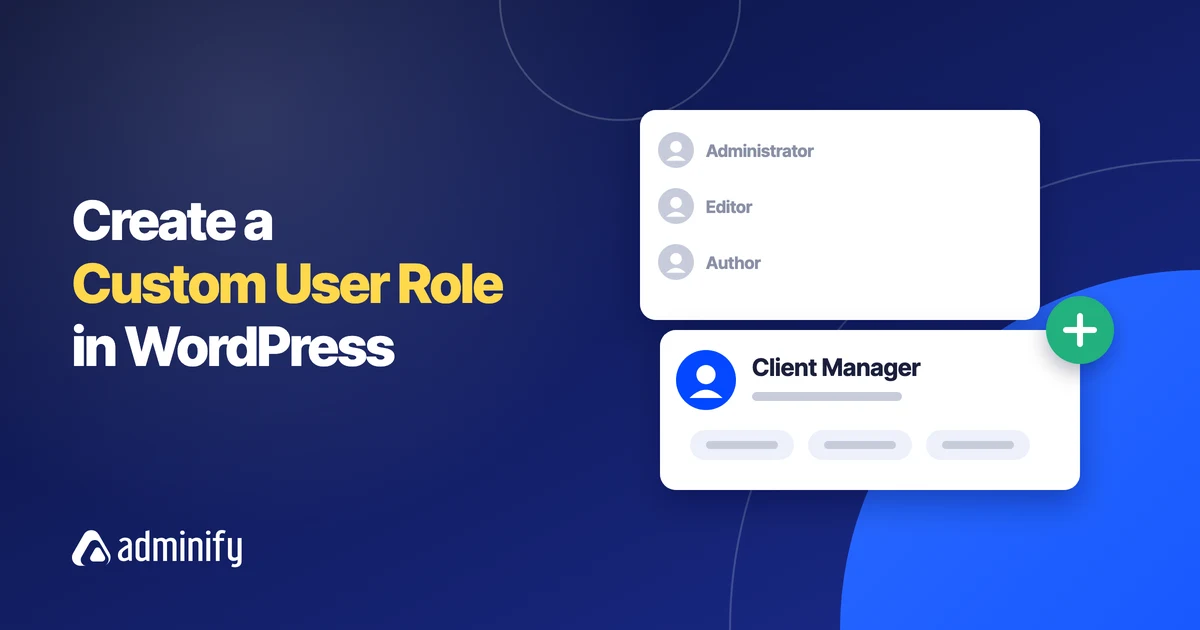
How to Create a Custom User Role in WordPress
Key Takeaways WordPress ships with five single-site roles (Administrator, Editor, Author, Contributor and Subscriber), and a custom user…
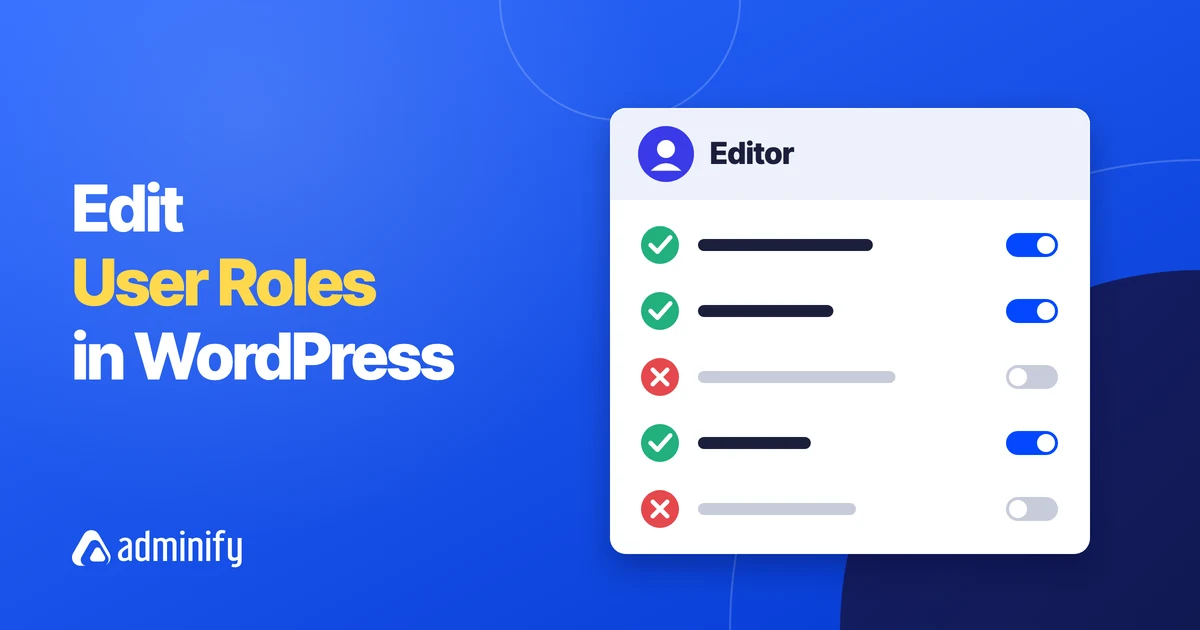
How to Edit User Roles in WordPress (Add or Remove Capabilities)
Key Takeaways WordPress has no built-in screen for editing roles, so you change role capabilities with a WordPress…
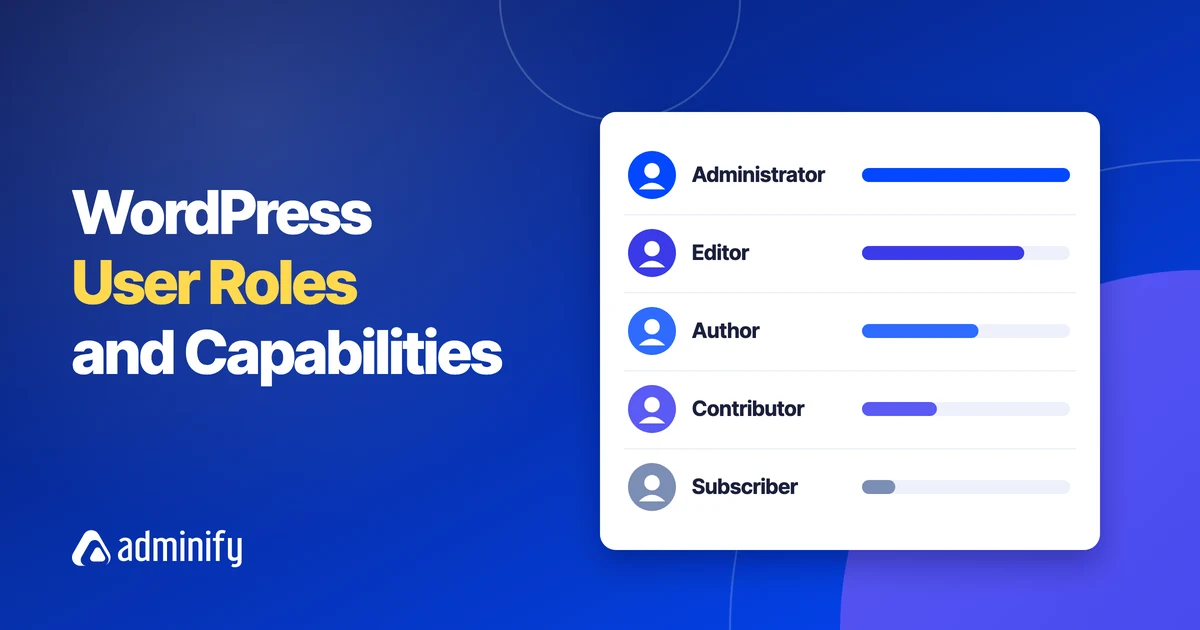
WordPress User Roles and Capabilities: The Complete Guide
Key Takeaways WordPress user roles are named sets of capabilities, and a standard single site has five of…

How to Disable Emojis in WordPress (Plus Embeds, jQuery Migrate and Dashicons)
Key Takeaways WordPress prints an emoji detection script in the head of every front-end page and every admin…
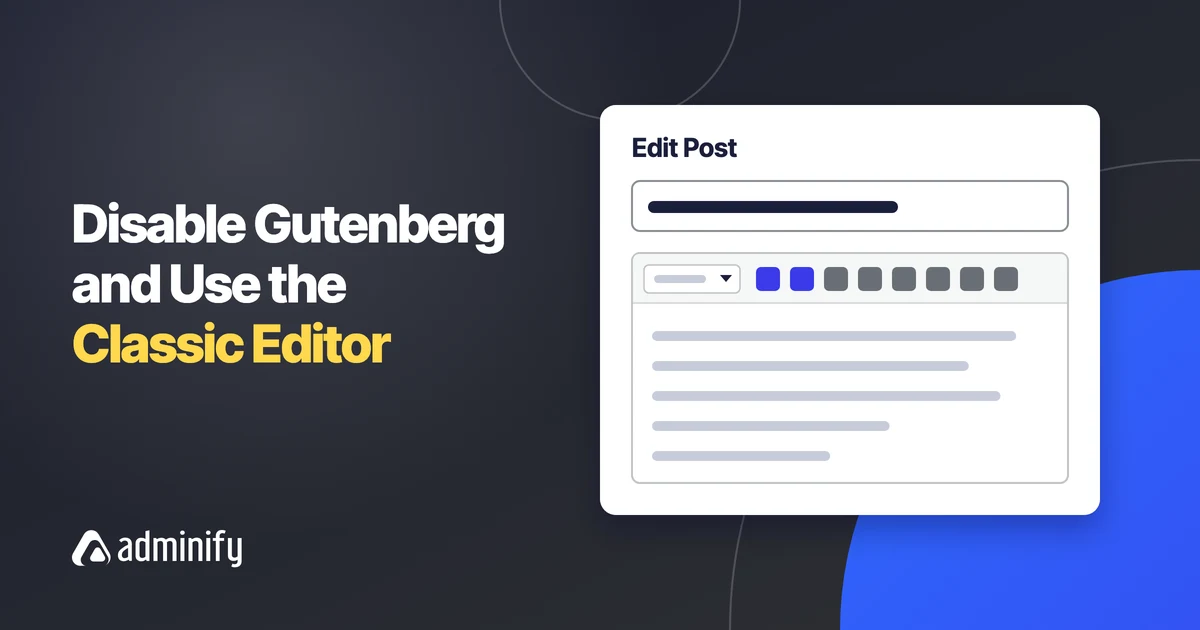
How to Disable Gutenberg and Use the WordPress Classic Editor
Key Takeaways The Classic Editor plugin is maintained by the WordPress team, has more than 8 million active…
How to Export and Import WordPress Menus to Another Site
Key Takeaways The WordPress Tools > Export screen offers All content, Posts, Pages and Media, and menus are…