

WP Adminify Blog
Subscribe to get Updates & Offers

WP Adminify vs WP Dark Mode: Which One for the WordPress Admin?
Key Takeaways WP Dark Mode by WPPOOL is a front-end first plugin with over 20,000 active installs that…
WordPress Admin Dark Mode Without a Plugin (CSS Method)
Key Takeaways WordPress 7.x has no built-in dark mode for wp-admin, so a WordPress dark mode without a…
How to Use Dark Mode in the WordPress Block Editor (Gutenberg)
Key Takeaways WordPress 7.x has no built-in Gutenberg dark mode, so the block editor's top bar, settings sidebar…
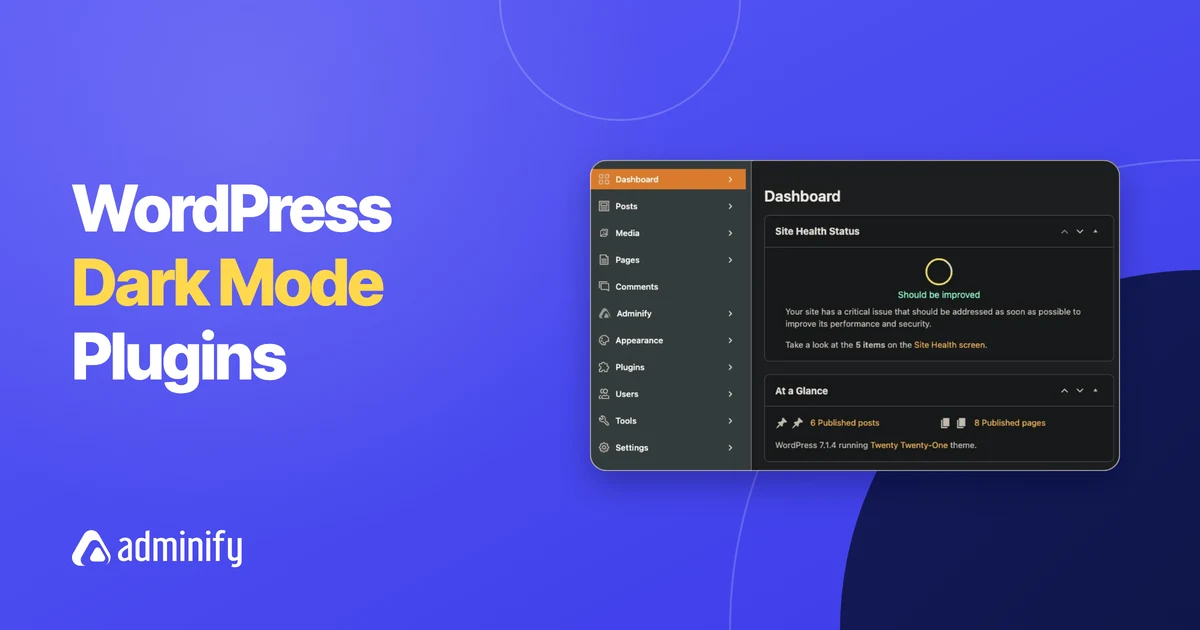
Best WordPress Dark Mode Plugins for the Admin Area (2026)
Key Takeaways WordPress 7.0 has no built-in dark mode for the admin; it added a light color scheme…
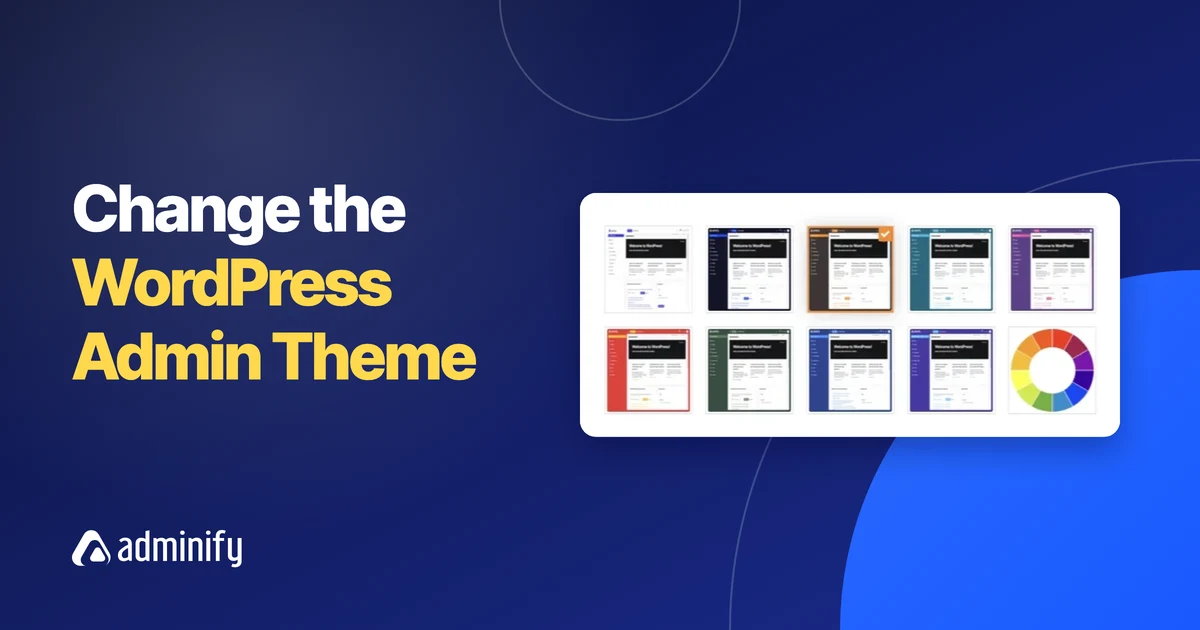
How to Change the WordPress Admin Theme: Templates, Colors and Logo
Key Takeaways Changing the WordPress admin theme only changes how wp-admin looks to logged-in users; the front-end theme…
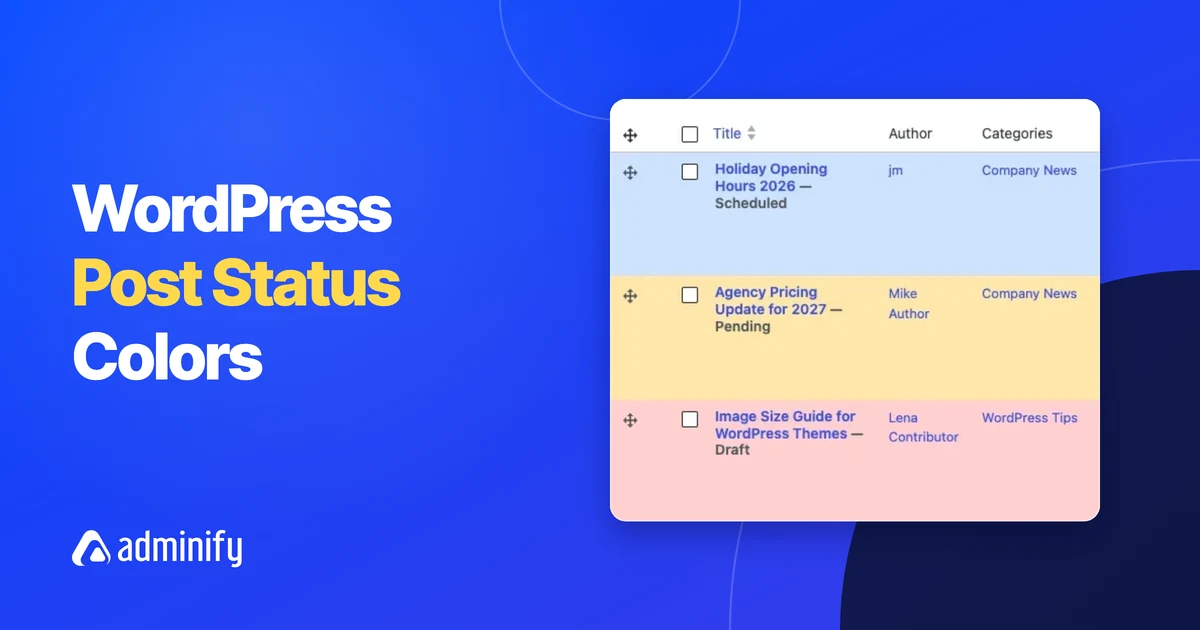
WordPress Post Status Explained: How to Color-Code Drafts, Pending and Scheduled Posts
Key Takeaways WordPress has six post statuses you see in the admin: publish, future (shown as Scheduled), draft,…
WP Adminify vs Admin Menu Editor (Free and Pro): 2026 Comparison
Key Takeaways The free Admin Menu Editor plugin was at version 1.15.2 with 300,000+ active installs on WordPress.org…
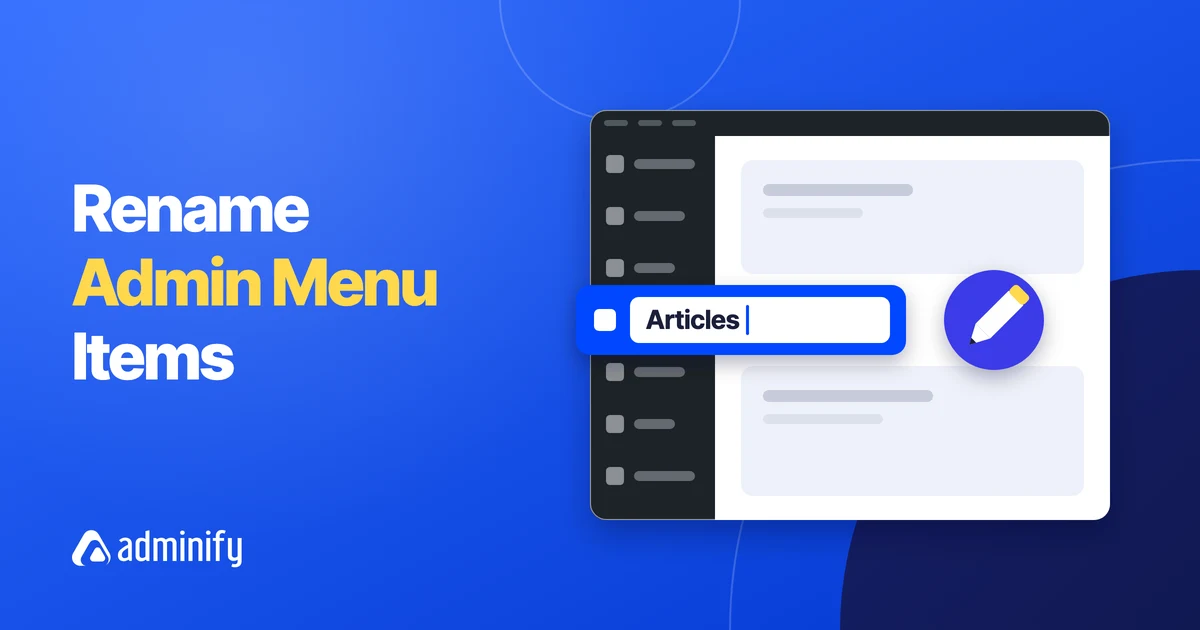
How to Rename WordPress Admin Menu Items and Change Their Icons
Key Takeaways You can change an admin menu label in WordPress without code in WP Adminify under Adminify…
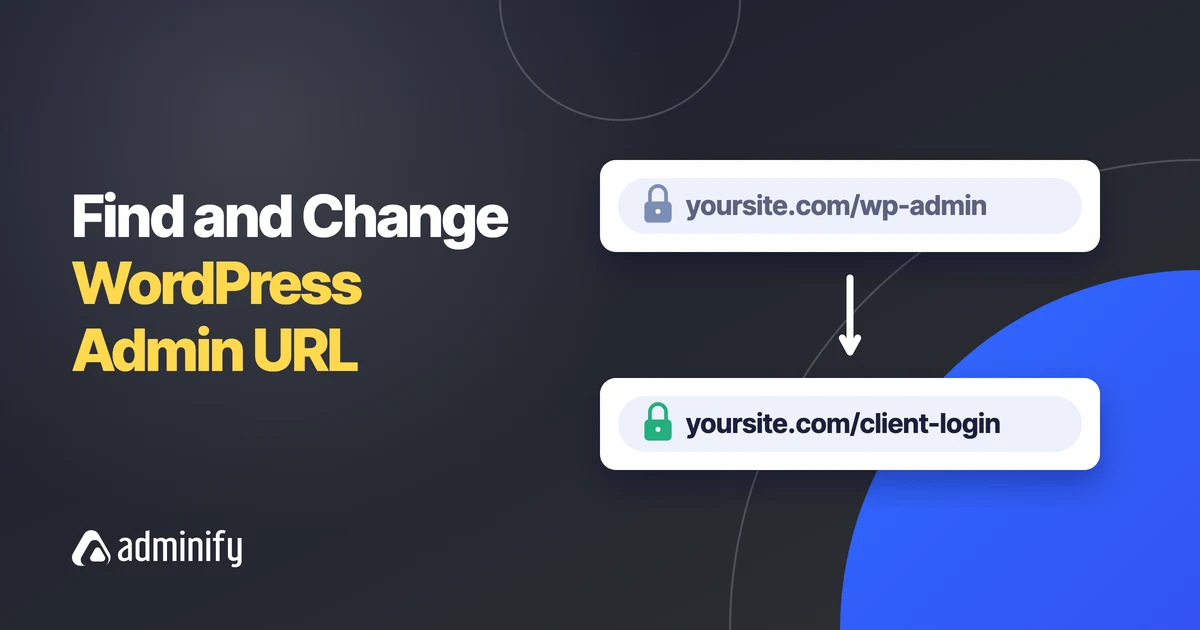
What Is My WordPress Admin URL? How to Find and Change It
Key Takeaways The WordPress admin URL is your site address followed by /wp-admin/, for example https://example.com/wp-admin/, and the…
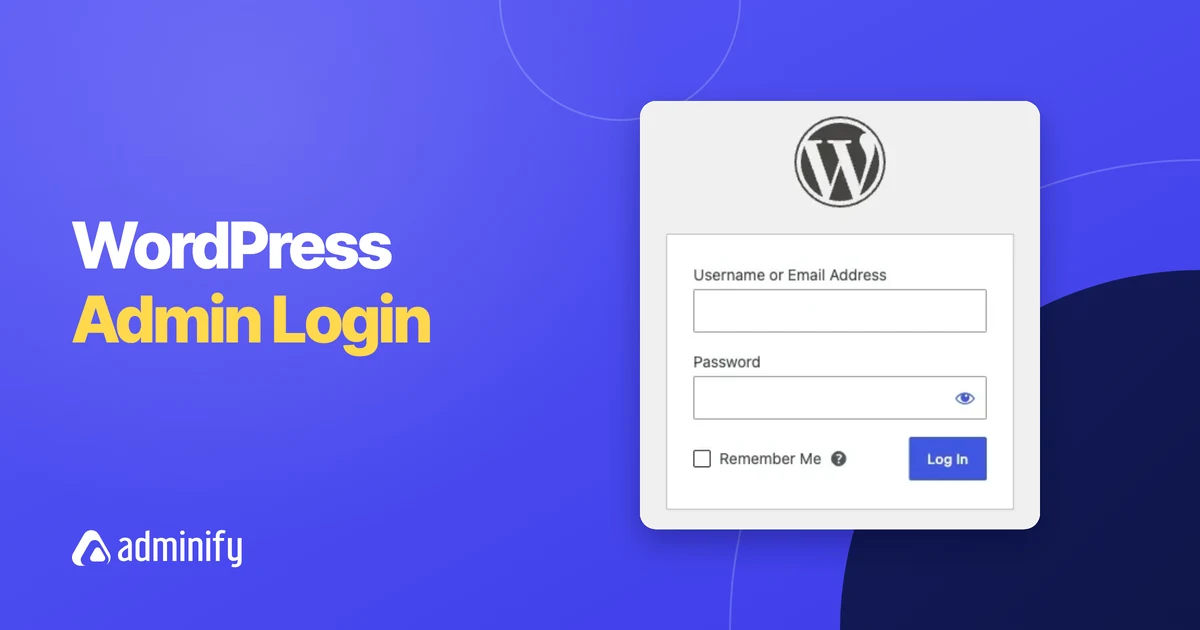
WordPress Admin Login: How to Log In to wp-admin (Every Method)
Key Takeaways The WordPress admin login page is at yoursite.com/wp-login.php, and visiting yoursite.com/wp-admin/ while logged out sends you…