

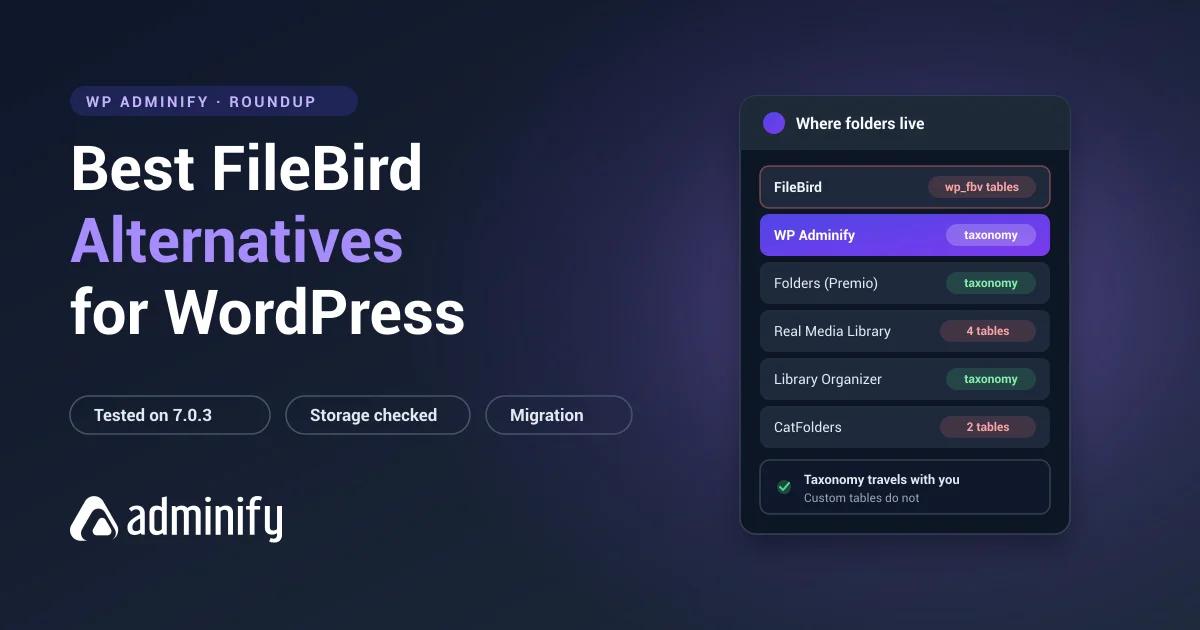

FileBird is the most installed media folder plugin for WordPress, and it earns that. The interface is the best in its category and the database design holds up on libraries where other plugins start crawling. Most people shopping for an alternative aren't unhappy with it. They've hit one specific wall.
Usually it's the free tier's folder cap, or the fact that it organizes media but leaves posts and pages alone, or the moment someone opens phpMyAdmin and realizes the folder tree lives in tables nothing else can read.
We tested seven alternatives on a clean WordPress 7.0.3 install, activating each one on its own and checking what it did to the database. So what follows comes from measurements, not from anyone's feature page.
One of the seven is ours: WP Adminify puts folders on media, posts, pages and products in one plugin. The full field is in our best WordPress media folder plugins roundup, with the incumbent covered in the FileBird review and the head-to-head in FileBird vs WP Adminify.
Why people leave FileBird
| Reason | What to look for instead |
|---|---|
| Free tier folder limit | A plugin with a more generous free tier |
| Need folders for posts and pages too | Folders by Premio or Wicked Folders |
| Want portable folder data | Any taxonomy-based plugin |
| Consolidating admin plugins | A broader toolkit like WP Adminify |
| Want a lighter footprint | Media Library Organizer |
That portability row needs unpacking, because nothing in the interface hints at it. FileBird keeps folders in wp_fbv and wp_fbv_attachment_folder, which are its own tables. We built an 11-folder structure, deactivated the plugin, and watched what happened: every file stayed exactly where it was, and the folder tree was simply gone. No other plugin could see it.
Taxonomy-based plugins put folders in wp_terms instead, where WP-CLI, another folder plugin, or a migration script can all read them. If you rebuild your stack every year or two, that's the difference between an afternoon and a weekend. We wrote up the process in WordPress media folders explained.
Quick comparison
| Plugin | Installs | Rating | Storage | Best for |
|---|---|---|---|---|
| WP Adminify | 7,000+ | 86/100 · 108 | Taxonomy | Folders plus wider admin control |
| Folders (Premio) | 90,000 | 100/100 · 1,514 | Taxonomy | Media, posts and pages together |
| Real Media Library | 100,000 | 96/100 · 289 | Custom tables | Advanced folder features |
| Media Library Organizer | 20,000 | 94/100 · 147 | Taxonomy | Minimal, portable setup |
| Wicked Folders | 20,000 | 98/100 · 56 | Taxonomy | Custom post type organization |
| Media Library Assistant | 70,000 | 96/100 · 201 | Taxonomy | Metadata rather than folders |
| CatFolders | 6,000 | 88/100 · 21 | Custom tables | Lightweight newer option |
Pulled from the WordPress.org Plugin API and a local install on 9 August 2026.
1. WP Adminify: folders plus the rest of wp-admin
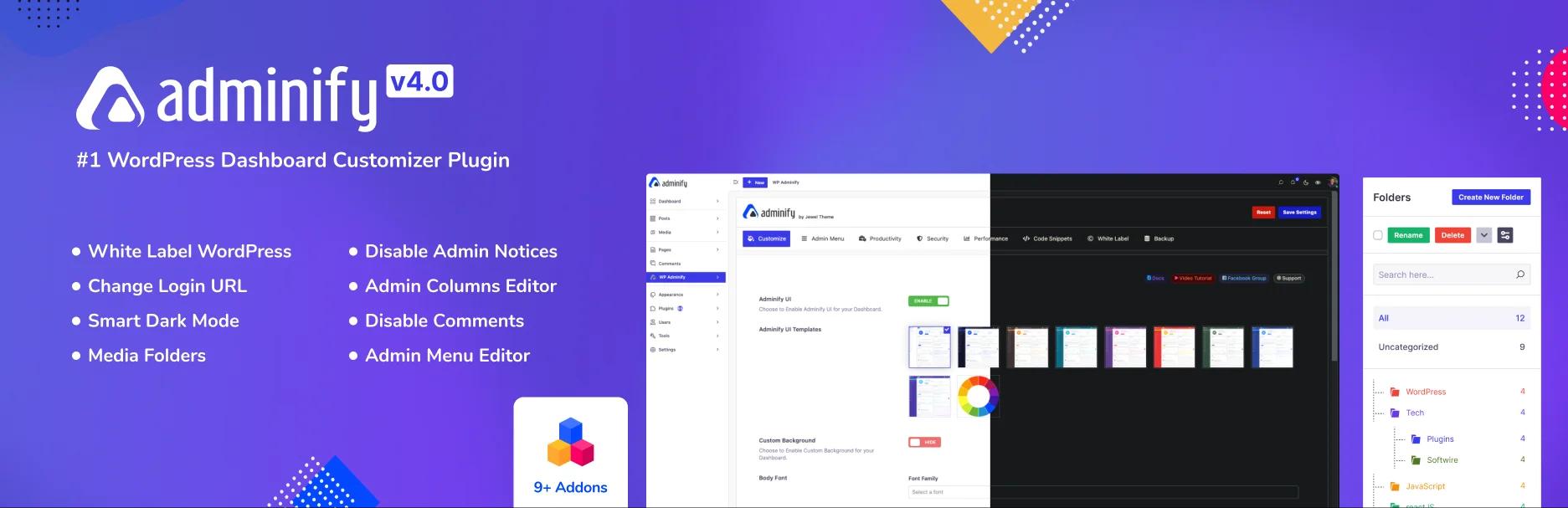
Verified: 7,000+ installs · 86/100 from 108 ratings · v4.2.24 · updated 9 August 2026
Storage: media_folder hierarchical taxonomy, no custom tables (verified)
This one changes the question you're asking. Instead of swapping one folder plugin for another, WP Adminify handles media folders next to admin menu editing, white labelling, login customization, dashboard widgets and admin columns.
Which matters if FileBird is one of six single-purpose plugins holding your admin together. Six plugins means six update cycles, six settings pages, and six chances for a conflict after a WordPress release.
On the two FileBird complaints that send people looking: folders are plain WordPress terms, so you can list the whole structure with wp term list media_folder and hand it to anything. And the taxonomy is hierarchical, so subfolders work.
Trade-off: there's no manual folder ordering. FileBird's ord column beats us there and we're not going to pretend otherwise. If folders are genuinely the only thing you need, this is more plugin than the job calls for.
Best for: agencies and site managers cutting their admin plugin count. Full head-to-head in the WP Adminify folder module, and free versus Pro is broken down per tier.
2. Folders by Premio: the closest like-for-like swap

Verified: 90,000 installs · 100/100 from 1,514 ratings · v3.1.9 · updated 21 July 2026
Storage: media_folder, folder (pages), post_folder (posts), all hierarchical taxonomies
If you want to swap and move on, this is the one. A perfect score across more than fifteen hundred ratings is the strongest signal anywhere in this category, and on a per-rating basis it beats FileBird's own 94/100.
It also closes two FileBird gaps in one go: folders reach posts and pages, and the storage is taxonomy-based rather than proprietary.
One thing we hit while testing, so you don't: Folders and WP Adminify both register a taxonomy called media_folder. Don't run them at the same time. The flip side is that moving between those two is far easier than unpicking anyone's custom tables.
Trade-off: the media interface is less specialized than FileBird's, which is what happens when a plugin covers three post types instead of one.
3. Real Media Library: the most features, the deepest lock-in

Verified: 100,000 installs · 96/100 from 289 ratings · v4.22.82 · updated 2 July 2026 · devowl.io
Storage: four custom tables
The most feature-dense alternative here, and the one closest to FileBird in ambition. The lite version alone creates four tables. Ordering, metadata and staging state each get their own storage, which tells you how much engineering went in.
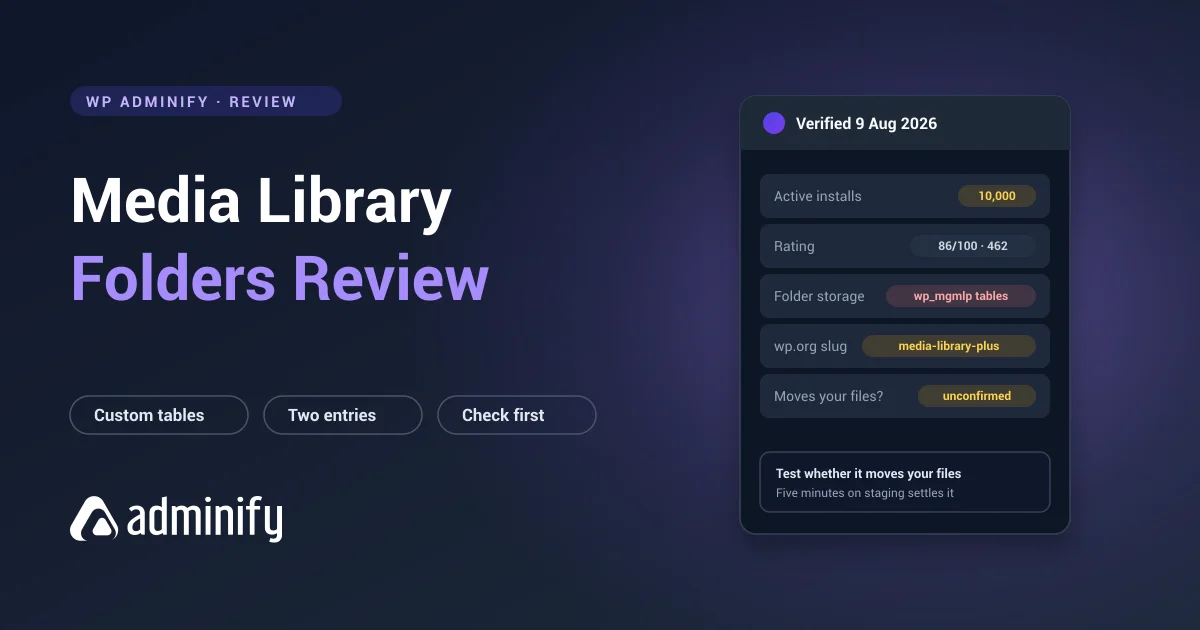
Important caveat: if proprietary storage is the reason you're leaving FileBird, this isn't the fix. It has the heaviest database footprint of anything we tested. You'd be swapping one vendor's tables for another's, with more of them.
Best for: people leaving FileBird over features rather than portability. Its WordPress.org slug is real-media-library-lite, which is why searching "real media library" in your plugin installer often turns up nothing useful.
4. Media Library Organizer: the minimal, portable option
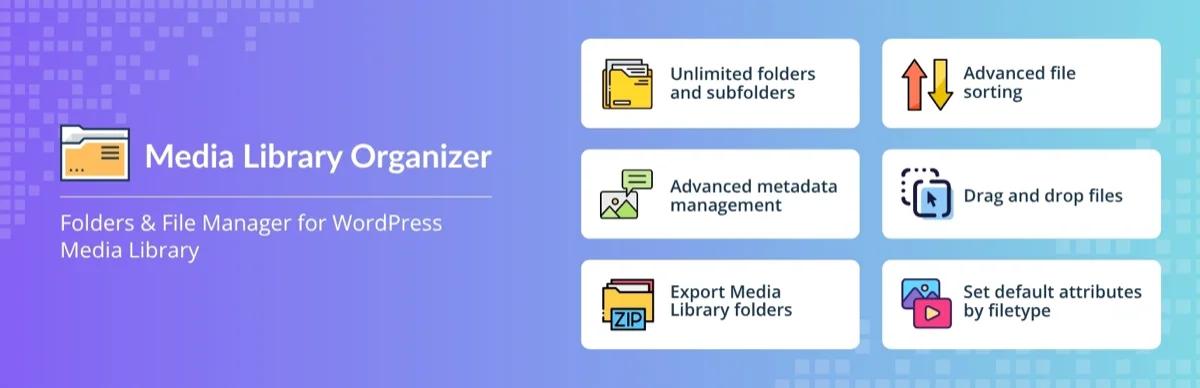
Verified: 20,000 installs · 94/100 from 147 ratings · v2.1.2 · updated 23 July 2026 · Themeisle
Storage: mlo-category hierarchical taxonomy, no custom tables
The cleanest implementation we looked at. One hierarchical taxonomy, nothing else, no tables. If FileBird feels like more machinery than your site deserves, this sits at the opposite end of the scale.
Themeisle maintains it, and the last update landed in July 2026, so it isn't one of those abandoned folder plugins you find at the bottom of search results.
Trade-off: thinner feature set, no manual folder ordering, and a smaller user base to catch bugs before you do.
Best for: sites that want folders with the least possible commitment.
5. Wicked Folders: folders on everything, not just media
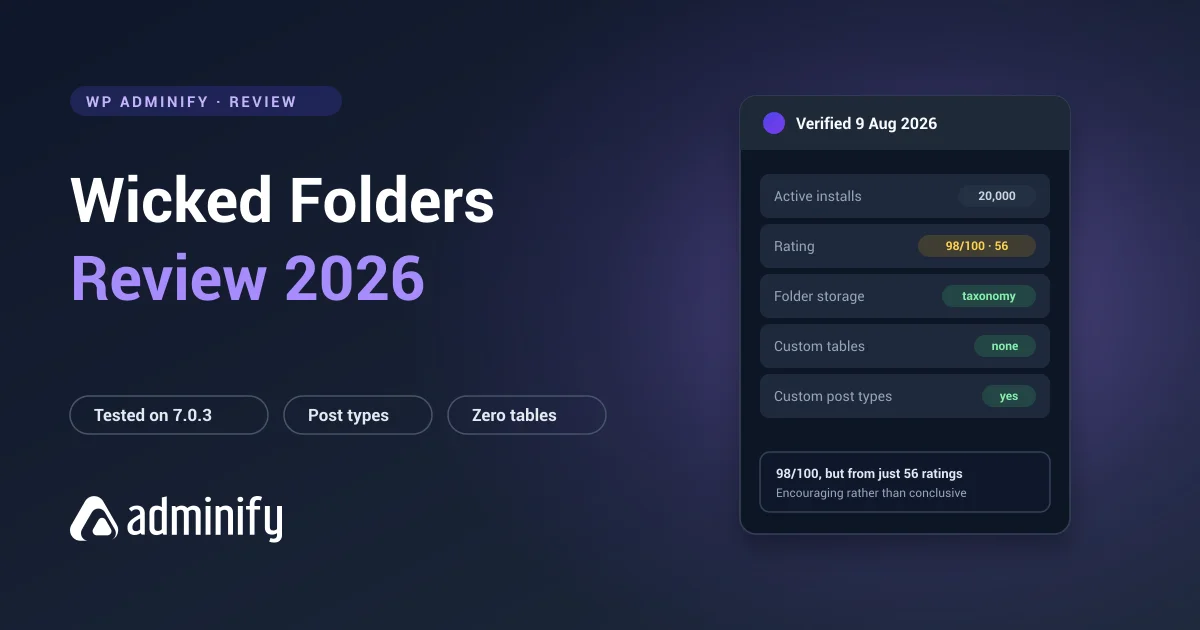
Verified: 20,000 installs · 98/100 from 56 ratings · v4.1.3 · updated 23 June 2026
Storage: hierarchical taxonomies per post type
Built to organize posts, pages and custom post types alongside media. If your actual complaint is that FileBird stops at the Media Library, this is the plugin that answers it. Handy on sites with a few hundred CPT entries and no sensible way to group them.
Trade-off: 56 ratings is a thin sample to bet a client site on, and media is one job among several here rather than the main event.
6. Media Library Assistant: for when the real problem is metadata
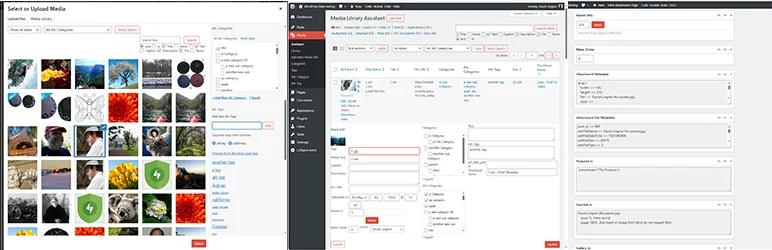
Verified: 70,000 installs · 96/100 from 201 ratings · v3.39 · updated 11 July 2026 · free, no paid tier
Worth listing because plenty of people install FileBird when what they're actually short of is metadata control: bulk alt text editing, IPTC and EXIF handling, custom taxonomies on attachments, shortcode galleries.
Be clear about what this isn't: there's no drag-and-drop folder tree anywhere in it. Want folders, look elsewhere. Want to fix alt text across 4,000 attachments without touching each one, nothing else comes close, and the whole thing is free with no upsell.
7. CatFolders: the newer lightweight option

Verified: 6,000 installs · 88/100 from 21 ratings · v2.5.5 · updated 19 May 2026
Storage: wp_catfolders, wp_catfolders_posts
A newer entrant with a tidy interface and someone clearly still working on it. Custom-table storage like FileBird, but without the install base that makes FileBird's longevity a fair bet.
Best for: small sites happy to try something young. We wouldn't move a 20,000-file library onto 21 ratings, and neither should you.
A note on HappyFiles
HappyFiles turns up in nearly every FileBird alternatives list, usually without context. Here's the context: WordPress.org removed it from the plugin directory on 26 January 2021 for a guideline violation, and it hasn't been listed there since. The developer sells it directly as a premium product now.
That's not a verdict on the software, which has a real following. But any list still recommending it as a free WordPress.org download in 2026 hasn't checked.
How to switch without losing your structure
Whatever you pick, the order of operations matters, because FileBird's folder data goes unreadable the moment you deactivate it.
- Back up files and database, and test that the restore actually works.
- Export the structure while FileBird is still active. Read
wp_fbvfor folder ids, names and parents, andwp_fbv_attachment_folderfor the file mapping. - Test on staging first. Never migrate a large library on production first.
- Recreate folders in the new plugin, parents before children.
- Reassign files using the exported mapping.
- Verify the counts match before you deactivate anything.
- Leave FileBird installed but inactive for a few weeks. Its tables stick around, so it doubles as a working rollback.
Under about 2,000 files, rebuilding by hand with batch selection usually beats writing a migration script. Full detail in WordPress media folders explained.
FileBird Alternatives FAQs
What is the best FileBird alternative?
Folders by Premio is the closest direct replacement: 90,000 installs, a perfect 100/100 from 1,514 ratings, portable taxonomy storage, and it covers posts and pages as well as media. If you're cutting your admin plugin count rather than just swapping folder tools, WP Adminify handles folders alongside menu editing and white labelling.
Is there a free alternative to FileBird?
Several. Folders, Media Library Organizer, Wicked Folders and Media Library Assistant all have free versions on WordPress.org, and Media Library Assistant is free outright with no paid tier. Free tiers of folder plugins usually cap how many folders you can create, so check that limit against the number you actually need before installing.
Will I lose my folders if I switch from FileBird?
Your files are never at risk. We deactivated FileBird with all 38 test files in folders and every one stayed intact. The folder structure is the part that goes, because it lives in FileBird's own tables and nothing else can read them. Export it while FileBird is still active, then rebuild in the new plugin.
Which FileBird alternative has the best free version?
Media Library Assistant is free outright, though it's a metadata tool rather than a folder plugin. Among the actual folder plugins, compare free-tier folder limits directly, since that's the wall people hit far more often than any missing feature.
Can I use FileBird and another folder plugin together?
Not usefully. Folder plugins register overlapping taxonomies and keep their data separately, so running two gives you two half-organized libraries. We confirmed that WP Adminify and Folders by Premio both register a taxonomy named media_folder. Migrate properly instead.
Final verdict
FileBird is a good plugin, so switch because of a specific limitation you've hit, not because a comparison post told you to.
- Want a straight replacement? Folders by Premio. Best rating in the category, portable storage, covers posts and pages.
- Cutting your admin plugin count? WP Adminify.
- Want the smallest footprint? Media Library Organizer.
- Leaving for features rather than portability? Real Media Library, but go in knowing you're getting deeper lock-in, not less.
- Whichever you pick, export your FileBird structure before you deactivate it.
Still deciding? Start with how WordPress media folders work for the storage background, then trial the free tiers on a staging copy, with taxonomy-based plugins, switching later costs you an afternoon, not a project.

Your email address will not be published