Category: Tutorial
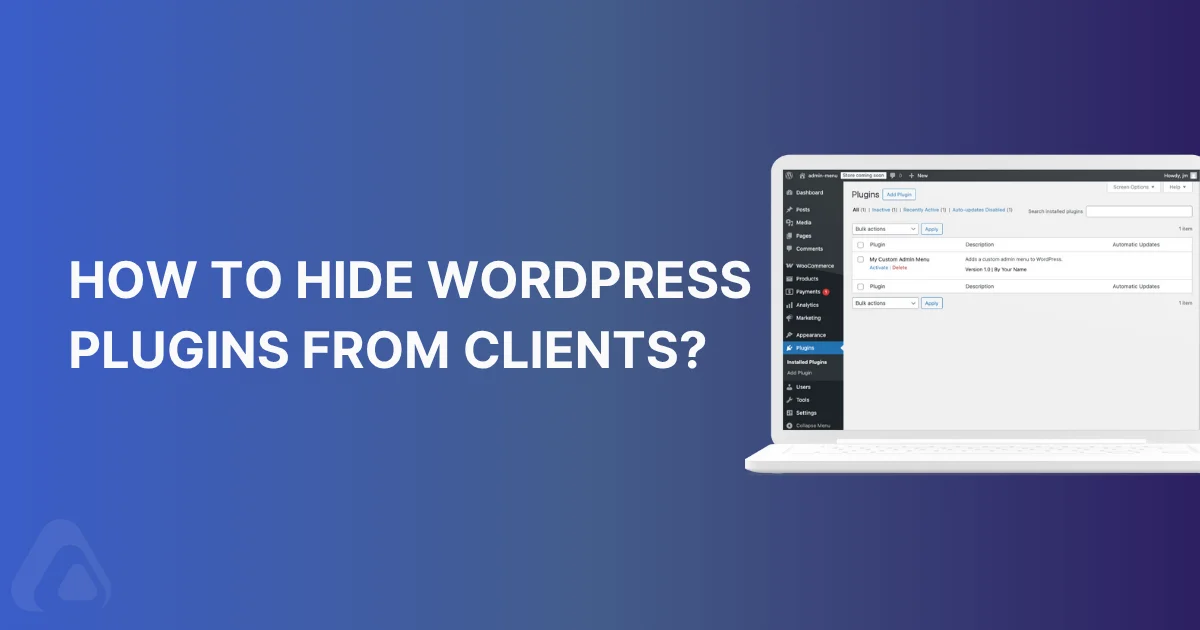

How to Hide WordPress Plugins from Clients Without Breaking the Site
Have you ever wanted to hide WordPress plugins from the installed plugins list? If you are a freelancer…
How to Fix WordPress Login Page Issues?
Locked out of your WordPress site at 2 AM? You type your password. Hit enter. And... nothing. Or…
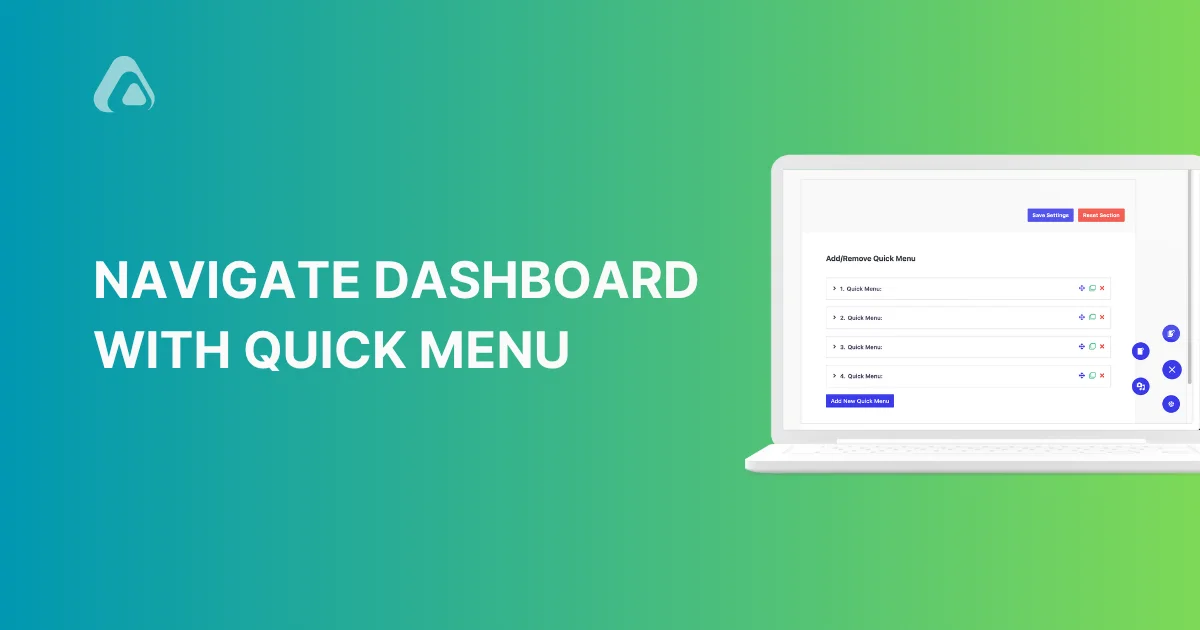
WordPress Quick Menu: Navigate Your Dashboard Like a Pro
WordPress is the most used CMS (Content Management System) right now in 2025. Because it's one of the…

How to Add Code to WordPress Header and Footer? - Easy Fix
It’s an evergreen problem for WordPress administrators to add code to WordPress Header or Footer. You will get a lot of freemium plugins available in the market that do this job properly. But the question is, why do you need to depend on a plugin always if there is a good solution already available?
How to Disable RSS Feeds in WordPress (Complete Guide)
Here is an uncomfortable truth: your WordPress site automatically publishes RSS feeds for every post, page, and comment.…
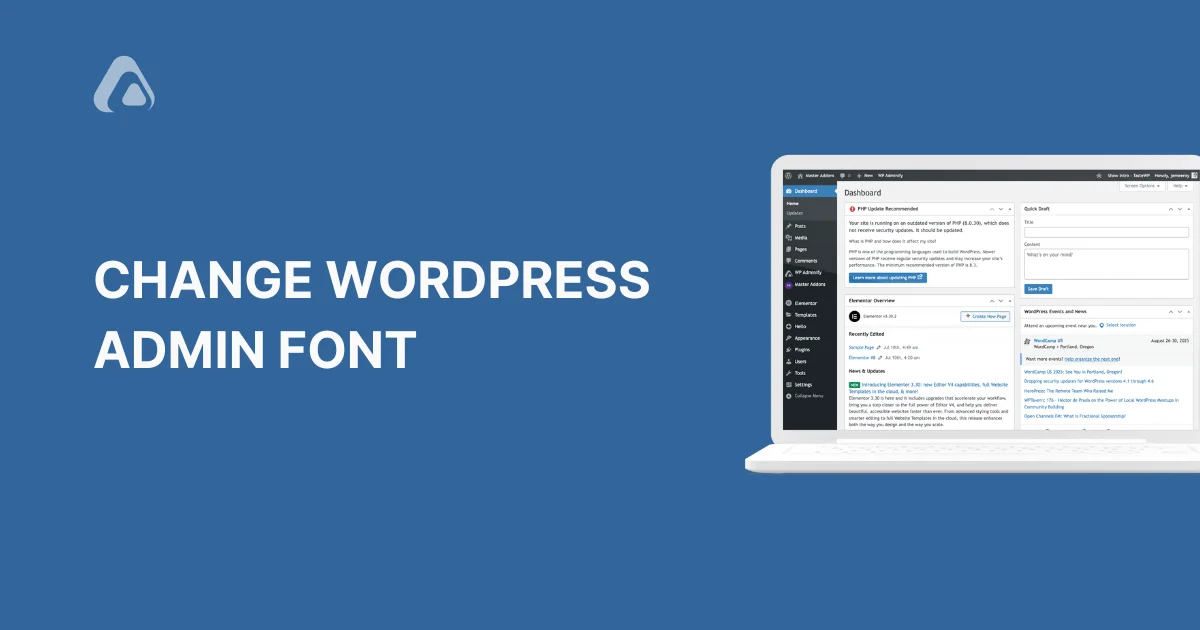
How to Change the WordPress Admin Font?
Are you a WordPress user who spends most of the time in dashboard? Want to customize it according…
WordPress Performance Optimization in 2026: A Complete Guide
Slow websites are frustrating. Or we can say Diabolical. Slow websites makes visitors frustrated. And mostly the SEO…
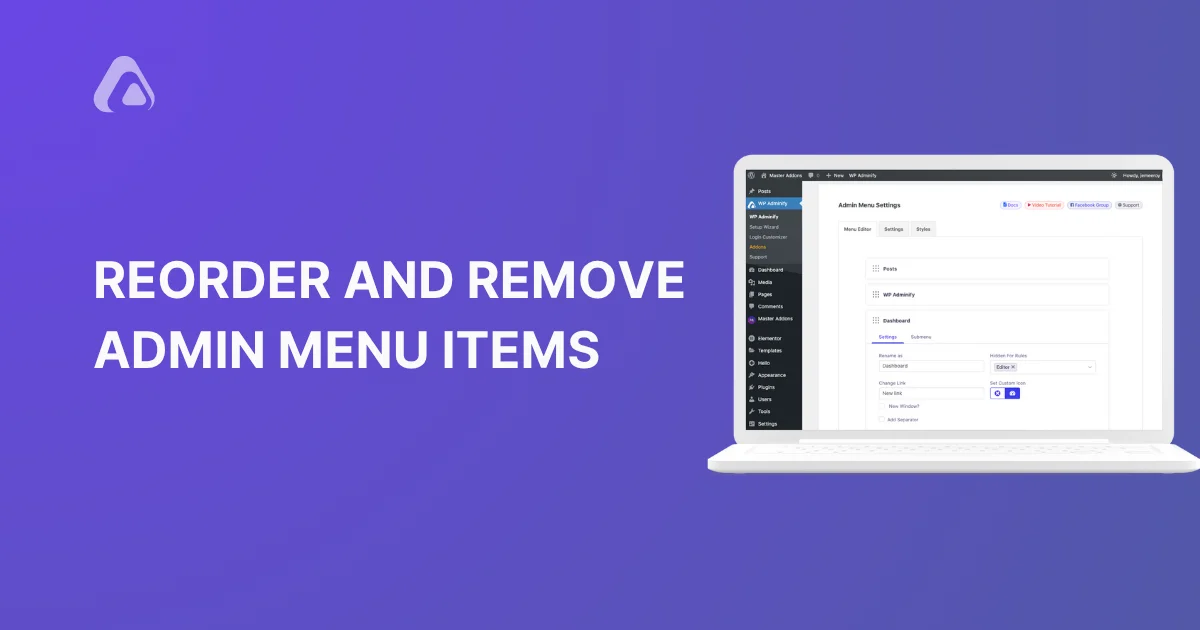
How to Remove Admin Menu Items in WordPress for a Cleaner Dashboard
WordPress admin menu can feel like a mess. Plugins, themes, and core features all compete for attention, leaving…
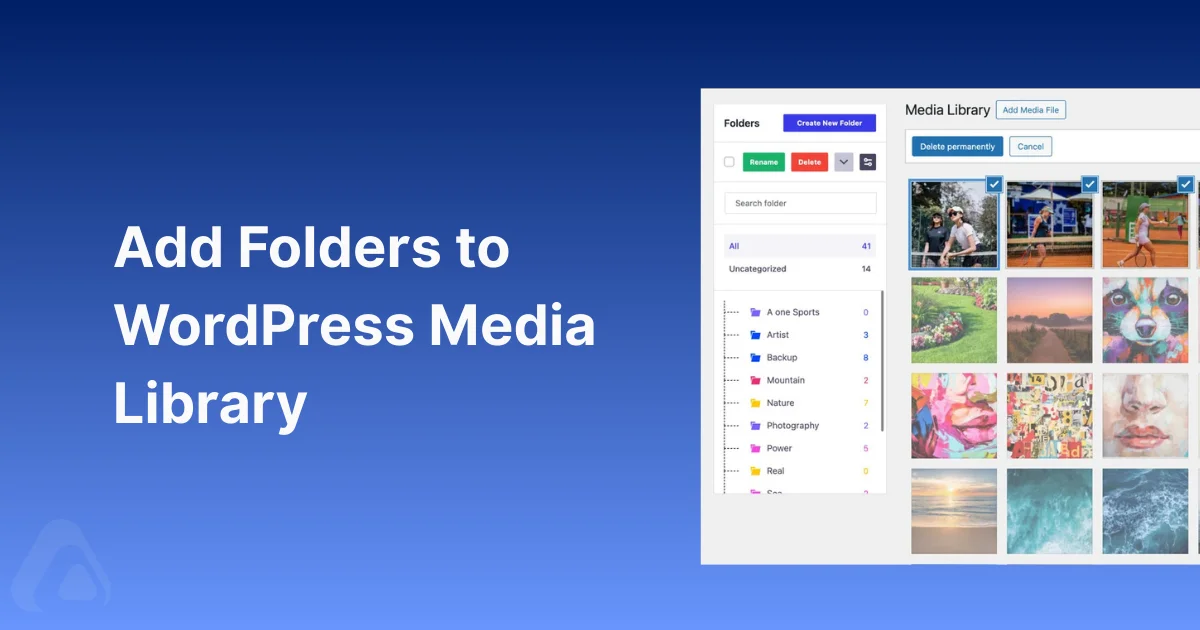
How to Add Folders to WordPress Media Library?
Managing multiple media files in WordPress can be overwhelming. Websites with large amount of media files can become…

How to Change Language In WordPress Admin Panel?
Right now, in 2025, WordPress powers about 43.3% of all websites out there. That's millions of sites. It…
