

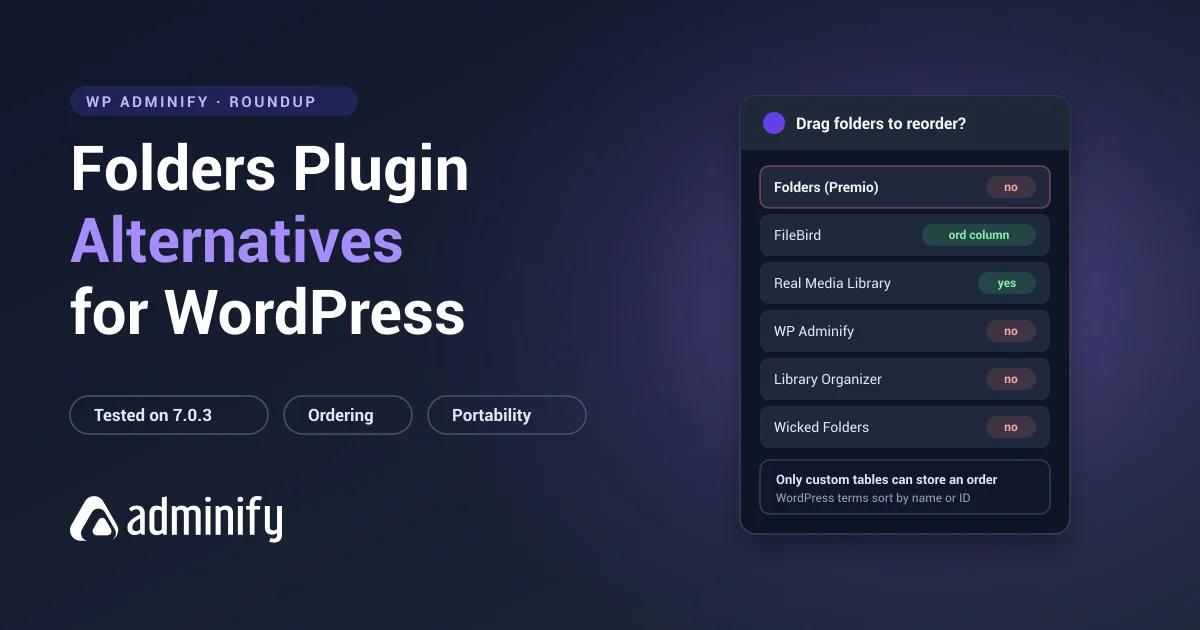

Start with the honest bit: Folders by Premio holds a perfect 100/100 from 1,514 ratings, which is the strongest user satisfaction signal anywhere in this category. If you're here looking for something else, it almost certainly isn't because the plugin is bad.
It's usually one of three specific things. You want a media-only interface with more polish. You need manual folder ordering, which taxonomy storage can't do. Or you're collapsing several admin plugins into one.
We tested seven alternatives on a clean WordPress 7.0.3 install and checked what each one does to the database.
We publish one of the seven: WP Adminify runs one folder system across media and content. The full field is in our best WordPress media folder plugins roundup, with this plugin covered in the Folders by Premio review and the head-to-head in Folders vs WP Adminify.
Why people look elsewhere
| Reason | What to look for |
|---|---|
| Want the most polished media-only interface | FileBird |
| Need manual folder ordering | FileBird or Real Media Library |
| Need per-folder metadata and settings | Real Media Library |
| Consolidating admin plugins | WP Adminify |
| Want an even lighter footprint | Media Library Organizer |
| Taxonomy name conflict with another plugin | Media Library Organizer or FileBird |
That last row deserves a sentence. Folders registers an attachment taxonomy called media_folder, and so does WP Adminify. We confirmed it by activating each one alone and listing the taxonomies. If you want both plugins' feature sets, you can't just run them side by side, and that collision alone sends a few people shopping.
Quick comparison
| Plugin | Installs | Rating | Storage | Covers |
|---|---|---|---|---|
| FileBird | 200,000 | 94/100 · 1,121 | Custom tables | Media only |
| Real Media Library | 100,000 | 96/100 · 289 | Custom tables ×4 | Media only |
| WP Adminify | 7,000+ | 86/100 · 108 | Taxonomy | Media + admin toolkit |
| Media Library Organizer | 20,000 | 94/100 · 147 | Taxonomy | Media only |
| Wicked Folders | 20,000 | 98/100 · 56 | Taxonomy | Media + post types |
| Media Library Assistant | 70,000 | 96/100 · 201 | Taxonomy | Metadata |
| CatFolders | 6,000 | 88/100 · 21 | Custom tables | Media only |
1. FileBird: the best media-only interface

Verified: 200,000 installs · 94/100 from 1,121 ratings · v6.5.7 · updated 27 July 2026
Storage: wp_fbv (id, name, parent, type, ord, created_by), wp_fbv_attachment_folder
The straight answer to "I want something more specialized for media." Twice the install base, and years spent iterating on exactly one problem instead of four.
That ord column is the part worth noticing. It gives you drag-to-reorder folders in whatever sequence you like, which taxonomy storage genuinely cannot do, because WordPress terms come back sorted by name or ID and that's the end of it. If ordering is why you're leaving Folders, stop reading here, this is your plugin.
Trade-off: media only, and two tables nothing else can read. You gain polish and ordering, you give up portability and content organization. More on the storage trade in WordPress media folders explained.
2. Real Media Library: the most folder depth

Verified: 100,000 installs · 96/100 from 289 ratings · v4.22.82 · updated 2 July 2026
Storage: four custom tables
The deepest folder plugin you can install. Its _meta table means folders carry their own settings, and the _tmp table means bulk operations get staged before they're applied, which you'll appreciate the first time you move four thousand files and something times out halfway.
Trade-off: the heaviest lock-in of anything we tested, four tables that reference each other, and media only. It's a long step away from the clean architecture you have now.
3. WP Adminify: for consolidation
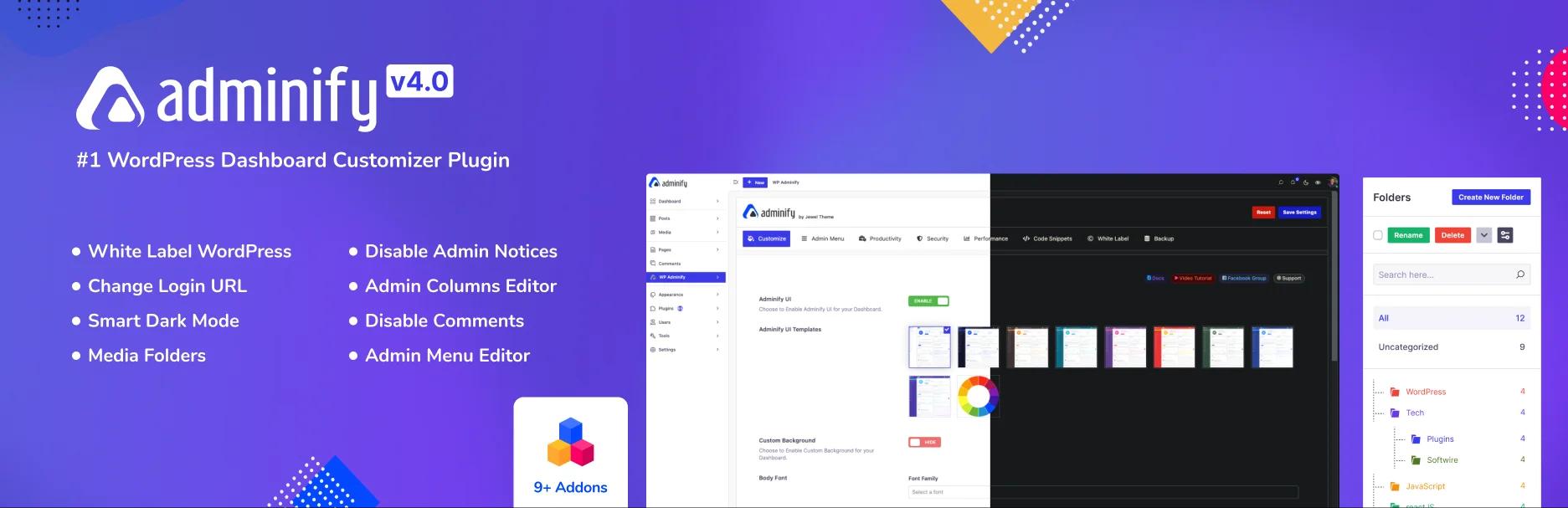
Verified: 7,000+ installs · 86/100 from 108 ratings · v4.2.24 · updated 9 August 2026
Storage: media_folder hierarchical taxonomy, no custom tables (verified)
Media folders next to admin menu editing, white labelling, login customization, dashboard widgets and admin columns.
Like Folders, it keeps folder data as ordinary WordPress terms, so you're not trading away portability by moving. The reason to switch is scope: one plugin covering several admin jobs instead of one covering content organization well.
Trade-off: no manual folder ordering, same taxonomy limitation you already live with. And it doesn't organize posts and pages the way Folders does, so if you use post_folder daily this is a downgrade. Full comparison in the WP Adminify media folder module, with the WP Adminify price list alongside it.
4. Media Library Organizer: the lightest footprint
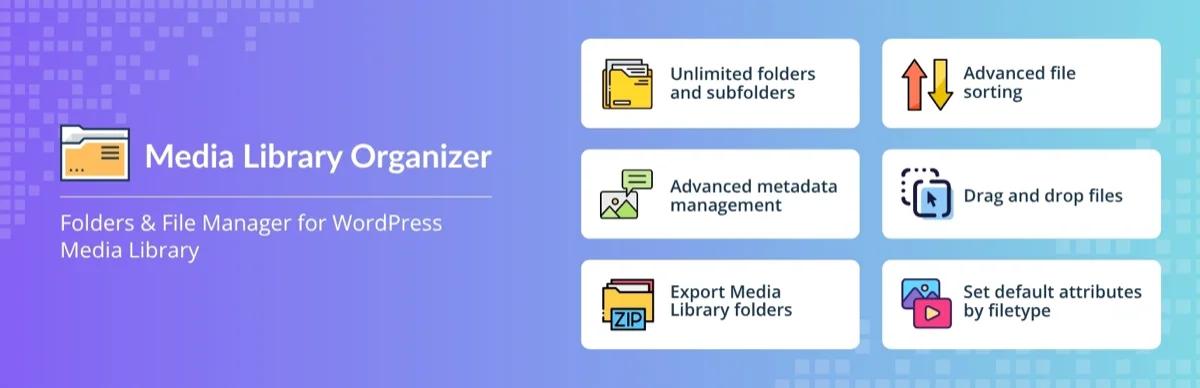
Verified: 20,000 installs · 94/100 from 147 ratings · v2.1.2 · updated 23 July 2026 · Themeisle
Storage: mlo-category, one hierarchical taxonomy
If Folders' three taxonomies are two more than you use, this registers exactly one. Same portability, smaller surface area, and mlo-category collides with nothing.
Trade-off: media only, thinner feature set, and a much smaller user base.
5. Wicked Folders: closest on scope

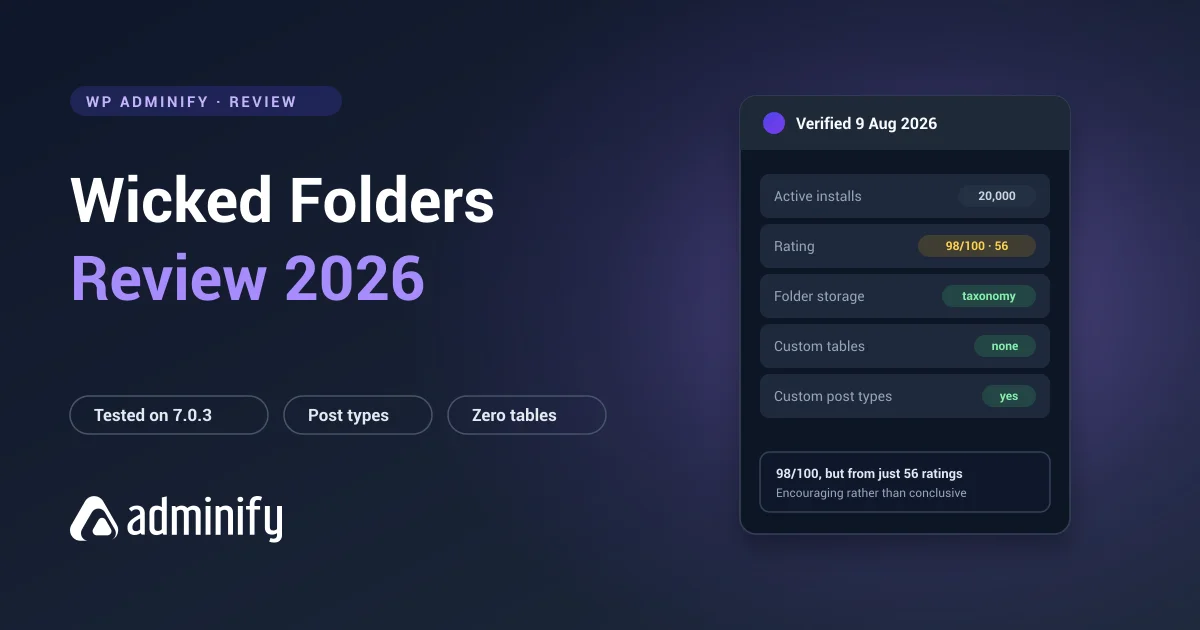
Verified: 20,000 installs · 98/100 from 56 ratings · v4.1.3 · updated 23 June 2026
Storage: hierarchical taxonomies per post type
The closest in philosophy to what you're already running. Folders across media, posts, pages and custom post types, all stored as taxonomies. If you like the idea of Folders but want a different implementation of it, this is the nearest thing.
Trade-off: 56 ratings next to Folders' 1,514. Both scores are high; only one of them has been stress-tested by a crowd.
6. Media Library Assistant: if you need metadata
Verified: 70,000 installs · 96/100 from 201 ratings · v3.39 · updated 11 July 2026 · entirely free
No folder tree at all. What you get instead is deep control over attachment metadata: IPTC and EXIF, bulk alt text, custom taxonomies on attachments, shortcode galleries.
Best for: people whose actual problem was never structure. Free, with nothing held back behind a paid tier.
7. CatFolders: the newer lightweight option

Verified: 6,000 installs · 88/100 from 21 ratings · v2.5.5 · updated 19 May 2026
Storage: wp_catfolders, wp_catfolders_posts
Tidy interface, someone still shipping updates, custom tables underneath.
Trade-off: 21 ratings against Folders' 1,514. Moving from the best-rated plugin in the category to one of the least proven needs a reason you can say out loud.
Switching from Folders
Here's the good news. Folders keeps everything in standard WordPress taxonomy terms, so leaving is easier than leaving any custom-table plugin.
- Back up files and database.
- Check your target's storage model. Another taxonomy plugin is often just a term copy. FileBird or Real Media Library means rebuilding inside their tables.
- Export the terms:
wp term list media_folder --fields=term_id,name,parentgives you the whole structure in one command. - Test on staging.
- Verify counts before you deactivate anything.
The WP Adminify case is worth calling out separately. Both plugins use a taxonomy named media_folder, so your data already sits in the right table under the right name. Don't run them at once, but the migration path is unusually short. Detail in WordPress media folders explained.
Folders Plugin Alternatives FAQs
What is the best alternative to the Folders plugin?
FileBird if you want a specialized media-only interface with manual folder ordering, since it has 200,000 installs and the most polished UI in the category. WP Adminify if you're consolidating admin plugins and want to keep portable taxonomy storage. Both give something up: Folders' perfect rating and its coverage of posts and pages are hard to match.
Is there a free alternative to Folders?
Yes. FileBird, Media Library Organizer, Wicked Folders and Media Library Assistant all have free versions, and Media Library Assistant has no paid tier at all. Folders' own free version is capable too, so compare free-tier limits directly rather than assuming you need to upgrade.
Will I lose my folders if I switch from Folders?
Less likely than with most plugins. Folders keeps everything in standard WordPress taxonomy terms, so the structure stays readable and exportable with normal tools even after deactivation. That's a real advantage over custom-table plugins like FileBird and Real Media Library.
Why can't I run Folders and WP Adminify together?
Both register an attachment taxonomy named media_folder, which we confirmed by activating each one on its own. Two plugins claiming the same taxonomy name produces results you can't predict. Pick one. Migrating between them is unusually simple because the data lives in the same place either way.
Which alternative also organizes posts and pages?
Wicked Folders is the closest match, registering hierarchical folder taxonomies across post types. FileBird, Real Media Library, Media Library Organizer and CatFolders all handle media and nothing else.
Final verdict
- Want a better media-only interface? FileBird. Plus manual ordering, minus portability.
- Want more folder depth? Real Media Library, at the cost of the deepest lock-in here.
- Consolidating admin plugins? WP Adminify, and you keep taxonomy storage.
- Want the same idea, lighter? Media Library Organizer.
- Honest caveat: Folders' 100/100 from 1,514 ratings is the best in the category. Switch for a reason you can name.
Want the background before deciding? How WordPress media folders work covers the storage models, and organizing a media library with folders covers what comes after you pick.

Your email address will not be published