

Category: Tutorials
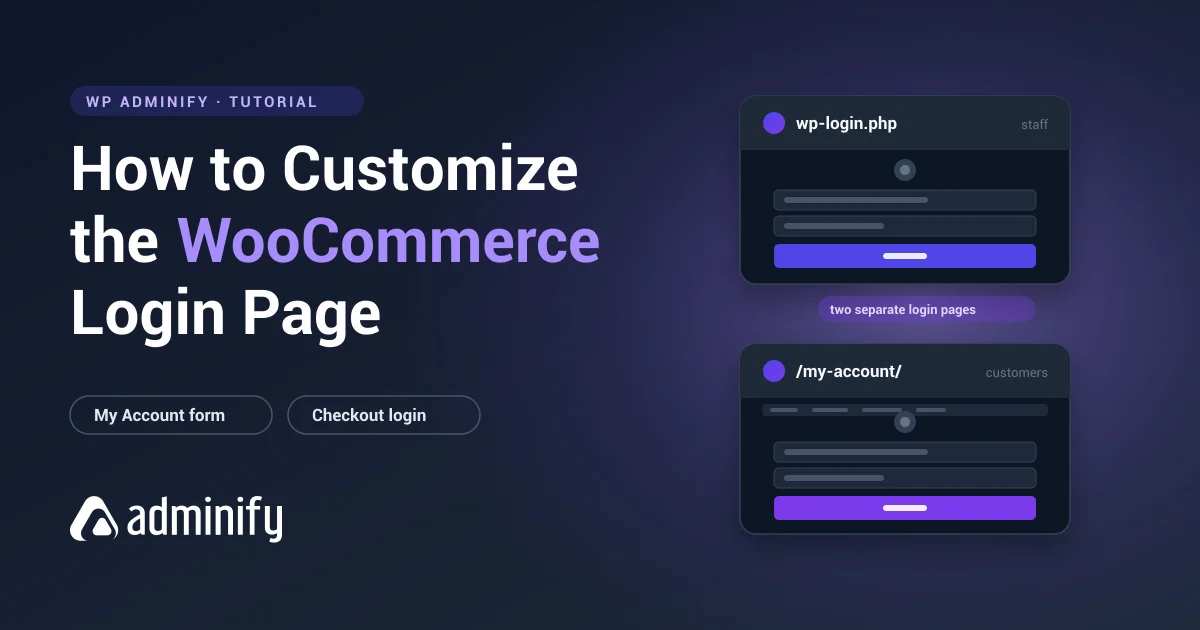

How to Customize the WooCommerce Login Page (Both of Them)
A WooCommerce store doesn't have a login page. It has two, and on a busy store, three. That's…
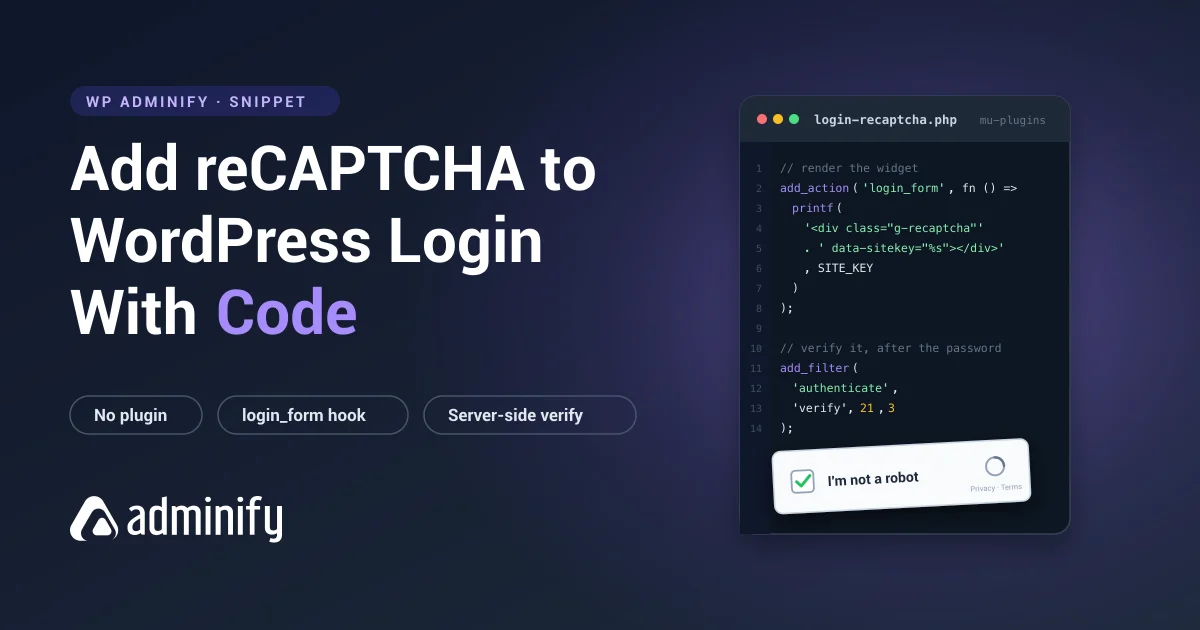
How to Add reCAPTCHA to the WordPress Login Page With Code?
Add Google reCAPTCHA to wp-login.php without a plugin. Generate the keys, render the widget with login_form, verify the token server side, and test it properly.
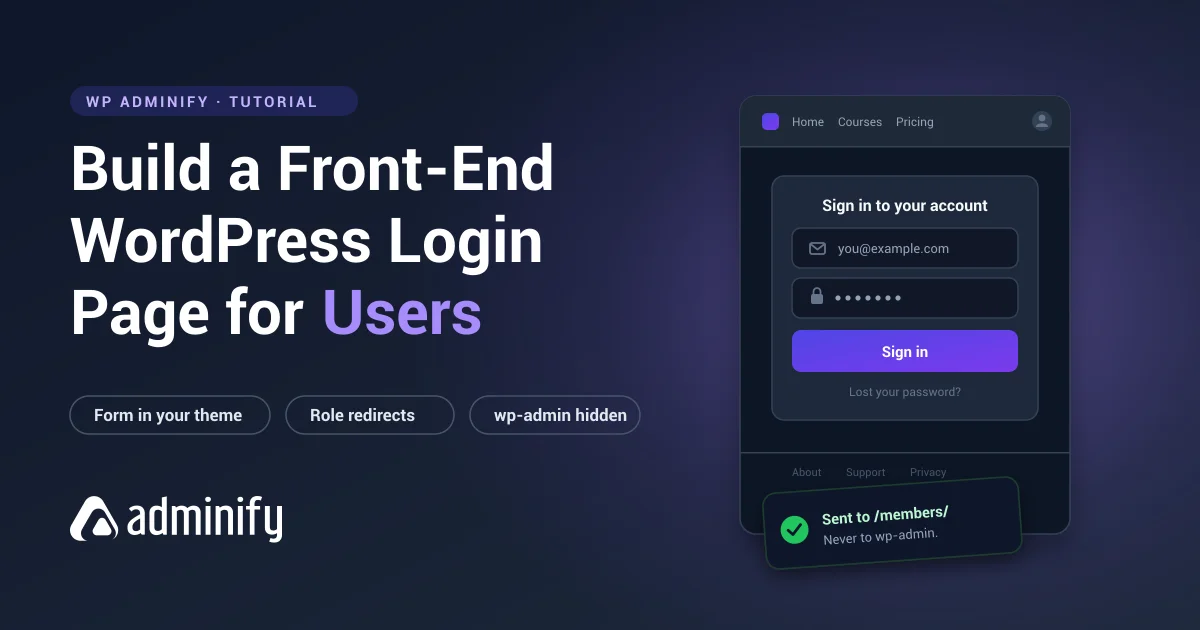
How to Create a WordPress Login Page for Users (Front-End Guide)
Give members a login page in your theme instead of the WordPress admin screen. Front-end forms, role-based redirects, and keeping subscribers out of wp-admin.
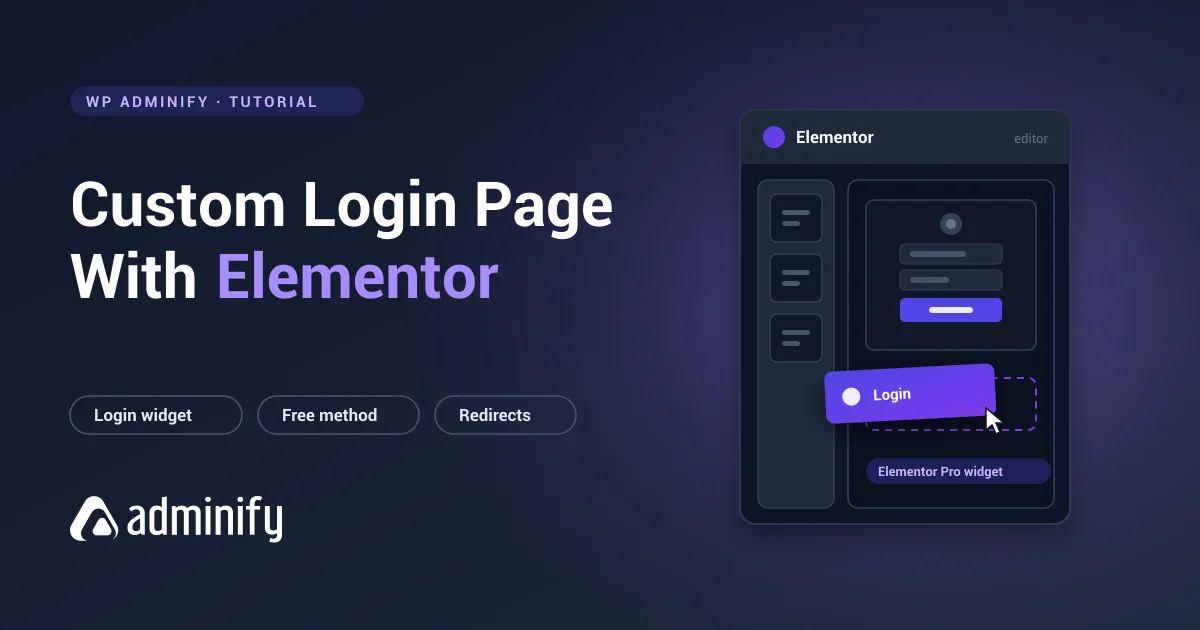
How to Create a Custom Login Page With Elementor
Elementor can build you a beautiful login page. It can't build you the login page you're probably picturing.…
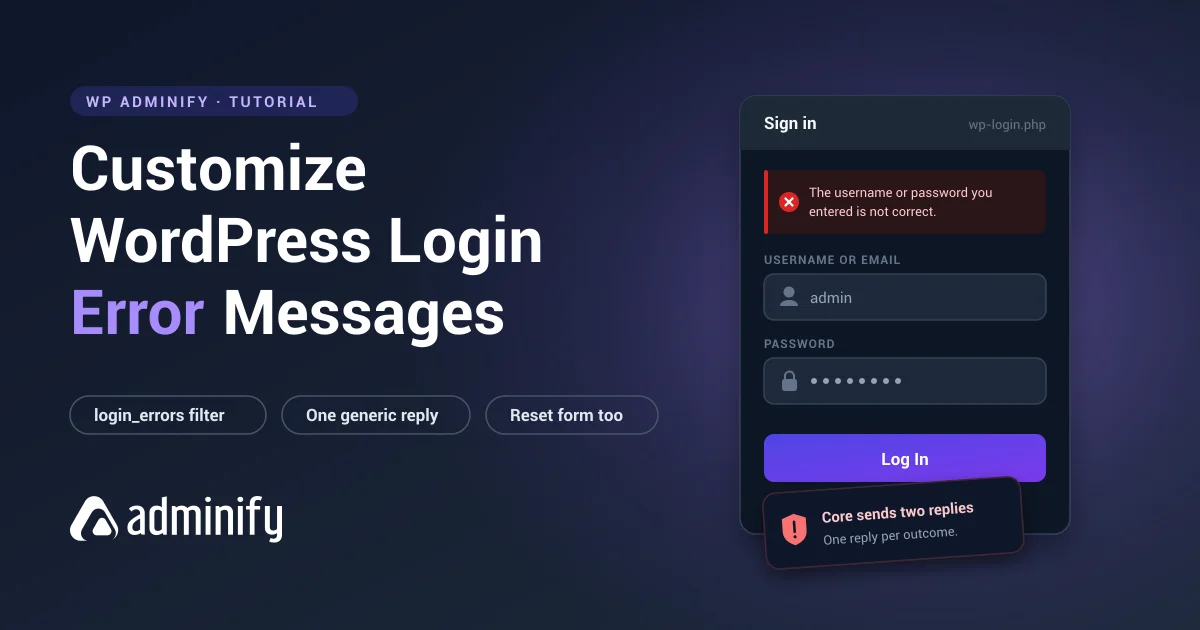
How to Customize WordPress Login Error Messages (and Why You Should)
WordPress login errors tell attackers which usernames are real. What each message leaks, the one-line fix, and how to rewrite them without breaking password reset.
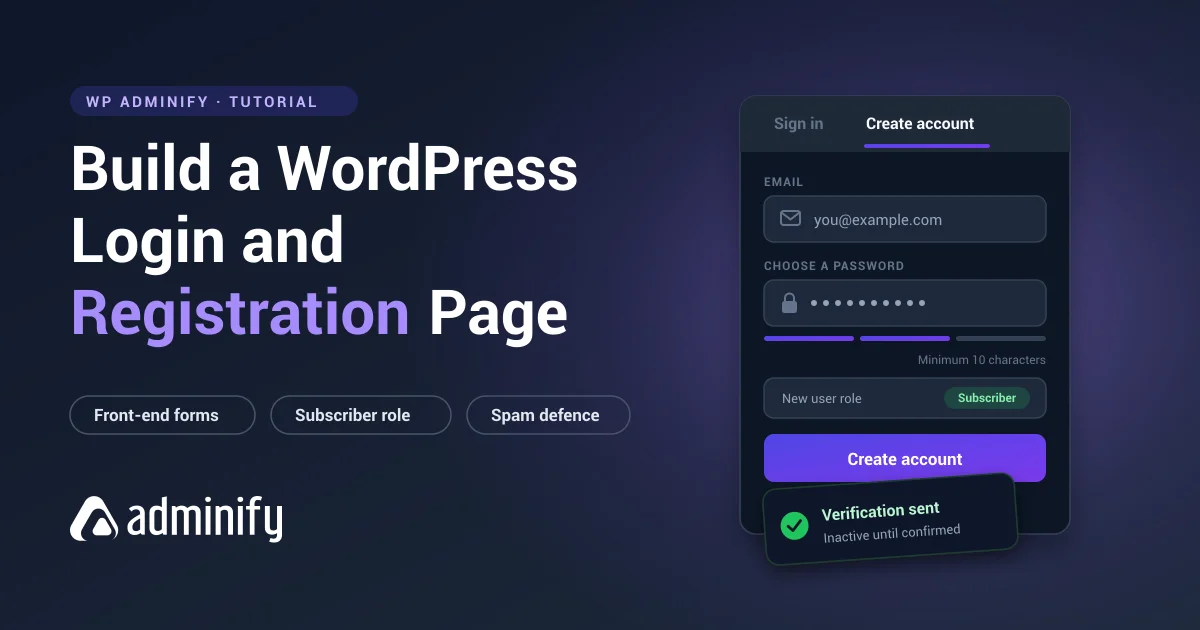
How to Build a WordPress Login and Registration Page
Build a combined WordPress login and registration page on the front end: enable signups safely, pick a default role, set custom URLs, and stop the spam that follows.
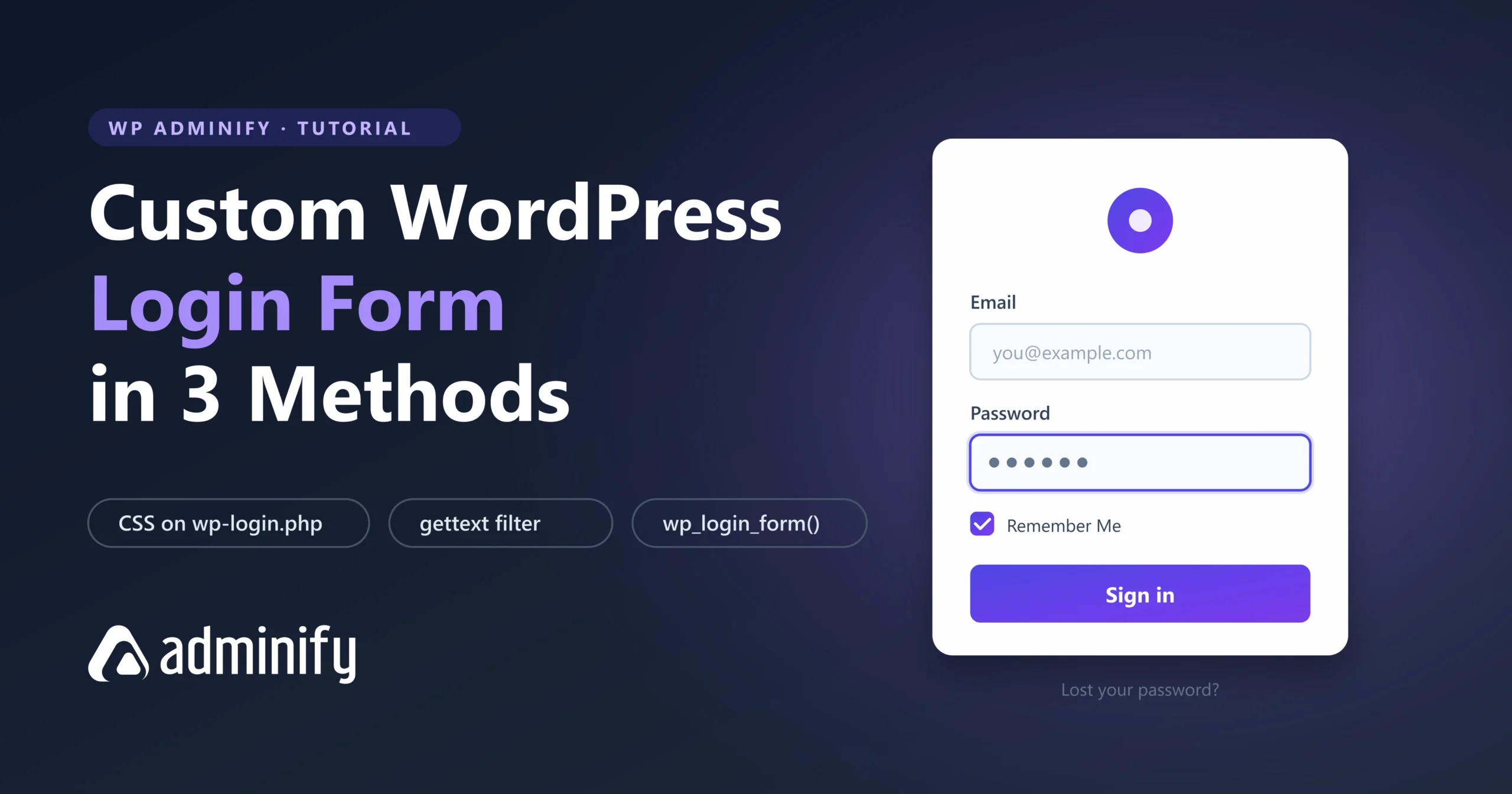
How to Create a Custom WordPress Login Form (3 Methods)
Three ways to build a custom WordPress login form: CSS on wp-login.php, the gettext filter for labels, and wp_login_form() for a front-end page. Working code.
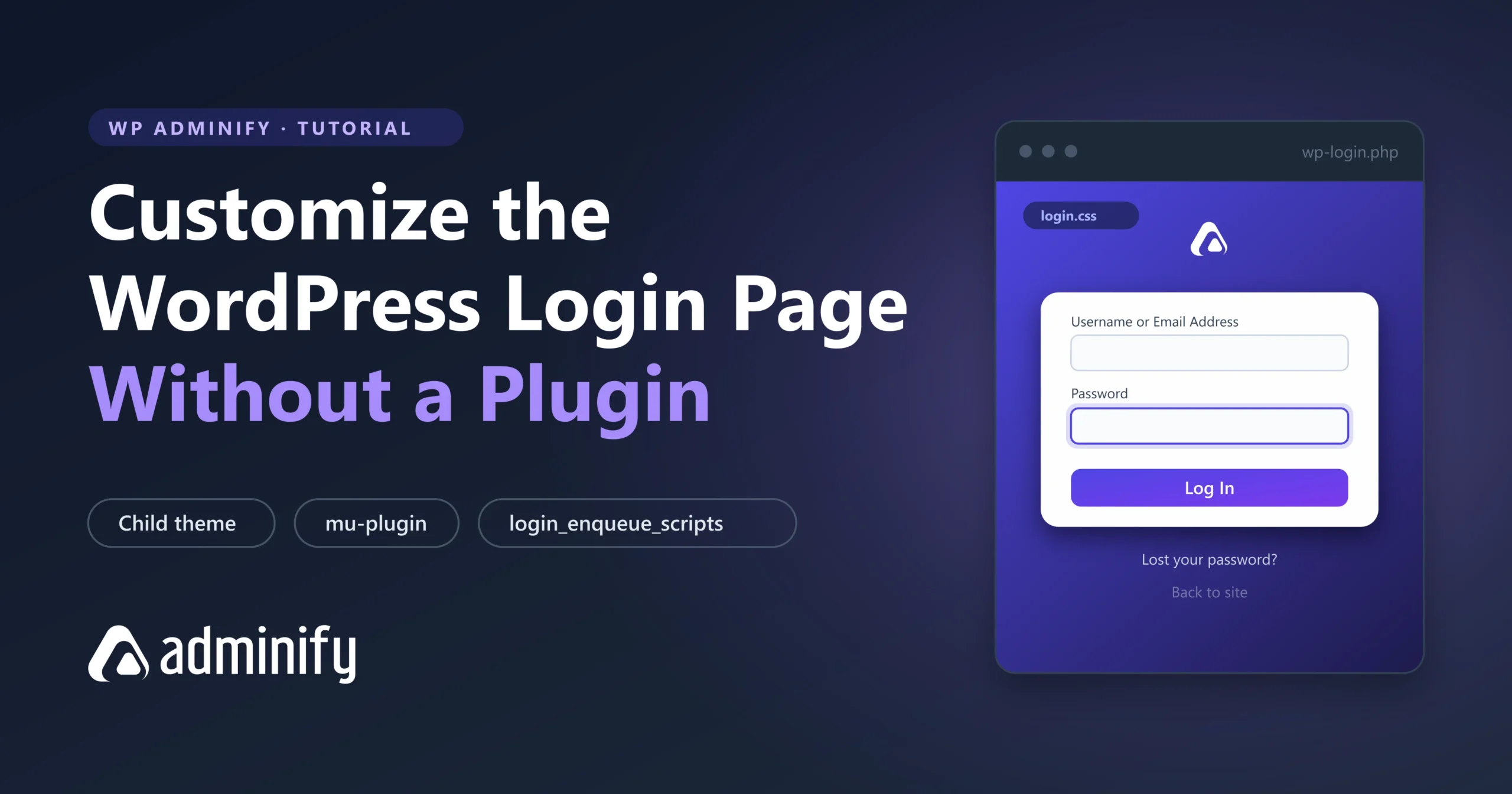
How to Customize the WordPress Login Page Without a Plugin?
Customize the WordPress login page with CSS and hooks in your child theme. Working code for the logo, background, form, button and error messages. No plugin required.

How to Customize the WordPress Login Page (2026 Guide)
You can customize the WordPress login page three ways: with a login page plugin, with custom code in…
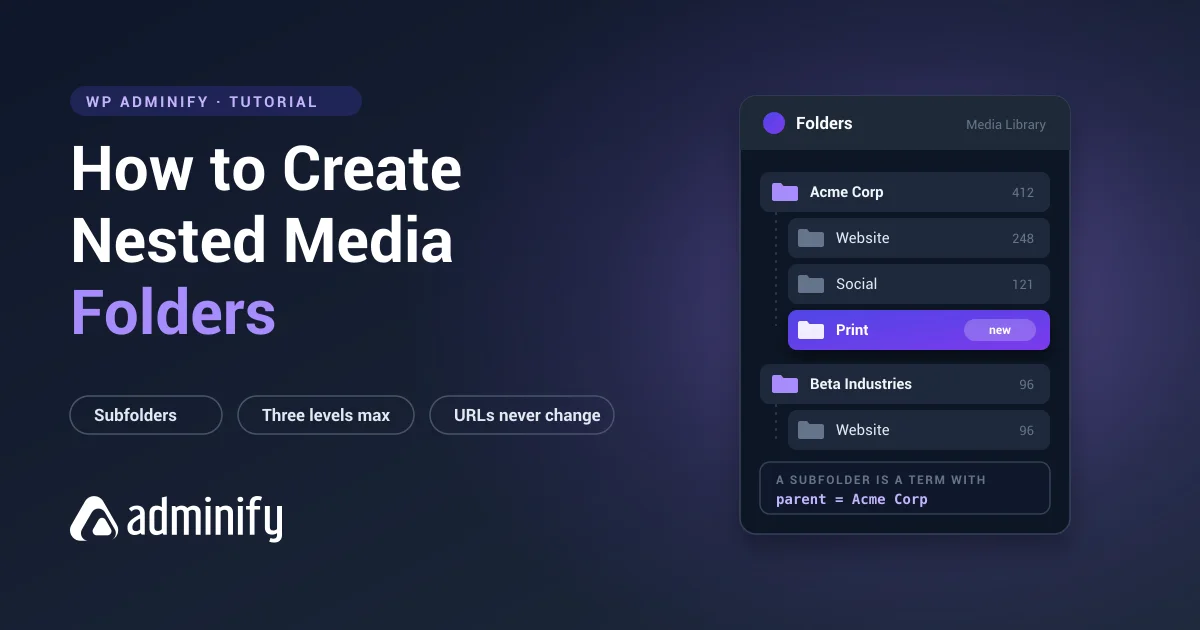
How to Create Nested Media Folders in WordPress
How nested media folders work in WordPress, why core has no subfolders, how deep you should actually nest, and how to build a subfolder structure that survives.