

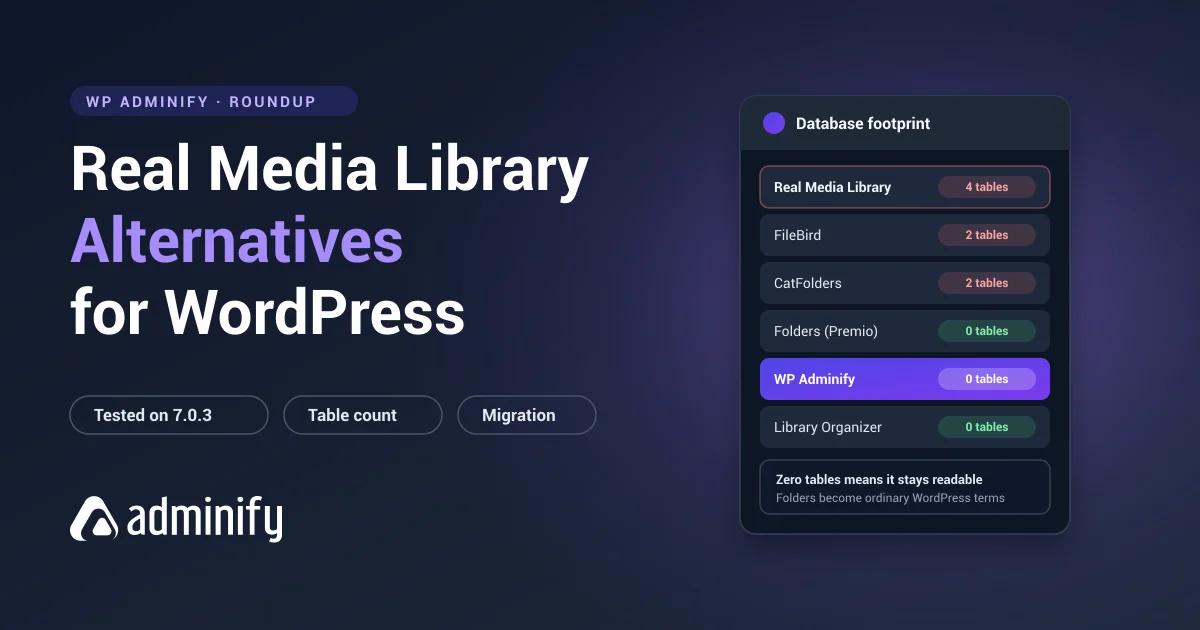

Real Media Library is the deepest folder plugin WordPress has. 100,000 installs, a 96/100 rating, and four database tables' worth of engineering underneath it. Nobody leaves it because it's weak.
They leave because it's more plugin than the site needed, or because the free-versus-Pro line sits right across something they use daily, or because they've worked out that four proprietary tables mean exactly one plugin on earth can read their folder structure.
We tested seven alternatives on a clean WordPress 7.0.3 install and checked what each does to the database.
We publish one of them: WP Adminify uses portable, taxonomy-stored media folders. The full field is in our best WordPress media folder plugins roundup, this plugin has a dedicated Real Media Library review, and the head-to-head is Real Media Library vs WP Adminify.
Why people look for alternatives
| Reason | What to look for |
|---|---|
| Too complex for the site | Media Library Organizer or CatFolders |
| Want portable folder data | Any taxonomy-based plugin |
| Need folders for posts and pages | Folders by Premio or Wicked Folders |
| Want a more polished interface | FileBird |
| Consolidating admin plugins | WP Adminify |
On portability, here's what you're actually dealing with. Real Media Library creates wp_realmedialibrary plus _posts, _meta and _tmp. We tested how custom-table plugins behave by building a structure in FileBird and pulling the plugin: files all intact, folder tree gone, rows still in the database and unreadable by anything else. FileBird has two tables. This has four, and they reference each other, so the same migration is more work again.
Quick comparison
| Plugin | Installs | Rating | Storage | Best for |
|---|---|---|---|---|
| Folders (Premio) | 90,000 | 100/100 · 1,514 | Taxonomy | Best all-round replacement |
| FileBird | 200,000 | 94/100 · 1,121 | Custom tables | Interface polish, folder ordering |
| WP Adminify | 7,000+ | 86/100 · 108 | Taxonomy | Folders plus admin management |
| Media Library Organizer | 20,000 | 94/100 · 147 | Taxonomy | Minimal footprint |
| Wicked Folders | 20,000 | 98/100 · 56 | Taxonomy | Custom post types |
| Media Library Assistant | 70,000 | 96/100 · 201 | Taxonomy | Metadata control |
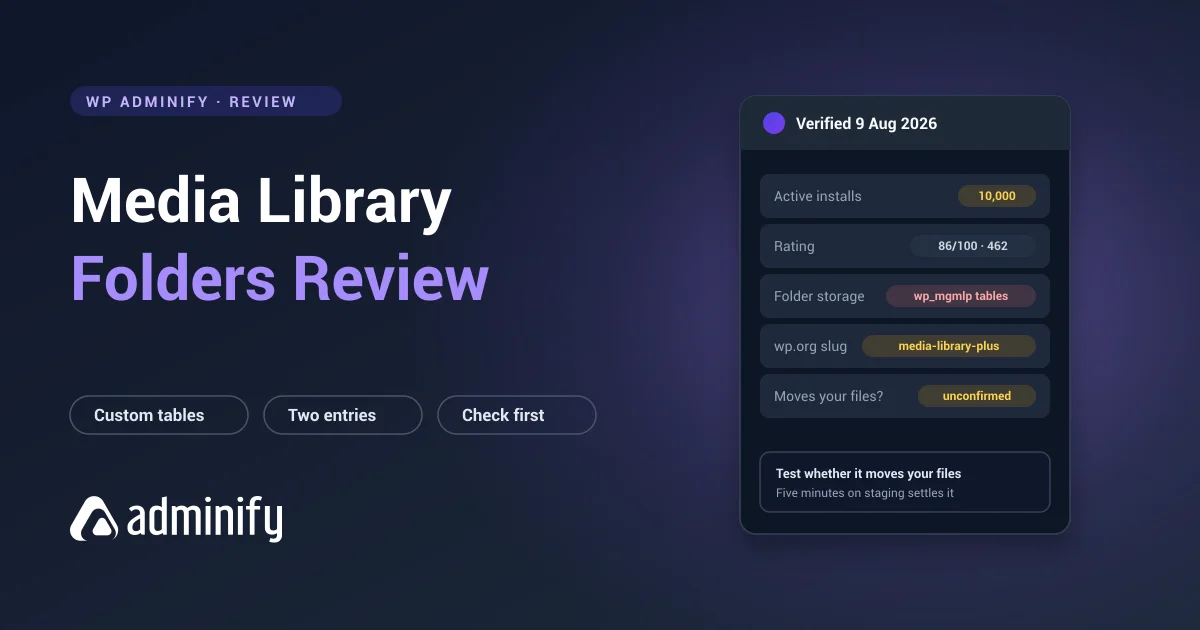
| CatFolders | 6,000 | 88/100 · 21 | Custom tables | Lightweight newer option |
1. Folders by Premio: best all-round replacement

Verified: 90,000 installs · 100/100 from 1,514 ratings · v3.1.9 · updated 21 July 2026
Storage: media_folder, folder, post_folder, hierarchical taxonomies
The strongest replacement, and it fixes both of the usual complaints in one move. Folder data becomes ordinary WordPress terms instead of proprietary tables, and folders extend to posts and pages as well as media.
A perfect score across more than fifteen hundred ratings is the best social proof in the category, and it isn't close.
Trade-off: less depth than what you have now. No per-folder metadata, no staged bulk operations. If you use those weekly, this is a step down and you should know that going in.
2. FileBird: the best interface

Verified: 200,000 installs · 94/100 from 1,121 ratings · v6.5.7 · updated 27 July 2026
Storage: wp_fbv, wp_fbv_attachment_folder
Twice the install base and the most polished interface anyone here has built. Its ord column gives you manual folder ordering, one of the few places it matches Real Media Library's ambition rather than undercutting it.
Important: FileBird uses custom tables too. If portability is why you're leaving, this isn't the fix. Two tables is a shorter migration than four, but you're still handing your structure to one vendor.
3. WP Adminify: best for consolidation
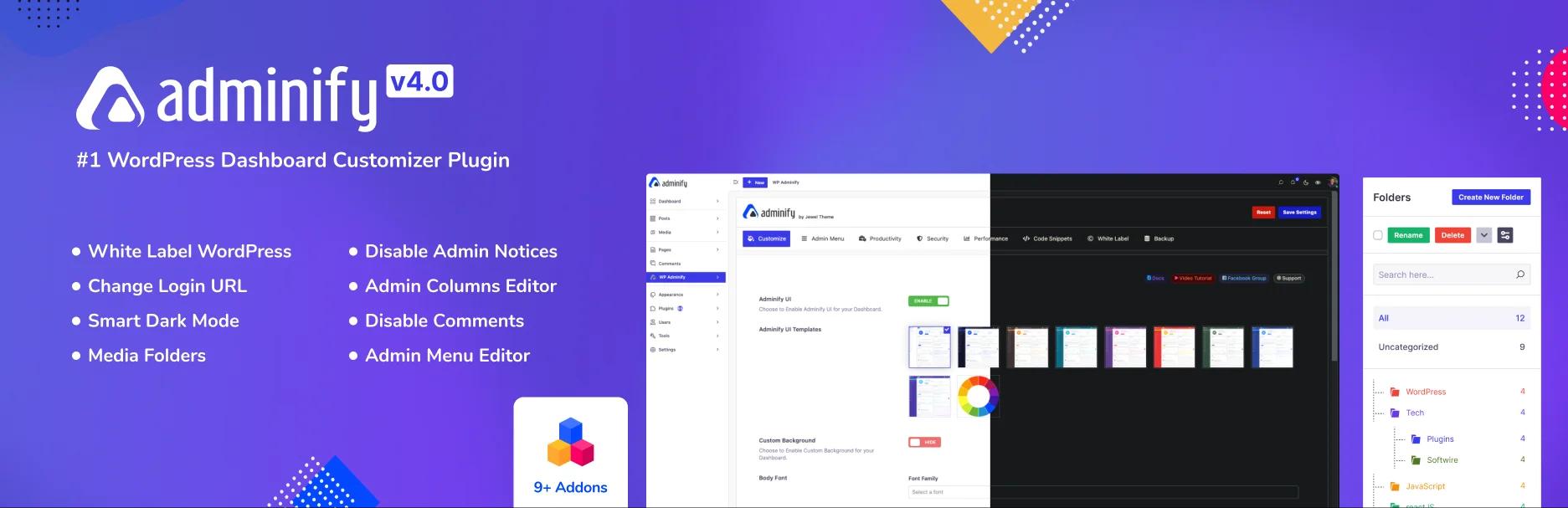
Verified: 7,000+ installs · 86/100 from 108 ratings · v4.2.24 · updated 9 August 2026
Storage: media_folder hierarchical taxonomy, no custom tables (verified)
This one changes the question rather than answering it. Media folders sit next to admin menu editing, white labelling, login customization and admin columns.
Folder data lives in standard WordPress terms, so wp term list reads it and any tool can export it.
Trade-off: no manual folder ordering, and nothing like Real Media Library's folder-specific depth. Honestly, it's a different category of product, and if folders are all you care about this isn't your answer. Full comparison in the WP Adminify folder feature page, next to its pricing tiers.
4. Media Library Organizer: the simplest option

Verified: 20,000 installs · 94/100 from 147 ratings · v2.1.2 · updated 23 July 2026 · Themeisle
Storage: mlo-category, one hierarchical taxonomy, no tables
Real Media Library's philosophy turned inside out. One taxonomy, nothing else, no tables. If four tables felt like overkill for a site with 900 images, this is the corrective.
Trade-off: no advanced features, no manual ordering, smaller user base.
5. Wicked Folders: folders beyond media

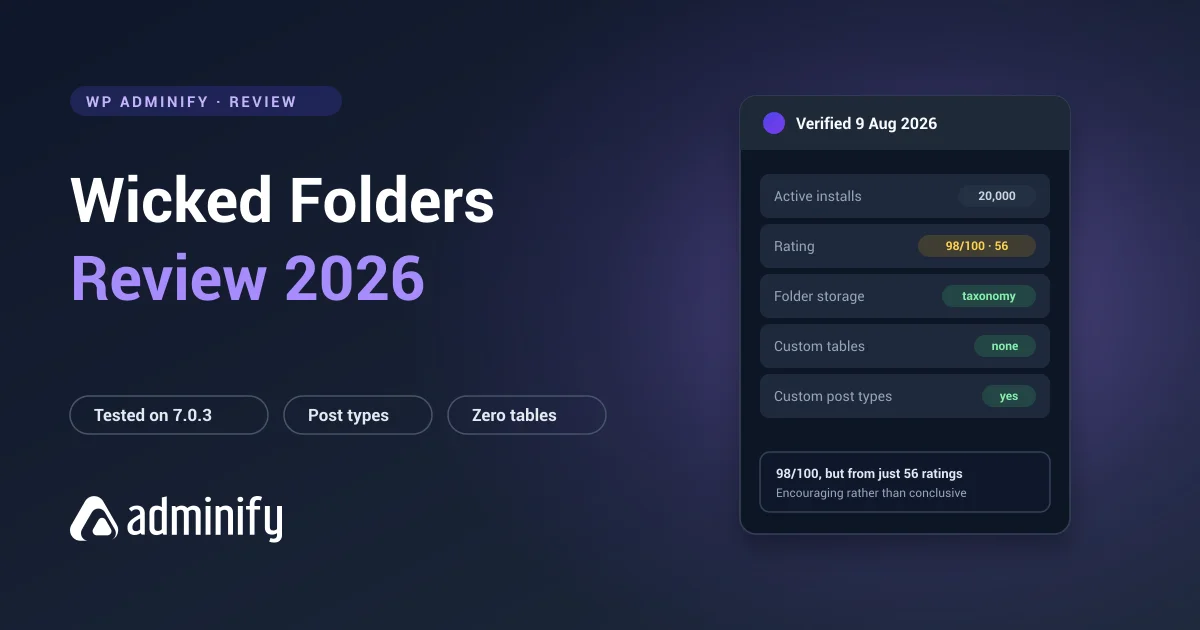
Verified: 20,000 installs · 98/100 from 56 ratings · v4.1.3 · updated 23 June 2026
Storage: hierarchical taxonomies per post type
Organizes posts, pages and custom post types alongside media, all taxonomy-based, so everything stays portable.
Trade-off: 56 ratings is a small sample, and media is one job among several rather than the main event.
6. Media Library Assistant: if the problem is metadata

Verified: 70,000 installs · 96/100 from 201 ratings · v3.39 · updated 11 July 2026 · entirely free
Some people use Real Media Library mainly for its metadata handling and would be better off with a tool built for that job. This one does IPTC and EXIF, bulk alt text, custom taxonomies and shortcode galleries.
Be clear: there's no drag-and-drop folder tree. Wrong tool if you want folders. Unmatched if you want metadata control, and it costs nothing at all.
7. CatFolders: newer and lighter

Verified: 6,000 installs · 88/100 from 21 ratings · v2.5.5 · updated 19 May 2026
Storage: wp_catfolders, wp_catfolders_posts
A newer entrant with a clean interface. Custom tables again, but two of them rather than four.
Trade-off: 21 ratings is too small a sample to trust with a library you care about.
Migrating away safely
Real Media Library's structure spans four tables that reference each other, so the order you do things in matters more than usual.
- Back up files and database, and check the restore actually works.
- Export the structure while the plugin is still active. Deactivate first and nothing else can read those tables.
- Check whether your target ships an importer. Several do. A maintained importer beats SQL you wrote at 11pm.
- Test on staging. Always.
- Recreate folders parents first, then reassign files.
- Verify the counts match before you deactivate anything.
- Leave the old plugin installed but inactive for a few weeks as a rollback.
Under about 2,000 files, rebuilding by hand with batch selection is usually faster than scripting it. See WordPress media folders explained.
Real Media Library Alternatives FAQs
What is the best Real Media Library alternative?
Folders by Premio for most cases: 90,000 installs, a perfect 100/100 from 1,514 ratings, portable taxonomy storage, and coverage of posts and pages. If interface polish matters more than anything else, FileBird has twice the install base and the most refined UI in the category.
Is there a simpler alternative to Real Media Library?
Media Library Organizer. It registers a single hierarchical taxonomy and creates no custom tables at all, which is the exact opposite of a four-table architecture. Fewer features, far smaller footprint.
Will I lose my folders if I switch from Real Media Library?
Your files are never at risk. The folder structure lives in wp_realmedialibrary and three related tables that only that plugin can read, so export it while the plugin is still active, then rebuild in whatever you move to.
Is FileBird better than Real Media Library?
Different priorities. FileBird has twice the installs, a more polished interface and a simpler two-table schema. Real Media Library has more depth, including per-folder metadata and staged bulk operations. Neither is portable, because both use custom tables.
Which alternative avoids vendor lock-in?
Any taxonomy-based plugin: Folders, WP Adminify, Media Library Organizer or Wicked Folders. Their folders are standard WordPress terms in wp_term_taxonomy, readable by any tool and exportable with wp term list.
Final verdict
- Best all-round replacement: Folders by Premio. Top rating, portable, broader scope.
- Best interface: FileBird, though it's still custom tables.
- Simplest: Media Library Organizer.
- Consolidating plugins: WP Adminify.
- Whichever you pick, export the structure before you deactivate Real Media Library.
Want the background before deciding? How WordPress media folders work covers the storage models, and organizing a media library with folders covers the rebuild on the other side.

Your email address will not be published