


Ever felt the limitation by your WordPress plugins? Or frustrated by the lack of flexibility and customization?
Well, you’re not alone. The beauty of WordPress lies in its endless customization possibilities. And the right plugins unlock it all.
This is your guide to 10 must-have WordPress plugins for customization. Each plugin in the list is chosen to customize a different part of your website. From the backend dashboard to the frontend experience, we’ve tried to mention every aspect in one single post.
10 Must-Have WordPress Plugins for Customization
Here’s the list of the top must-have WordPress plugins for customization. I’ll try to keep it optimized for every category. So, you can combine them for your WordPress sites.
1. WP Adminify - The Best WordPress Dashboard Customizer
Most plugins forget the admin dashboard even exists. But not WP Adminify. This plugin transforms your WordPress backend into a modern, fast, and fully customized control panel.
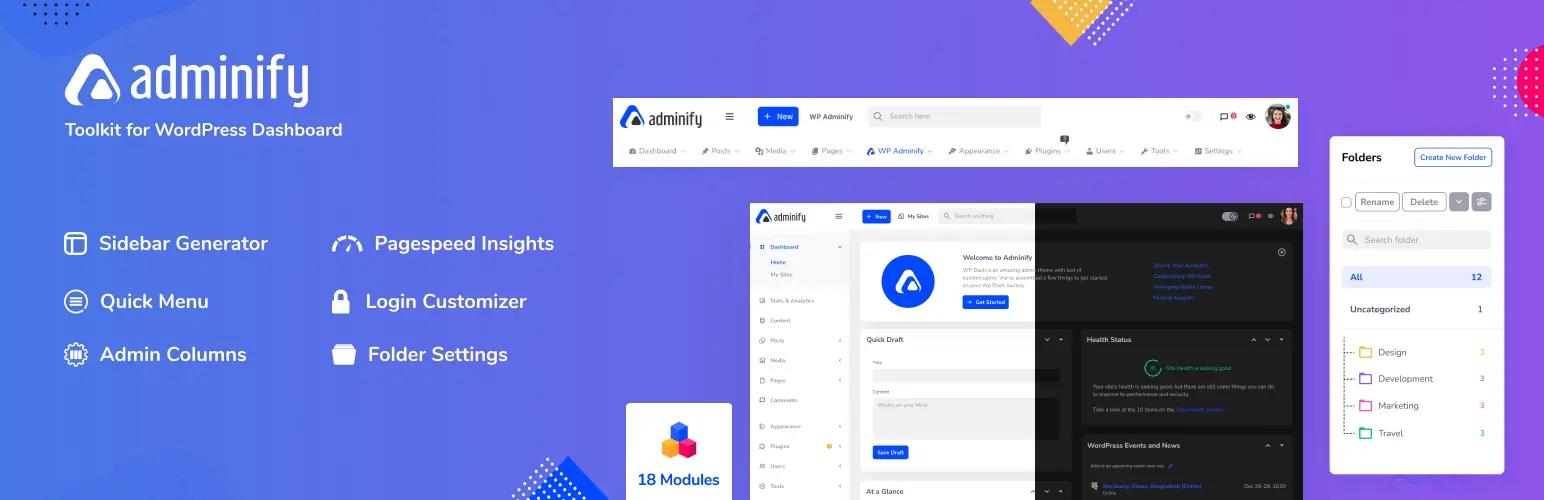
Standout Features:
- Admin Menu Customizer: Drag-and-drop menus and custom admin columns for a perfectly organized workspace.
- Login Page Customizer: Make your login screen match your brand. No more default WordPress login page.
- Dark Mode: Built-in dark mode that adjusts automatically by user preference or time of day.
- Custom Dashboard Widgets: Add videos, shortcodes, and even scripts right to your admin dashboard.
- White Labeling: Rebrand the entire dashboard for clients or your own agency.
- Performance Boosters: Remove extras, delay scripts, and optimize admin speed in a few clicks.
It’s like giving your WordPress dashboard a full makeover. Make it faster, smarter, and improve your branding. It handles complete WordPress dashboard customization in one plugin.
2. Elementor – Drag, Drop, and Design
If you’ve ever said, “I wish I could design this page myself,” Elementor is your answer. With over 5 million users, it’s the most trusted visual builder in WordPress.
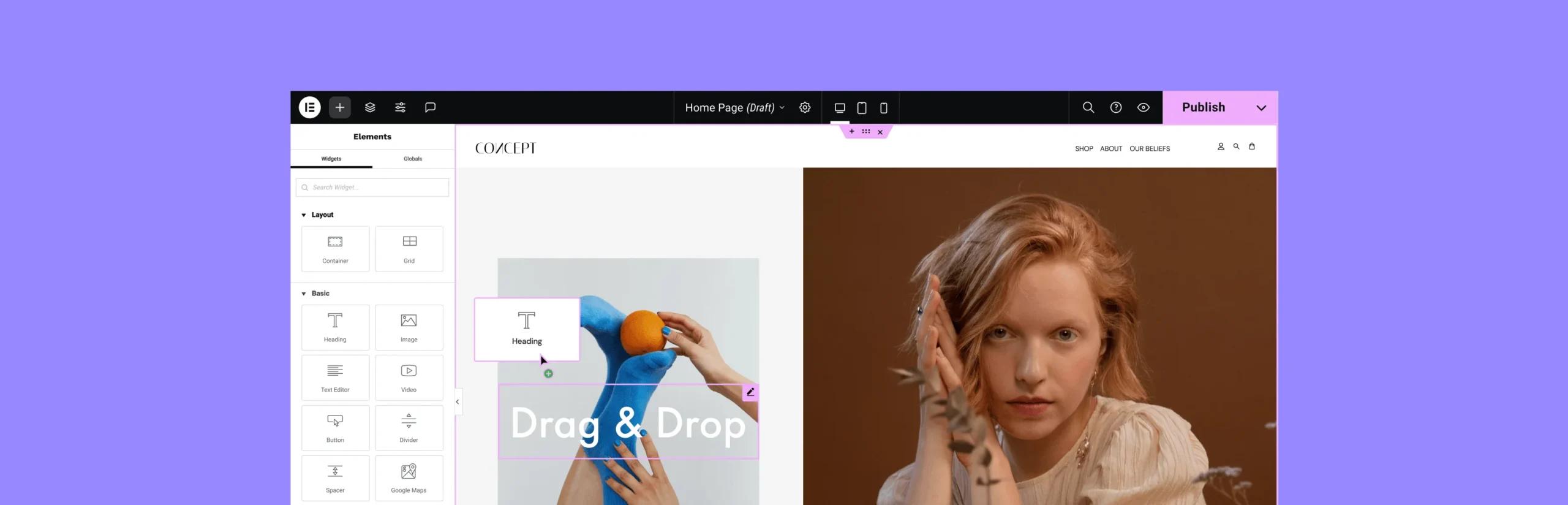
Standout Features:
- Live Frontend Editing: Design and see changes in real time. No reloading necessary.
- 300+ Designer-Made Templates: Get inspired and build faster with pre-built sections and pages.
- Custom Breakpoints: Fine-tune designs for desktop, tablet, and mobile with precision.
- Motion Effects & Animations: Add parallax, fade-ins, or scrolling animations without touching code.
- Global Styles: Control fonts, colors, and layouts across your site from a single dashboard.
No experience in web designing? No worries, Elementor has you covered.
3. WPCode – Add Custom Snippets Without Breaking Your Site
WPCode gives you a safe environment to manage custom PHP, CSS, JavaScript, or HTML. Without editing theme files.
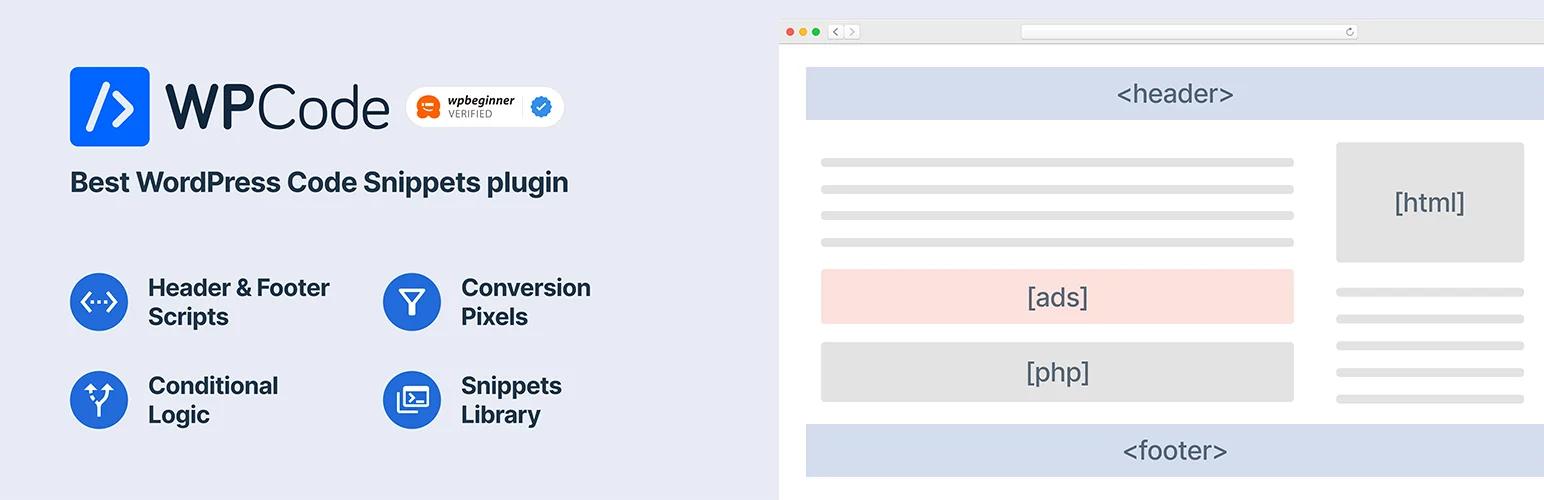
Standout Features:
- Safe Mode for PHP: If your code throws an error, it won’t crash your site.
- Conditional Logic: Only run snippets on specific pages, post types, user roles, or devices.
- Snippet Library: Pre-built snippets like disable comments, hide admin bar, or limit login attempts.
- Code Location Control: Add snippets to the header, body, or footer. Do it sitewide or per page.
Customize how your site behaves, without the risk of taking the whole thing offline.
4. Master Addons for Elementor – Make Elementor Great Again
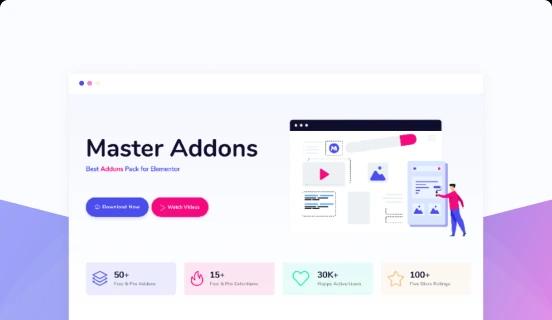
Elementor gives you the framework. But Master Addons takes it to the next level. With creative widgets, powerful extensions, and layout controls that even Elementor Pro doesn’t cover. It’s built to enhance your design freedom.
Standout Features:
- 70+ Creative Widgets: From animated headlines to dual buttons, dynamic galleries, advanced accordions, and flip boxes. These elements surely gonna grab attention.
- Mega Menu Builder: Create responsive mega menus right inside Elementor, no third-party nav plugins needed.
- Header & Footer Builder: Design sticky headers, footers, or reveal-on-scroll effects without editing theme files.
- Display Conditions: Show or hide sections/widgets based on login status, device type, page URL, user role, or even time of day.
- Particles & Animated Backgrounds: Add modern motion to your site with zero coding. Make headers come alive.
- Reusable Templates & Saved Widgets: Build once, use anywhere. Perfect for scaling large websites or managing client work.
You get near-page-builder power. While keeping things fast, native, and future-proof.
5. Custom Post Type UI – Structure Your Content Like a Pro
Want to create portfolios, testimonials, recipes, or product listings? CPT UI gives you total freedom to structure your site your way.
Standout Features:
- Create Unlimited Post Types: Name, label, and structure your content exactly how you need.
- Custom Taxonomies: Add filters like categories, tags, or anything unique to your content.
- Advanced Options: Choose menu position, icon, hierarchy, archive support, and REST API visibility.
- Export/Import Configurations: Move your CPTs between sites in seconds.
Turn WordPress into a full-fledged content management system, tailored to your niche.
6. SiteOrigin CSS – Style Your Site Without Knowing CSS
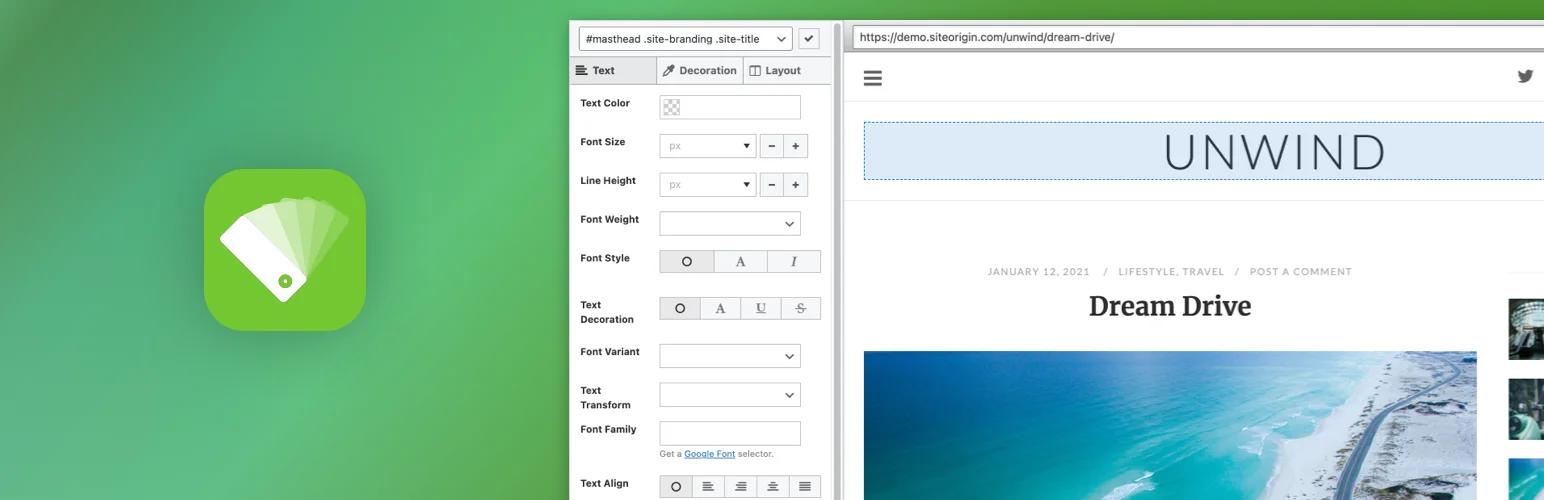
With SiteOrigin CSS, you don’t have to write code or guess what class name controls which section. You just click on what you want to style and start editing.
Standout Features:
- Visual Inspector: Click any element on your site and see exactly what controls it.
- Live Preview: See every change as you make it. No refresh needed.
- Responsive Design Controls: Tweak how things look on mobile, tablet, or desktop.
- Undo & History Panel: Safely experiment with designs without fear of breaking something.
It’s the fastest way to work with CSS. Even if you’ve never written a line before.
7. Better Font Awesome – Scalable Icons Without the Headache
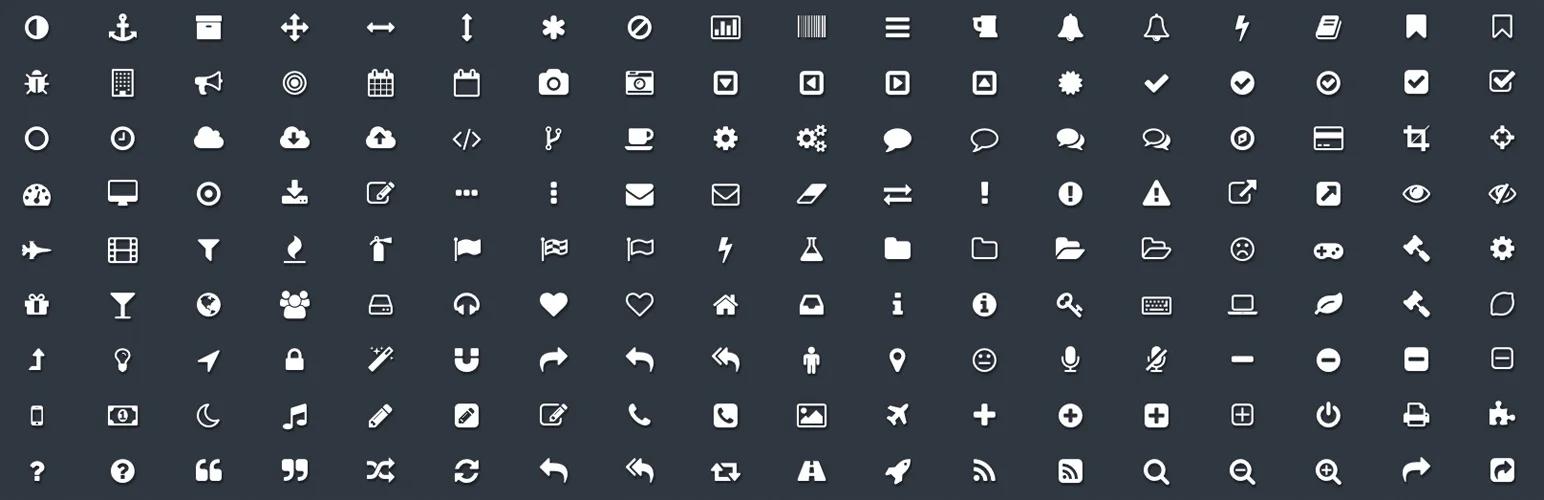
Icons improve navigation, usability, and visual appeal. Better Font Awesome brings the full power of the Font Awesome library right into your WordPress site.
Standout Features:
- Shortcode + Icon Picker: Add icons via shortcode or choose them visually in the editor.
- Always Up-to-Date: Automatically updates to the latest version of Font Awesome.
- CDN Loading: Loads icons from the cloud, reducing site size and increasing speed.
- Developer Friendly: Use filters and custom markup if you want deeper control.
Make your content more engaging with zero design skills required.
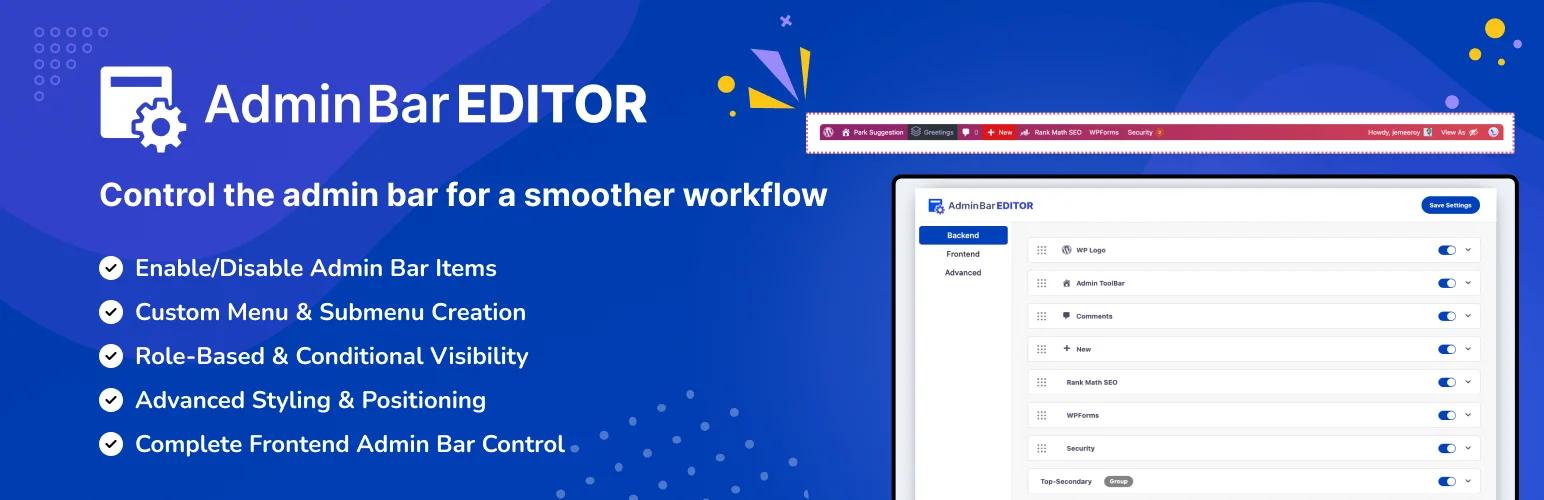
8. Admin Bar Editor – Take Control of the WordPress Sidebar
Admin Bar Editor gives you full control over your Admin dashboard sidebar.
Standout Features:
- Drag & Drop Interface: Reorganize admin bar items in seconds. No more coding required.
- Custom Menu Items: Add links to your support site, docs, staging environments, or any external/internal URLs.
- Role-Based Visibility: Show or hide menu items based on user roles. Perfect for simplifying client dashboards.
- Custom Icons & Labels: Add your own icons and rename items to match your project’s language or branding.
- White Label Ready: Remove WordPress branding and replace it with your own. Ideal for agencies and freelancers.
- Multisite Compatible: Manage admin bar behavior across your entire network with global or site-level settings.
Your WordPress dashboard should feel like a dream. Not a Junk!
9. Simple Custom CSS and JS – Add Styling and Scripts Easily
This plugin offers a clean, focused interface to add custom styling or scripts. Without worrying about child themes or FTP access.
Standout Features:
- Add CSS/JS Sitewide or Per Page: Control where your code applies.
- Safe Execution: Separate environments for CSS, JS (head/body/footer).
- Syntax Highlighting: Write cleaner code faster.
- Lightweight: Super light that gets the job done.
Perfect for developers and DIYers who just need a place to insert small code tweaks fast.
10. Header Footer Code Manager – Script Injection Done Right
This plugin lets you safely add third-party scripts and pixels to your site without any theme modifications.

Standout Features:
- Script Placement Options: Place on head, body, or footer, your choice.
- Page-Level Targeting: Only load scripts on relevant pages or posts.
- Device-Level Rules: Load scripts on mobile vs desktop based on user behavior.
- Preview & Disable Toggle: Test scripts before going live, and disable when needed.
It keeps your tracking clean, safe, and organized. Without risking your theme files. New to script injection? Our walkthrough on how to add code to your WordPress header and footer covers plugin and manual methods.
Final Word
Each plugin on this list plays a unique role in customizing your WordPress site. From how it looks to how it functions.
We’ve tried to set the list of top 10 must-have WordPress plugins for customization in a very optimal way. And because there’s no feature overlap, you can safely combine all of them for the ultimate customization experience.
Your email address will not be published