

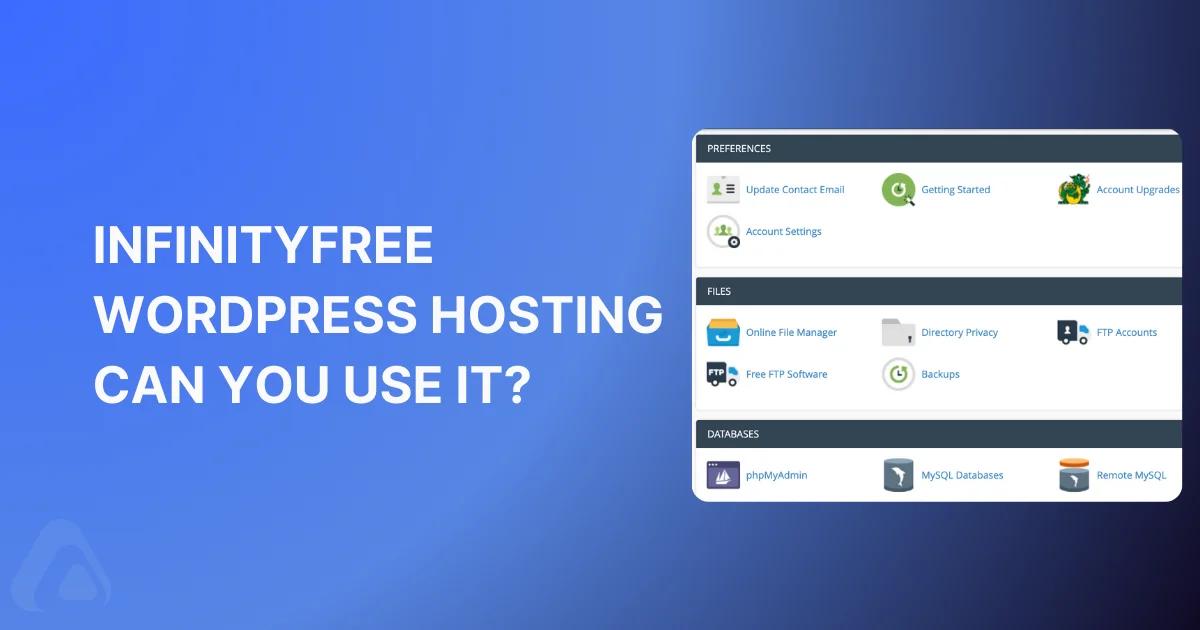

Looking for free WordPress hosting in 2026? InfinityFree promises zero-cost hosting with no credit card required, but here's the critical truth: 90% of users abandon it within 3 months due to one dealbreaker most reviews won't tell you about.
Before you waste hours setting up a site you'll just migrate later, read this honest review. We'll cover exactly what's free, what's broken, and whether WP Adminify can fix the biggest InfinityFree limitation.
InfinityFree promises exactly that. A genuine free tier to launch your WordPress site. Zero payment info required.
But here's what nobody tells you: 90% of people who start with InfinityFree end up frustrated, migrating within months. Why? Because free hosting has hidden costs that hit hard when your site matters.
This guide cuts through the hype. You'll learn exactly when InfinityFree works, when it fails catastrophically, and the one critical limitation that kills most sites before they grow.
Ready to see if it's right for YOU? Let's cut to the chase.
Why Choose (or Avoid) InfinityFree for WordPress?
Let's break down the real deal. Is InfinityFree WordPress hero or a potential headache?
Why Choose InfinityFree?
Truly, Actually Free: No credit card. No trials. Just sign up and host. A rare find.
Surprisingly Generous: 5GB storage? ~50,000 monthly visits? 400(!) databases? That's massive for $0.
Versions: Runs the latest PHP & MySQL. Your WordPress core stays happy and updated.
Security Basics Covered: Free Let's Encrypt SSL (the padlock!) and Cloudflare CDN integration come standard. Essential.
Decent Control Panel: It's not cPanel, but it gets the job done for managing your site and database.
Why avoid InfinityFree?
NO Email Hosting: This is HUGE. You CANNOT create email addresses (like you @ yourdomain.com) on the free plan.
Performance: Shared resources mean sluggish speeds under pressure. Strict CPU/memory caps will throttle you.
Uptime isn't guaranteed: Free users aren't the priority. Expect occasional hiccups or downtime.
Locked Out of Advanced Tools: No SSH access limits deep troubleshooting or fancy optimizations.
Broken Scheduling: Short cron intervals often break WordPress tasks (like publishing future posts or backups).
Strict Rules: Break their TOS (heavy resource use, copyrighted stuff, certain scripts) and poof - suspended.
Who Wins with InfinityFree WordPress hosting?
Absolute Beginners: Learn WordPress without spending a dime.
Testers & Tinkerers: Try out themes, plugins, or ideas risk-free.
Hobbyists & Portfolio Sites: Low-traffic personal blogs or simple showcase sites? Perfect fit.
Temporary Projects: Need a staging area or a short-term demo site? Ideal.
Who should stay away?
Businesses: Unprofessional downtime? No email? Just... no.
E-commerce Stores: Slow speeds + no guarantees = lost sales.
Growing Blogs: Hit 50k visitors? Prepare for a rude awakening.
Anyone Needing Email: Seriously, the lack of email is a massive functional gap.
Installing WordPress on InfinityFree
InfinityFree doesn't use cPanel. Their custom panel works, but feels different. Stay calm - we've got visuals.
✅ Prerequisites:
An InfinityFree account
Just visit https://www.infinityfree.com/ and click on the register button. Now sign up with Google, GitHub, or any existing email.
After completing the registration, you'll be prompted to add a domain. You can choose from various domain extensions or use their free subdomain (yoursite.epizy.com), as shown in the screenshot below.
Input your name and check availability. After passing the availability, just add the domain and wait for a few minutes.
That's it - if you are happy with a free domain. Now, what if you want to add your custom domain to your account?
Just navigate to your account and click on add domain button, just like the following screenshot.
Now, click on Add custom domain button. As soon as you click on this button, a new domain input field will appear. Just add your domain name here without https or www. Then click on the submit button.
Here, you have to navigate to your domain DNS editing panel. Modify your nameserver to ns1.infinityfree.com , and ns2.infinityfree.com. Also Add a CNAME record to your domain DNS panel too.
After updating your nameserver and CNAME. Just click on the "Add domain" button and within a few minutes it will be completed.
Install WordPress with Softaculous Apps Installer
Visit your main account page, and you will notice an option called Script Installer. Just click on this and it will redirect you to the Softaculous Apps Installer.
Now, the first option should be WordPress by default. If it's not, then please scroll a little bit and search for WordPress.
Click on the install button under WordPress. Now, input the admin username, password, site title, tagline, whatever you prefer for your WordPress Website. Scroll down to the bottom and click on the "Install" button and wait a minute.
As soon as the installation is completed. You will notice a /wp-admin/ link of your domain where you have installed WordPress. Just click on this link and it will redirect you to the WordPress dashboard.
Installing a plugin in InfinityFree WordPress dashboard?
Just navigate to Plugins > Add new button. Search for a plugin like "WP Adminify". Now click on the install button. As soon as the install is complete, just click on the activate button.
You can turn on WP Adminify UI and customize the default WordPress Dashboard to something new for your personal or clients website. Want more control? Check out the full feature set to see what's possible with proper dashboard customization.
In the same way, you can add any other plugin and upload themes too. InfinityFree WordPress can be your first choice to start debugging your site. Once you're ready to customize like a pro, grab WP Adminify to transform your dashboard.
Common InfinityFree WordPress Issues
Database Connection Error
Seeing "Error establishing a database connection"? Your site can't talk to its MySQL database.
Fix it: Double-check your wp-config.php file. Ensure the database name, username, and password exactly match what you created in the InfinityFree control panel.
Still stuck? Verify your database is active in "MySQL Databases". Suspended databases show this error.
White Screen of Death (WSOD)
A blank page after login or visiting your site? Usually a plugin/theme conflict or memory crash.
Act fast: Use InfinityFree's File Manager. Rename the plugins folder (to plugins_old). This disables all plugins. If the site loads, reactivate plugins one by one to find the culprit.
No luck? Switch to a default theme (like Twenty Twenty-Four) by renaming your current theme folder temporarily.
Scheduled Posts Not Publishing
Future posts stuck in "Scheduled" purgatory? InfinityFree's short cron intervals break WordPress scheduling.
Guaranteed fix: You MUST disable internal cron and use an external trigger. First, add define('DISABLE_WP_CRON', true); to wp-config.php.
Then: Create a free job at cron-job.org hitting https://yoursite.com/wp-cron.php every 15 minutes.
Extremely Slow Admin or Frontend
Dashboard lagging? Pages taking ages to load? Resource limits are likely maxed out.
First: Check your InfinityFree control panel's "Account Status" for CPU/RAM overages. If red, aggressively optimize: enable caching, compress images, delete unused plugins.
Still slow? Install the Query Monitor plugin. It reveals resource-hogging plugins or scripts. Deactivate offenders immediately.
Locked Out of WordPress Admin
Login page loops or rejects your password? Often a security plugin conflict or corrupted login cookies.
Regain access: Clear your browser cache/cookies or try incognito mode.
No success? Use File Manager to rename security plugins (like wps-hide-login or wordfence). This disables them. Log in, then reconfigure carefully.
Your Account Has Been Suspended
The nightmare scenario. You violated InfinityFree's TOS - usually by exceeding CPU limits or running banned scripts.
Damage control: First, check the suspension email for details. Reduce resource usage: delete cache files, optimize images, and remove unused themes/plugins.
Appeal: Submit a polite support ticket explaining your fixes. Wait 24-48 hours. Prevention: Follow all optimization steps in Section IV religiously.
Mixed Content Warnings (Broken Padlock)
HTTPS site showing "Not Secure"? Some assets (images, CSS) load via insecure HTTP.
Solve it: Install the Better Search Replace plugin. Run a search for http://yourdomain.com => replace with https://yourdomain.com on all tables.
Test: Force-refresh your site (Ctrl+F5). The padlock should return.
InfinityFree Pro: Is the Upgrade Worth Your Cash?
Short Answer: YES if you need email hosting or hit free limits. &, NO if you're just testing or running a tiny static site.
Let's break down why.
What Pro Actually Fixes
InfinityFree Pro solves the biggest free-tier headaches. No vague promises.
FINALLY, Email Hosting!
Create real you@yourdomain.com addresses. Huge for legitimacy.
Includes: Webmail access, SMTP, POP3/IMAP. Basic but functional.
Resource Boost
Higher CPU/RAM limits. Fewer slowdowns or suspensions under moderate traffic. Your site feels less "free" and more "functional."
Longer Cron Execution
WordPress scheduling (posts, backups) works reliably. No more external cron hacks from my mentioned hacks.
Daily Backups + 1-Click Restore
Automatic backups stored off-server. Lifesaver for clumsy moments. Free tier has ZERO backups. This alone justifies Pro for some.
Premium CDN (Faster Global Speeds)
Better than the free Cloudflare integration. Assets load quicker worldwide.
The Cost (2025 Pricing)
$5.99/month (billed annually at $71.88).
OR one-time $129 for lifetime access (rare promo).
Compared to Budget Hosts:
Hostinger Premium WordPress: $2.99/month (renewal $8.99) – includes email, backups, staging.
Namecheap Stellar: $4.48/month – includes domain, professional email.
So, the Pro is not the cheapest. But it's familiar if you love InfinityFree.
Who Should Seriously Consider Pro?
You NEED Email Hosting: Free tier's no-email policy is a dealbreaker. Pro solves it cleanly.
You've Outgrown Free Limits: Getting CPU warnings? Traffic growing? Pro eases the pressure.
You Value Simplicity: Already know InfinityFree's quirks? Upgrade without migrating.
You got the Lifetime Deal: $129 forever is a steal for these features.
Who Should Skip Pro?
Casual Testers/Hobbyists: Free tier suffices for sandbox sites. Save your cash.
Business Sites: Invest in managed WordPress hosting (e.g., Hostinger, SiteGround). Get better support and reliability.
Traffic-Heavy Sites: Pro helps, but won't match $8-$15/mo hosts for scalability.
Email Power Users: Pro email is basic. For advanced features (calendars, filters), use Google Workspace or MXRoute.
The Smart Alternative: Don't love Pro's limits? Migrate to budget hosting:
- Hostinger: $2.99/month (WordPress-optimized).
- Namecheap: $4.48/month (cPanel + free domain).
- DreamHost: $2.95/month (free email + SSL).
- All include email, backups, and scale better than Pro.
Otherwise, a $3-$4/month host gives more feature. Use InfinityFree Pro as a patch - not a long-term foundation.
Related Reading
The Final Word
InfinityFree is remarkable for what it is: a free, no-strings-attached WordPress testing ground. Use it to learn, experiment, or host something small and personal.
But the moment your site needs reliability, email, or room to grow?
Move on. Invest a few dollars monthly in purpose-built WordPress hosting. The peace of mind, professional tools, and room to breathe are worth infinitely more.
Your site's foundation matters. Choose wisely. And when you're ready to customize your WordPress dashboard like a pro, WP Adminify has you covered.
Your email address will not be published