

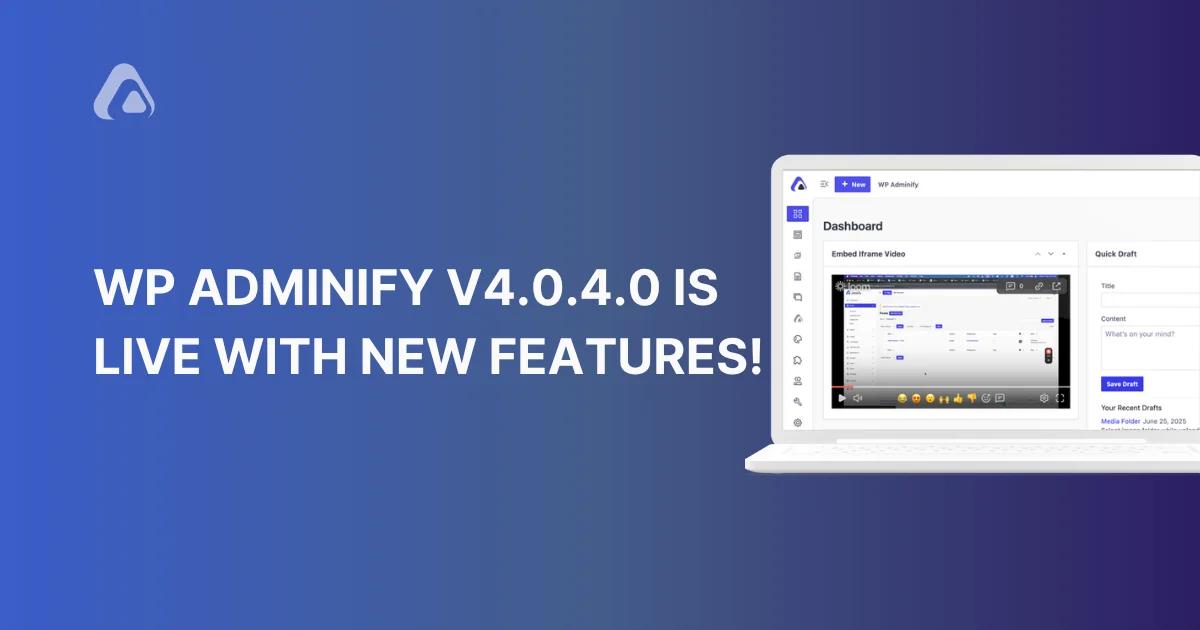

Thanks to all our users, especially those who requested some feature suggestion. We have recently released WP Adminify 4.0.4.0. We have improved our Media Folder and Custom Dashboard widget in this update.
Select the Folder while uploading media
We have got this feature request from some pro users who contacted us. It’s a good idea to define the folder name while uploading an image in the media library or from the editor. We are happy to notify you that finally we bring this media libary folder enhancement feature to you.
If you love to have an organized media library, then it’s necessary to define a specific folder when you upload it. In the future, it will help you to access your media within seconds.
You can choose your desired folder name if you upload a bulk image or a single image from the default WordPress media library. Just like the following video, all your uploaded media files will take their position inside your selected folder.
On the other hand, you may want to upload media inside your editor. We have a folder selection option available inside the editor, too. It supports default plus all popular page builders like elementor, Oxygen. Watch the following video from the default Gutenberg editor.
Add any embedded video in the Dashboard Widget
It’s one of the most demanded feature requests we received. Thanks to all of you who requested this, and we are really sorry for making you wait for 20 days to bring this feature.
We always try to listen to our users properly and release updates based on their suggestions and our thoughts. Also, I would like to notify you that we have introduced the WP Adminify Bundle a few days ago. If you haven't checked that yet, you can explore our bundle now. This will help you to get the maximum customization for the WordPress Dashboard.
It was a little complicated because we wanted to do something that would provide 100% compatibility with different types of video sharing websites like Loom. Finally, we were able to do this and made a stable release with this feature.
To explore this feature, just navigate to the WP Adminify option panel > Productivity > Enable custom Dashboard Widget.
Then, reload your dashboard and navigate to WP Adminify > Dashboard Widget > Add new widget> Video > Iframe. Make sure to put only the embedded URL instead of the full embed code from any website.
Watch the following video, and you will get a proper idea on how you can add any video in the WordPress Dashboard widget.
Hide Menu Items for Admins
There are a lot of agency owners and freelancers who want to hide some admin menu items for their client’s admin accounts.
We introduced this feature in our previous version so, feel free to try this. You can easily hide specific menu items for different admins with our Admin Menu Editor. Take a look at the following screenshot.
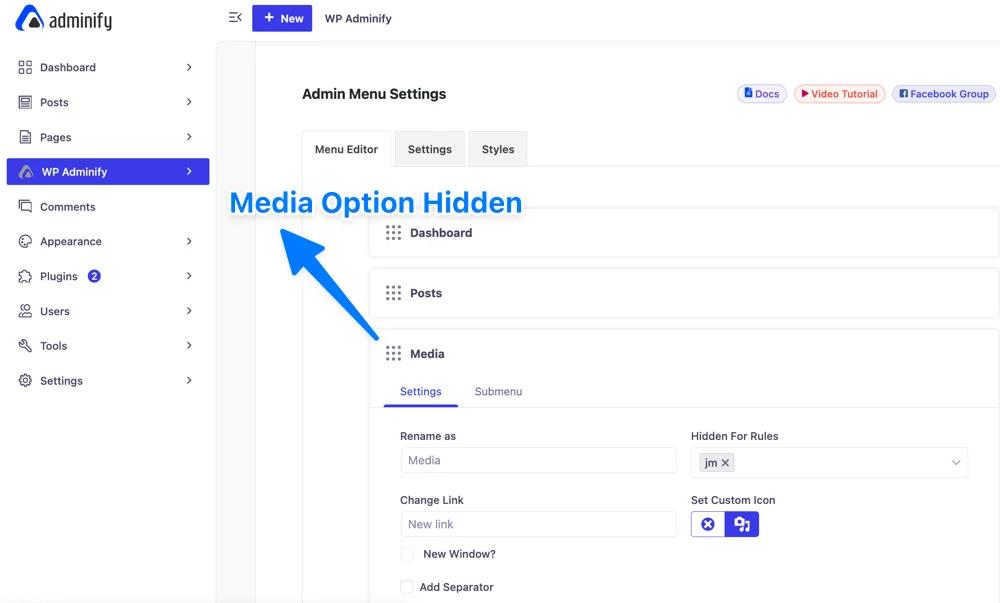
[Note: There is no option available to hide an admin menu item for all admin roles. You have to choose your desired admin or other user account individually.]
Don't forget to sign up for our newsletter to get these news and updates without breaking a sweat.
The first two features are a major release in our WP Adminify 4.0.4.0 version. We request you to update the WP Adminify plugin and try our latest feature. Feel free to get in touch with us if you face any problems or have suggestions to improve the WP Adminify plugin.

Your email address will not be published