

Header Footer Scripts
How to install the Header Footer Scripts addon in WP Adminify?


Table of Contents
Make sure you have installed WP Adminify plugin in your WordPress Dashboard. This addon only works with WP Adminify plugin.
Install Header Footer Scripts Addon
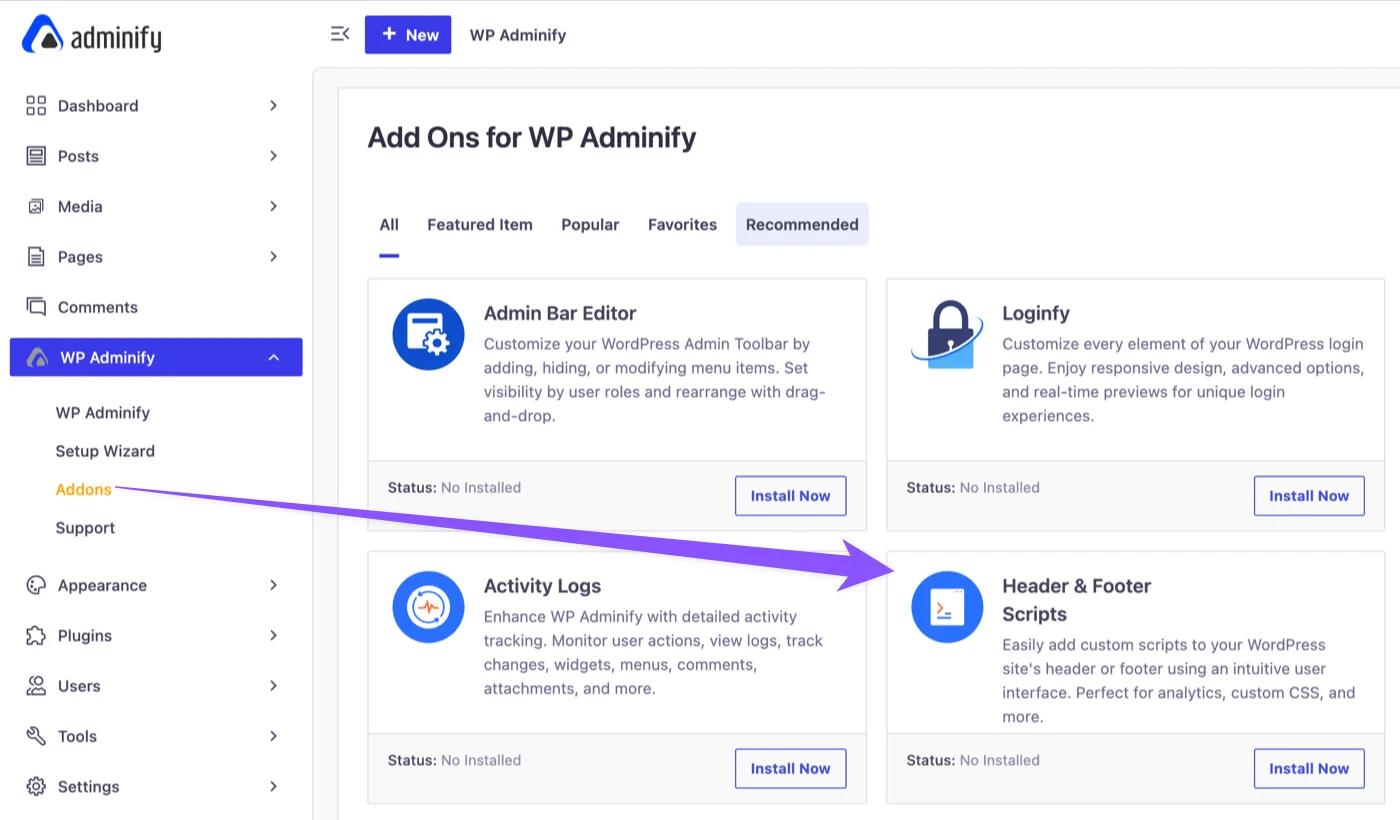
Navigate to WP Adminify > Addons. Look for the Header Footer scripts addon and click on the install button. This will install the free version of our Header Footer Scripts addon.
Install Header Footer Scripts PRO
If you have purchased the pro version of our Header Footer Scripts addon, then you should have received the pro file directly to your email or you can download this from WP Adminify account page.
After downloading, Navigate to Plugins> Add new > Upload the plugin
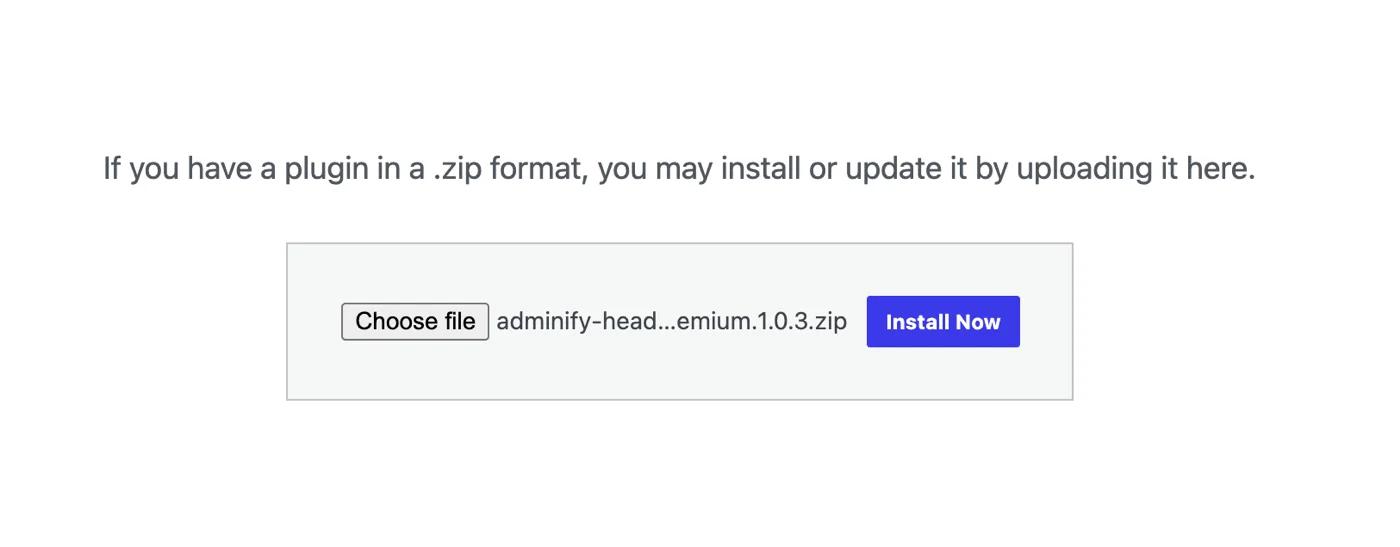
Now install and activate the Header Footer scripts pro plugin in your dashboard and enter the license key to unlock all pro features.
Where to access the Option panel?
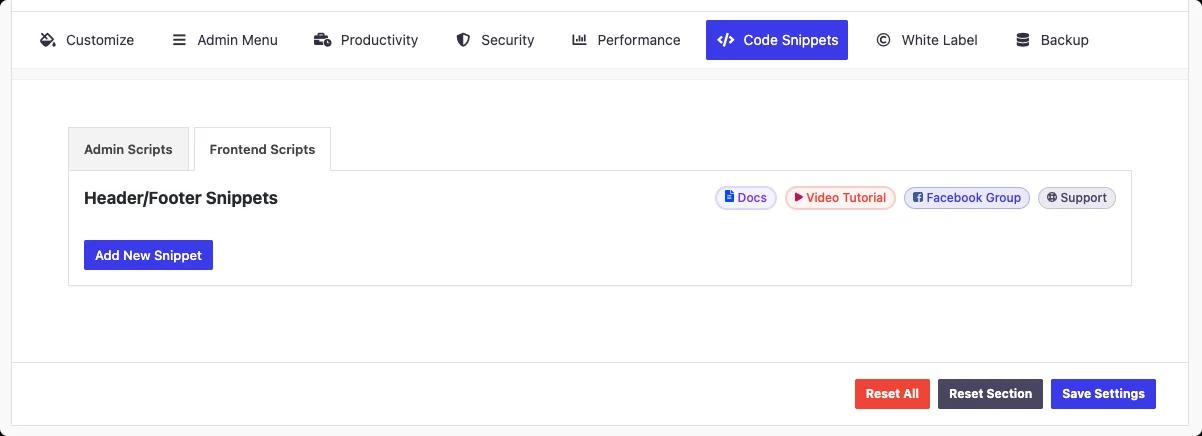
Click on WP Adminify option in admin menu. Then navigate to code snippets > Frontend scripts. From there, our guide on how to add code to the WordPress header covers adding your first snippet.
Didn’t find what you were looking for? Get in touch!
Updated on Sep 15, 2026
Was this helpful to you?