
Google Pagespeed Insights
Google PageSpeed Insights Addon Installation


Table of Contents
Google PageSpeed Insights offers you to track your webpage performance. You can easily identify the issues and resolve them. After resolving any issues, you can compare data from your previous report.
Installation and Activation
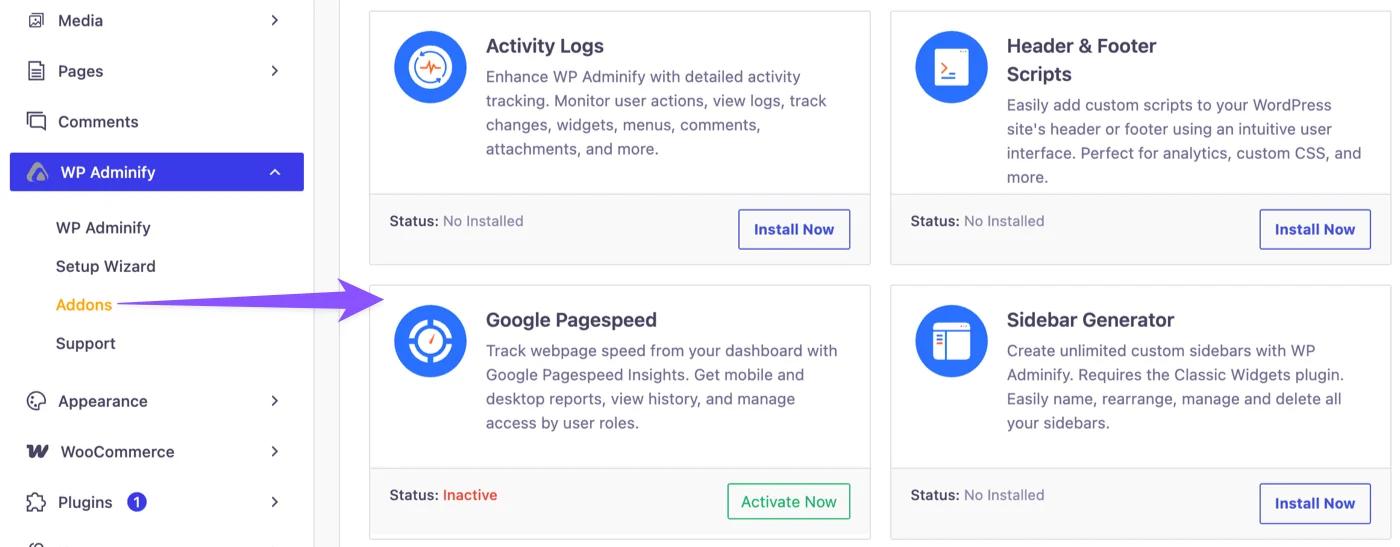
First, make sure WP Adminify is installed and activated. Then go to WP Adminify > Addons. Find the Google PageSpeed addon. Then install and activate it. After it’s done, you’re ready to use its features.
How to access the option panel?
Navigate to WP Adminify > Pagespeed Insights to get the option panel.
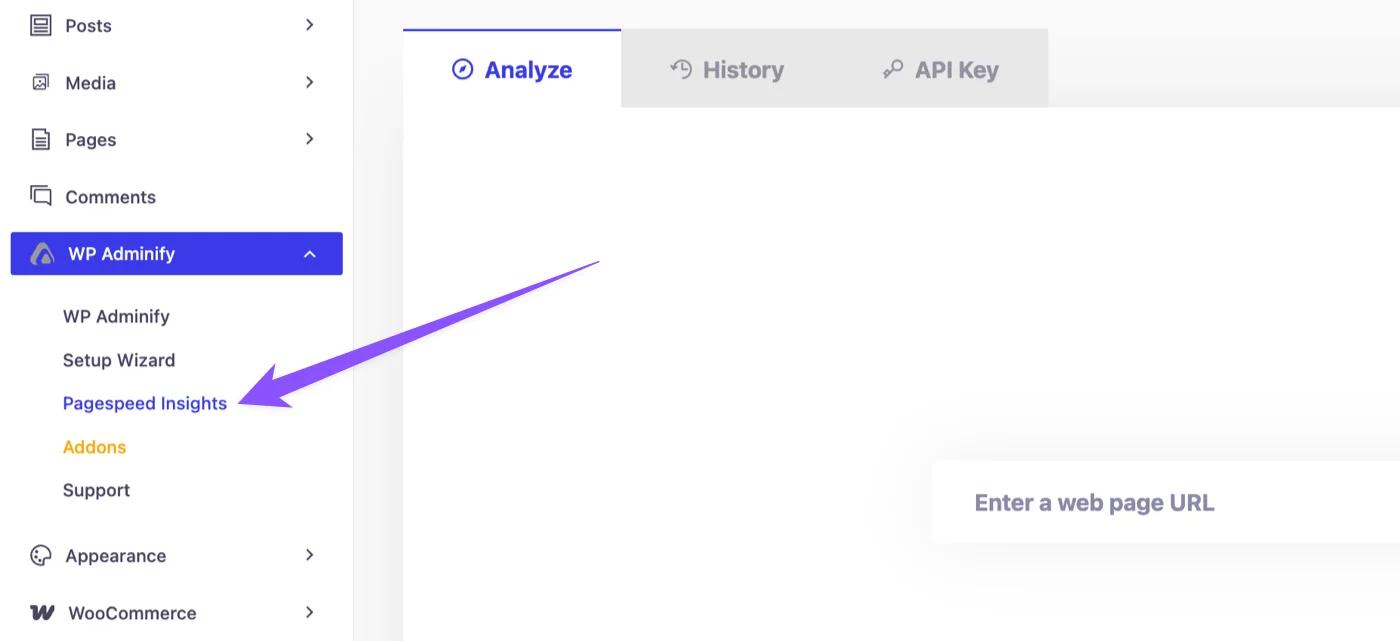
This is the Google Pagespeed Insights option panel where you can check your pagespeed data.
Didn’t find what you were looking for? Get in touch!
Updated on Aug 12, 2026
Was this helpful to you?